3: Fitting Hardware Options
44
Replacing the Cover
Toolbox: Pozidriv no. 1 screwdriver
1. Make sure that all the internal cables are tucked safely out of
the way, so that they will not be caught between the cover and
the internal frame.
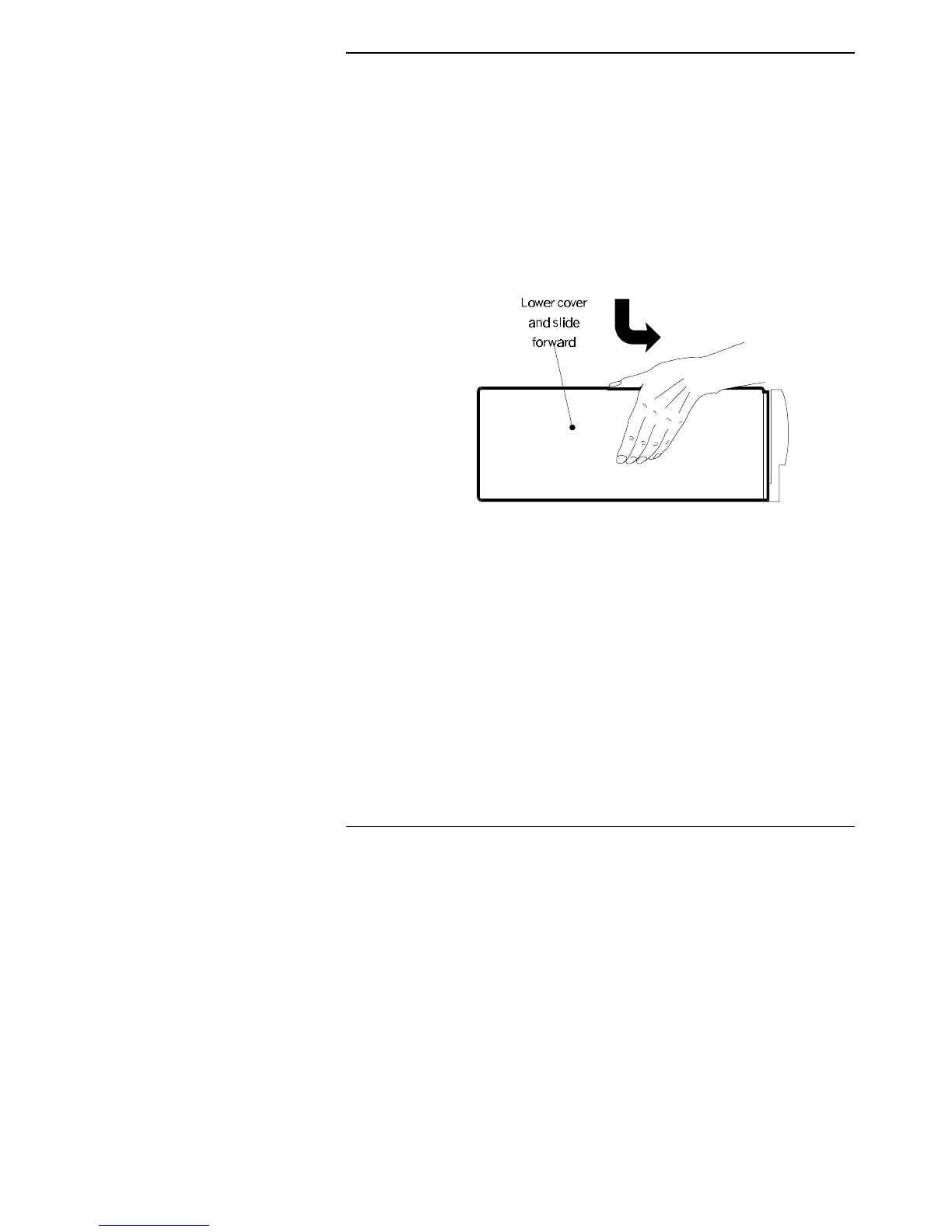
2. Place the cover onto the case so the security bracket sticks out
the back (about 2 cm from the front moulding). Slide the cover
forwards until it is flush with the front moulding
3. Refit and tighten the three screws securing the cover to the rear
panel.
4. Gently place the monitor on top of the case.
5. Connect up your computer and the rest of the system as shown
on the “Setting Up Your New Computer” card (supplied).



 To Next Page