26
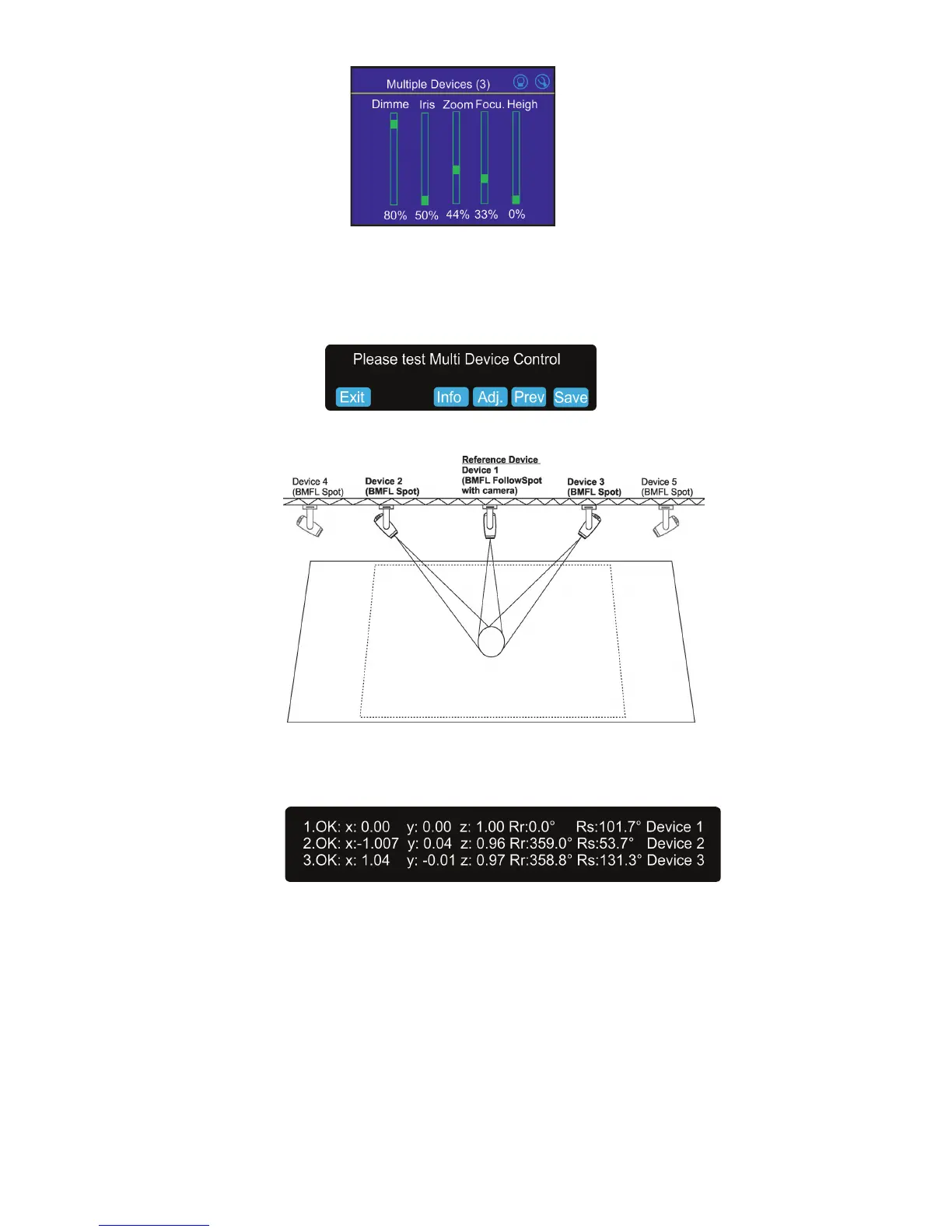
Note: if the option Multi device control is activated, both zoom and focus on all devices are set at 50%. The
values are osets in relation to the zoom and focus values set at the rst and the second point.
Touch the Next button.
8. The following massage will appear on the screen:
Now you can test the follow spot operation. If it is OK, touch the "Save" button or you can use the "Prev" button
to move one or more steps back and change setting.
The button "Info" shows information about current positions of xtures used in the follow spot operation.
Example:
x,y,z - relative coordinates of the device in relation to the reference device
Rr - orientation of the device in relation to the reference device
Rs - orientation of the device in relation to the stage
The button "Adj." allows you to go back in the setting procedure and correct settings of devices in the rst and
second point (if it is needed ).


 To Next Page