Robotiq inc. © 2016 76
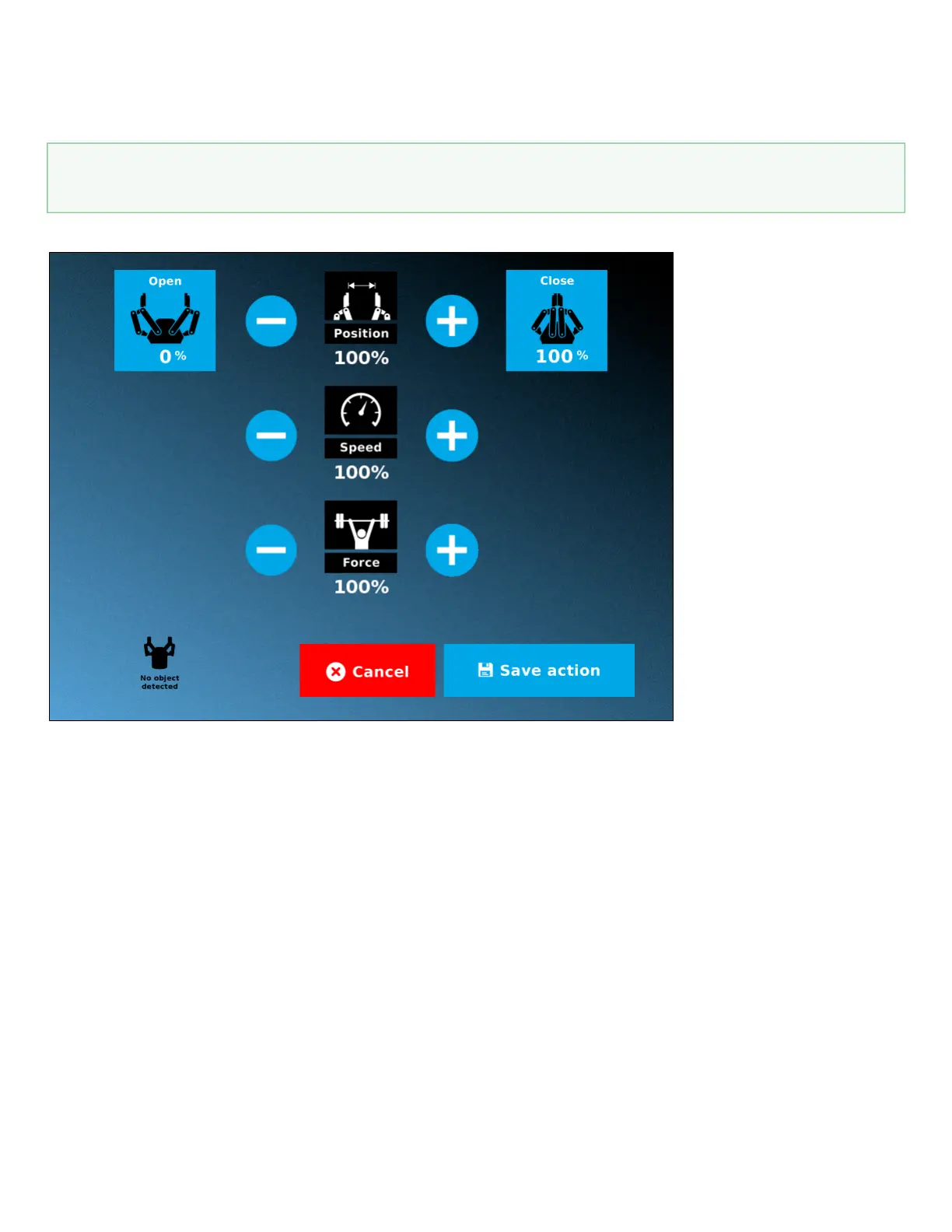
Edit action screen
Tap Edit action from the Command window and use the Edit action screen to edit the Gripper’s parameters by adjusting its position, speed and force. In
normal usage, the Gripper will move as soon as you change the position setting. The Gripper will not move if it is not powered, connected and activated.
Gripper activation
The Gripper needs to be activated before it can receive a command. To do so, use the rq_activate_and_wait() function script at the beginning of
the program or activate with the Gripper toolbar.



 To Next Page