Robotiq inc. © 2016 72
4.8.2 Gripper Node
Gripper Node :
To add and edit a Gripper node inside your robot program, follow the steps bellow :
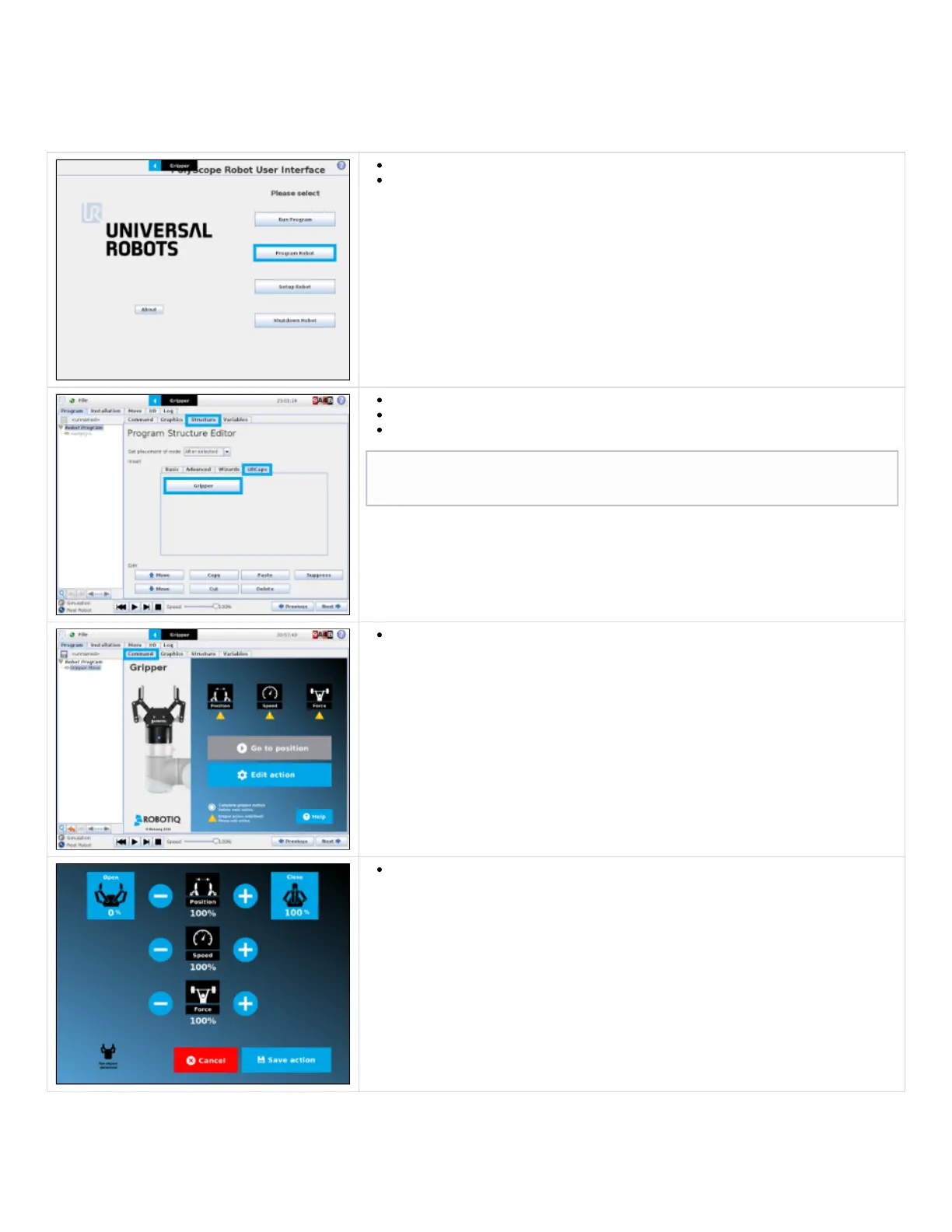
Tap on Program Robot
Open an empty program or load one.
Go in the Structure tab.
Go in the URCaps tab.
Tap the Gripper button.
Go in the Command tab to edit the Gripper node previously inserted.
To edit the node’s parameters, tap Edit action. The edit action screen will appear.
After taping the Gripper button from URCaps, you have a Gripper node inserted in
your robot program.



 To Next Page