Robotiq inc. © 2016 71
Gripper operation window
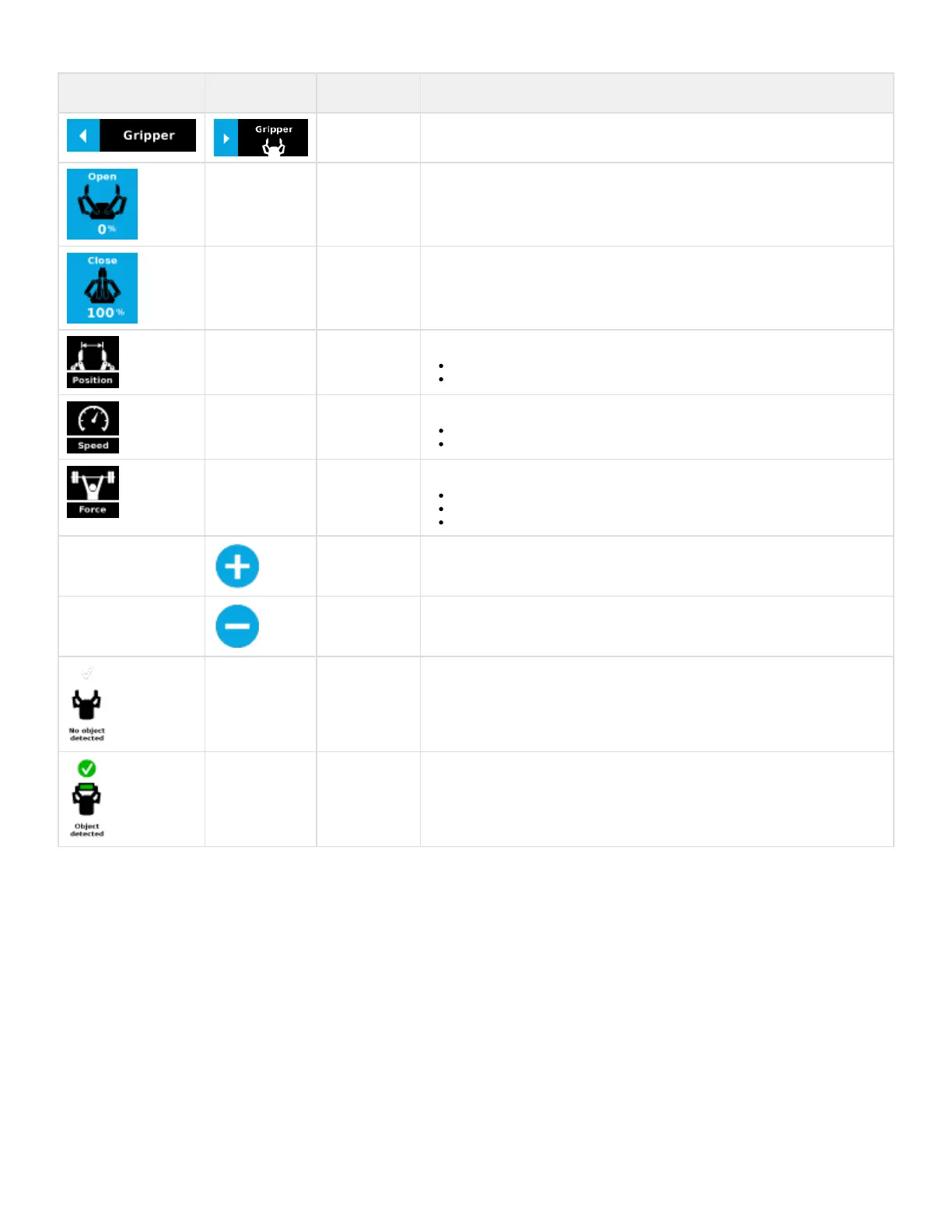
Primary icon Secondary icon Functionality
name
Description
2-Finger Gripper
toolbar
Tap to toggle between expand and collapse the 2-Finger Gripper toolbar. When grey, the
functionality is not available.
Activate Tap to fully open the Gripper.
Emergency open Tap to fully close the Gripper.
(%) Emergency close Shows the actual position of the Gripper:
0% : fully open
100% : fully closed
(%) Shows the actual speed set of the Gripper:
0% : minimum speed
100% : maximum speed
(%) Shows the actual force set of the Gripper:
0% : minimum force, regrasp feature disabled
1% : minimum force, with regrasp feature enabled
100% : maximum force, with regrasp feature enabled
Tap to increase the associated parameter.
Tap to decrease the associated parameter.
Icon shown when no object is detected during a grasp.
The icon shows a green checkmark when an object is detected during a grasp.



 To Next Page