Robotiq inc. © 2016 70
Features
Gripper activation window
Primary icon Secondary icon Functionality
name
Description
2-Finger Gripper
toolbar
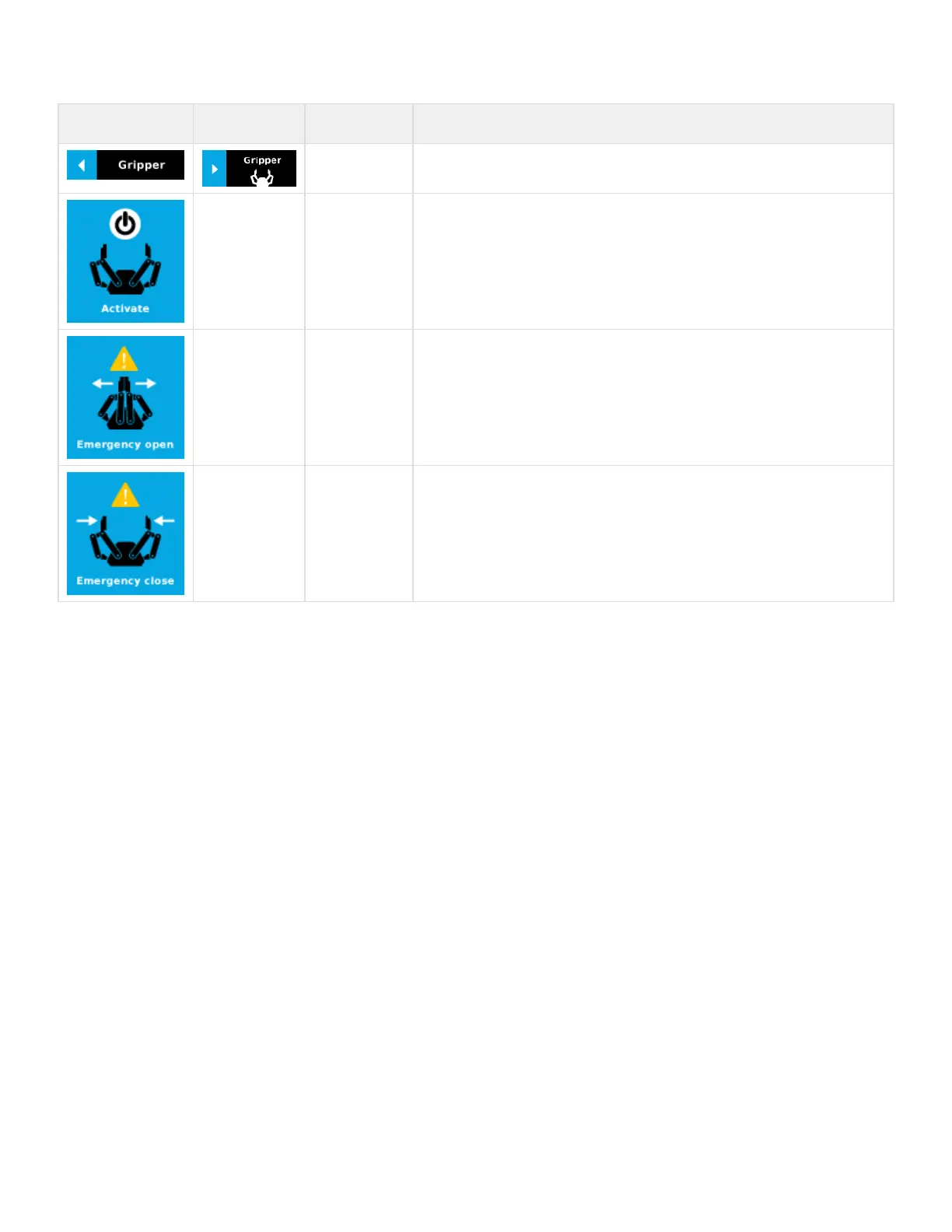
Tap to toggle between expand and collapse the 2-Finger Gripper toolbar. When grey, the
functionality is not available.
Activate Tap to activate the 2-Finger Gripper. The Gripper will fully open and close to set the zero of
the position value.
Emergency open Slowly moves the Gripper to its fully closed position.
Emergency close Slowly moves the Gripper to its fully open position.


 To Next Page
 Loading...





