www.cel-robox.com
4.0 Using Robox
4.2 Unloading Filament
This section explains how to remove a reel of filament for storage or to change to
a dierent colour/material. This process has also been designed to be as simple
as possible, and can even be undertaken mid-print!
4.2.1 Pause / Resume / Eject Button
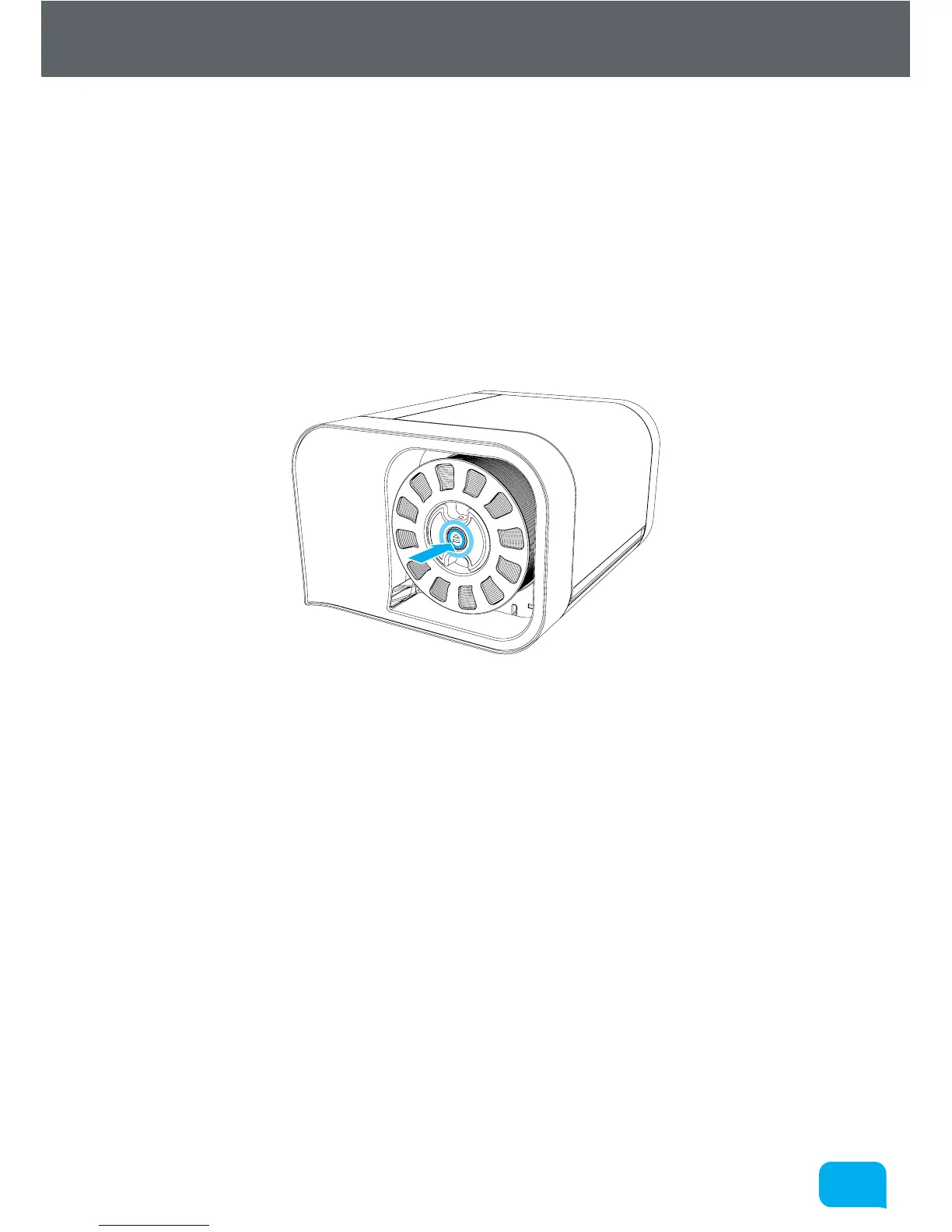
There is a button in the centre of the reel when installed which has three
functions - Pause, Resume and Eject. To pause the print, simply press this button
once, and to resume press the button again.
To eject filament, you must hold down this button for 3 seconds, at which point
you should hear the extruder motor start and the filament will start to reel back
onto the spool.



 To Next Page