www.cel-robox.com
5.0 AutoMaker Soware
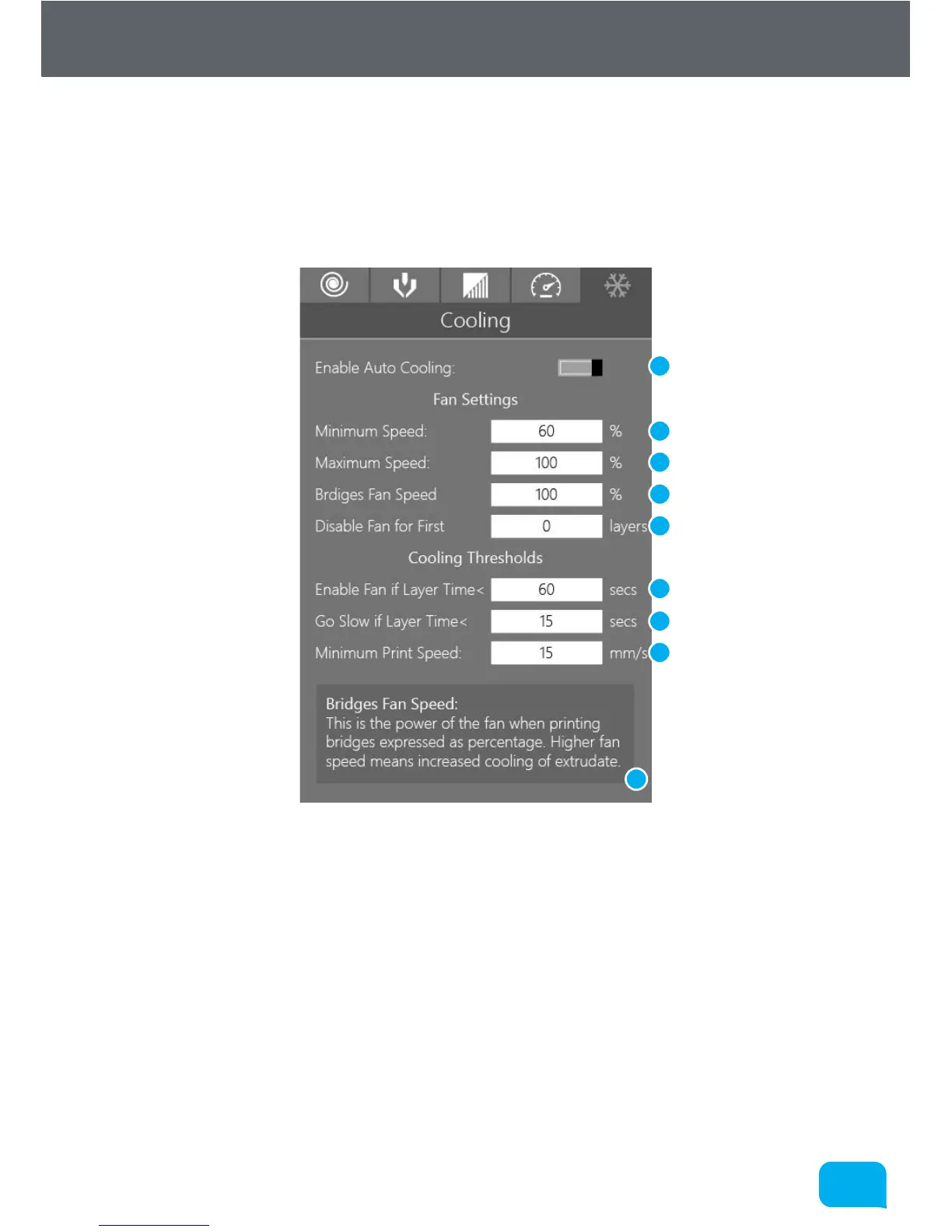
5.5.10 Advanced Settings - Cooling
This settings page allows you to adjust all the parameters which aect
automatic cooling of the part as it prints. Layers must be cooled suiciently
before another layer is applied to prevent dimensional inaccuracy and
‘squishy’ small layers.
1 Enable Automatic Cooling 6 Enable Fan if Layer Time <
2 Minimum Fan Speed (%) 7 Go Slow if Layer Time <
3 Maximum Fan Speed (%) 8 Minimum Print Speed
4 Bridges Fan Speed (%) 9 Help Text
5 Disable Fan for First ... Layers
1
5
2
8
3
6
9
4
7



 To Next Page