www.cel-robox.com
3.0 Getting Started
3.4 Starting AutoMaker™
This section explains how to start AutoMaker™ on all supported operating
systems.
3.4.1 On Windows
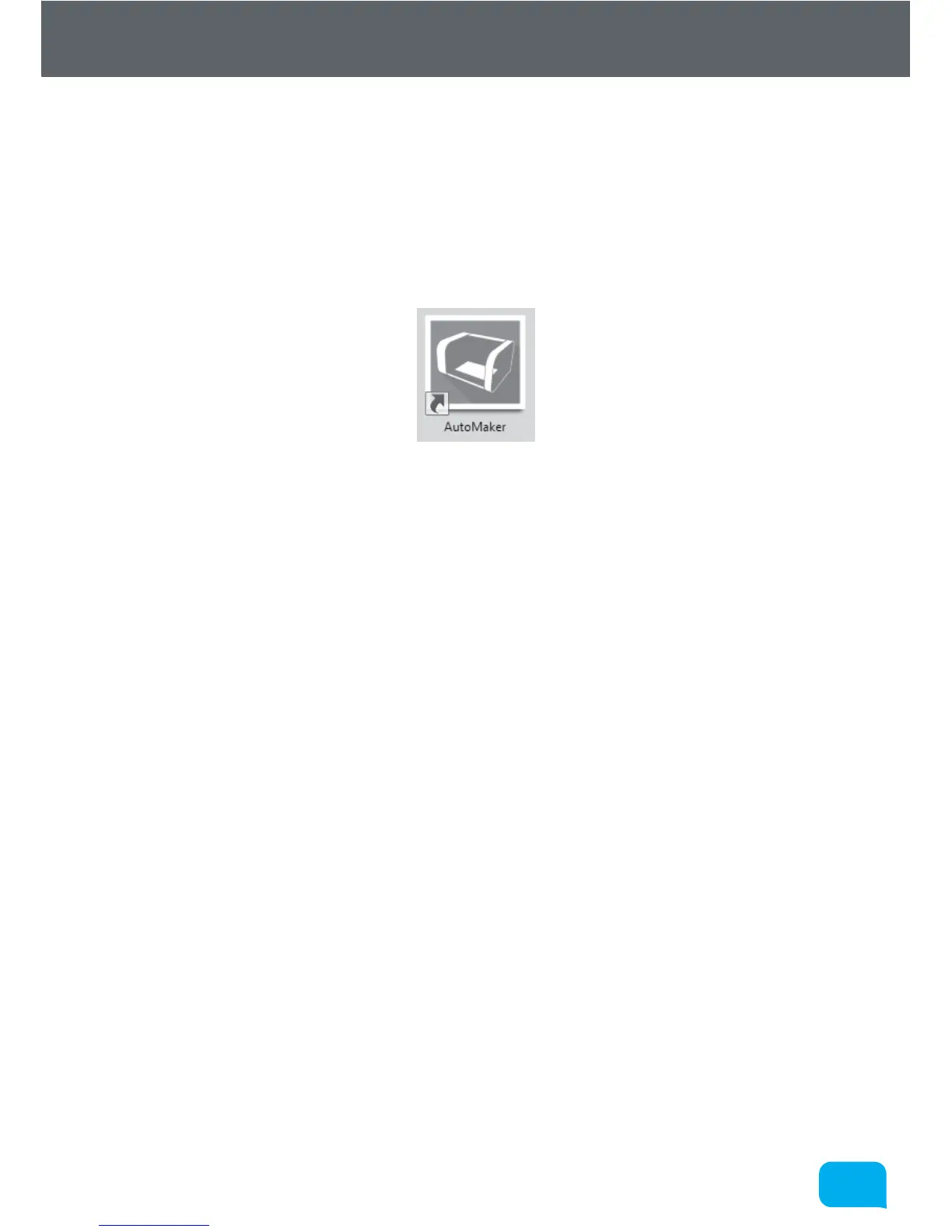
To start AutoMaker™, double click on the icon shown below on your desktop:
It can also be launched using the Start Menu in the normal way - it can be found
under ‘CEL’.
3.4.2 On MacOS
To start AutoMaker™, click the icon which has been added to your dock. It can
also be found under Applications in Finder.
3.4.3 On Linux
To start AutoMaker™, open a terminal window and navigate to the installation
directory (default is “CEL/AutoMaker”) and type “./AutoMaker.run” to start.



 To Next Page