www.cel-robox.com
5.0 AutoMaker Soware
• Fill Density
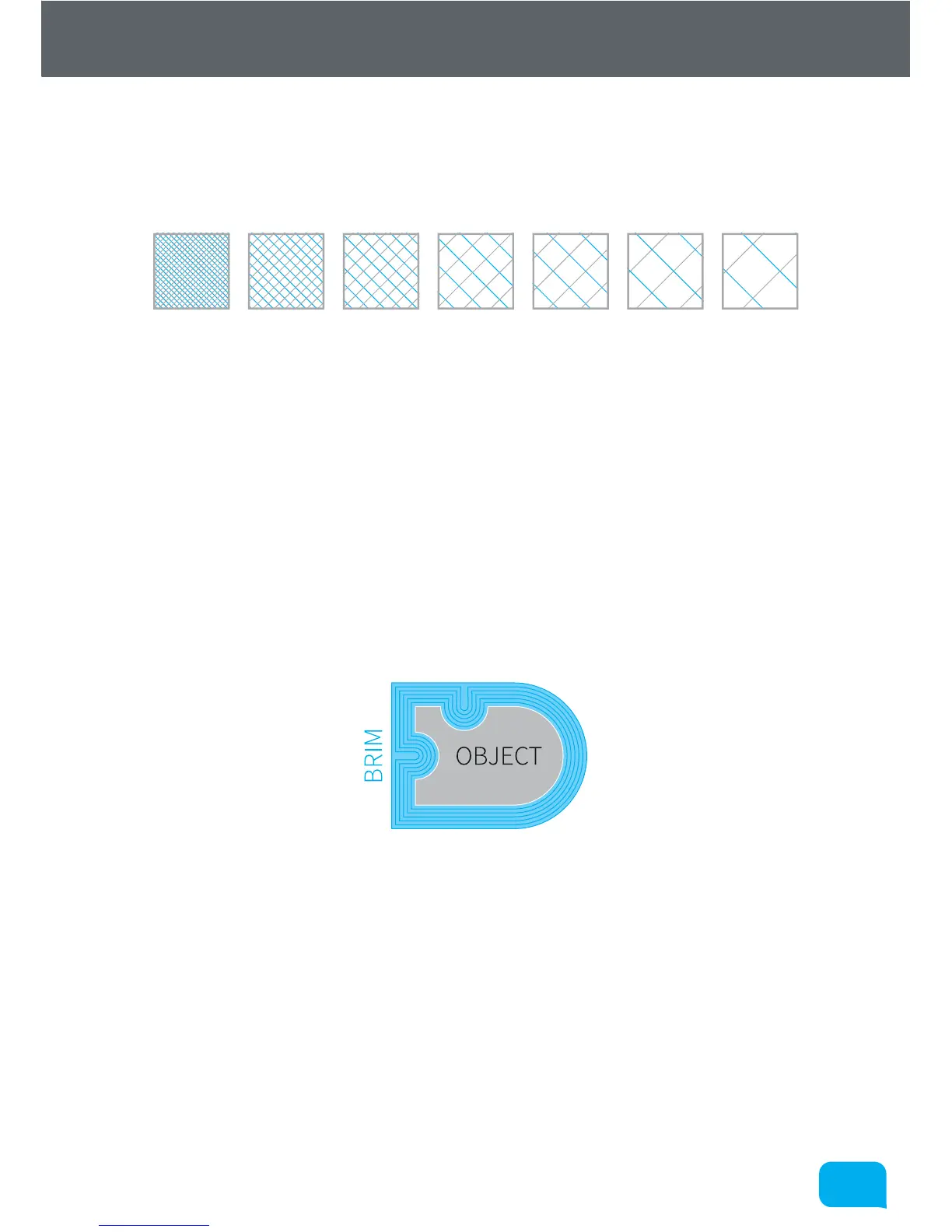
This setting allows you to choose how ‘solid’ you would like the finished
object to be. The fill pattern can also be changed using a custom profile - see
section 5.5.6.
• Support Material
This switch toggles the printing of support material. If you are printing a part
with large overhangs, you may wish to print structures at the same time
to support the object. Support settings (e.g. density and type) can also be
changed using a custom profile - see section 5.5.8.
• Brim Width
‘Brim’ is a term applied to FFF (Fused Filament Fabrication) which describes
a large flat area which is printed around the part to help with bed adhesion
and warping. It can be easily trimmed o aer printing, but may greatly
increase the success rate of prints with a small surface area at the base. This
number specifies the number of loops (and therefore the width) of the brim.



 To Next Page