www.cel-robox.com
7.0 Calibration and Maintenance
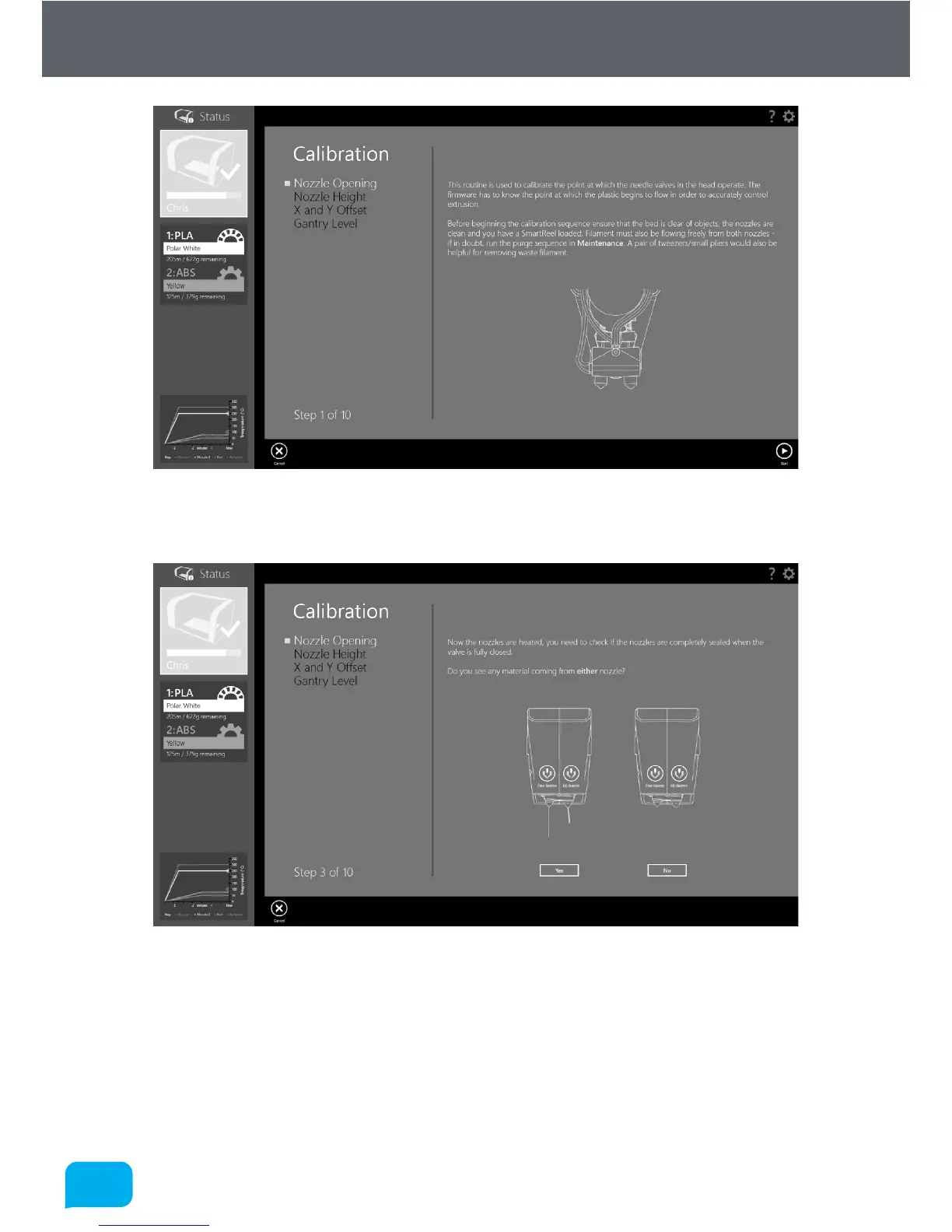
Click Start to begin the calibration. AutoMaker™ will begin heating up the nozzles
and then fully closing both of the needle valves.
You should NOT see any material being extruded from either nozzle at this stage.
If there is anything coming out, then it is likely there is a hardware fault with your
head, as it is unable to fully close the valves.
If there is no material being extruded, you will move to the next stage of
calibration.



 To Next Page