www.cel-robox.com
7.0 Calibration and Maintenance
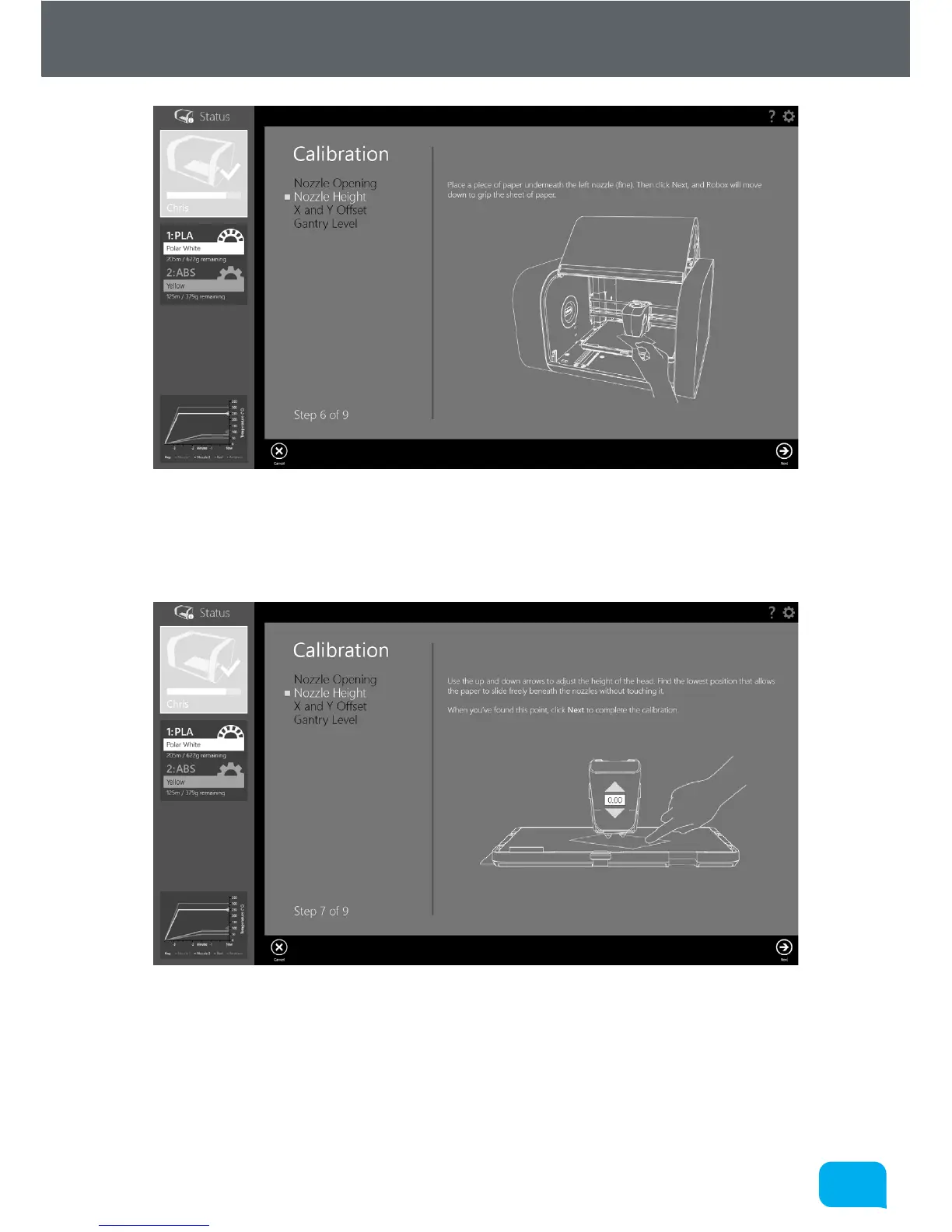
Once this measurement is complete, place the piece of paper under the le-hand
nozzle (0.3mm/fine) and click Next. Robox® will then move the head down to grip
the paper against the aluminium bed.
Using the on-screen arrows you can adjust the height of the head. You are
looking to find the lowest position where the paper is able to slide freely beneath
the nozzle without touching. Once you are satisfied you have found this point,
press the Next button to complete the calibration. You can then re-insert the PEI
bed and resume printing.



 To Next Page