Robustel R3000 Lite User Guide
RT_UG_R3000 Lite_v.3.0.1 19 May, 2017 16/109
Confidential
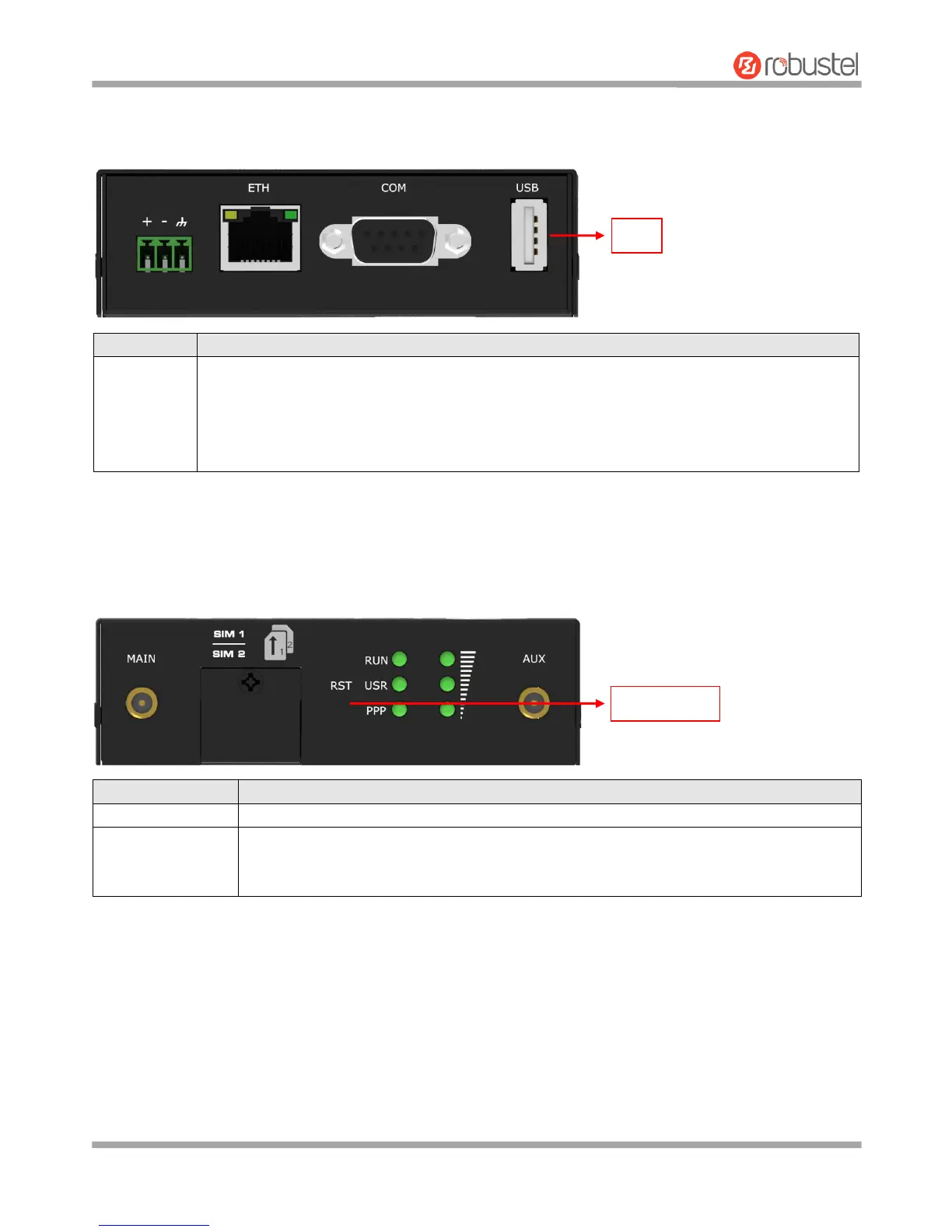
2.3 USB Interface
2.4 Reset Button
USB interface is used for batch firmware upgrading, but cannot be used for sending or receiving
data from slave devices which connected to it. You can insert a USB storage device into the router’s
USB interface, such as a U disk or a hard disk. If there have a supported configuration file or a
router firmware in this USB storage device, the router will automatically update the configuration
file or the firmware. For more details, see 3.10 Interface > USB.
Press and hold the RST button for 5 seconds under the operating status.
Restore to factory
default settings
Wait for 5 seconds after powering up the router, press and hold the RST button for about 60
seconds until all six LEDs start blinking simultaneously five times, and release the button to
return the router to factory defaults.














 To Next Page