Robustel R3000 Lite User Guide
RT_UG_R3000 Lite_v.3.0.1 19 May, 2017 38/109
Confidential
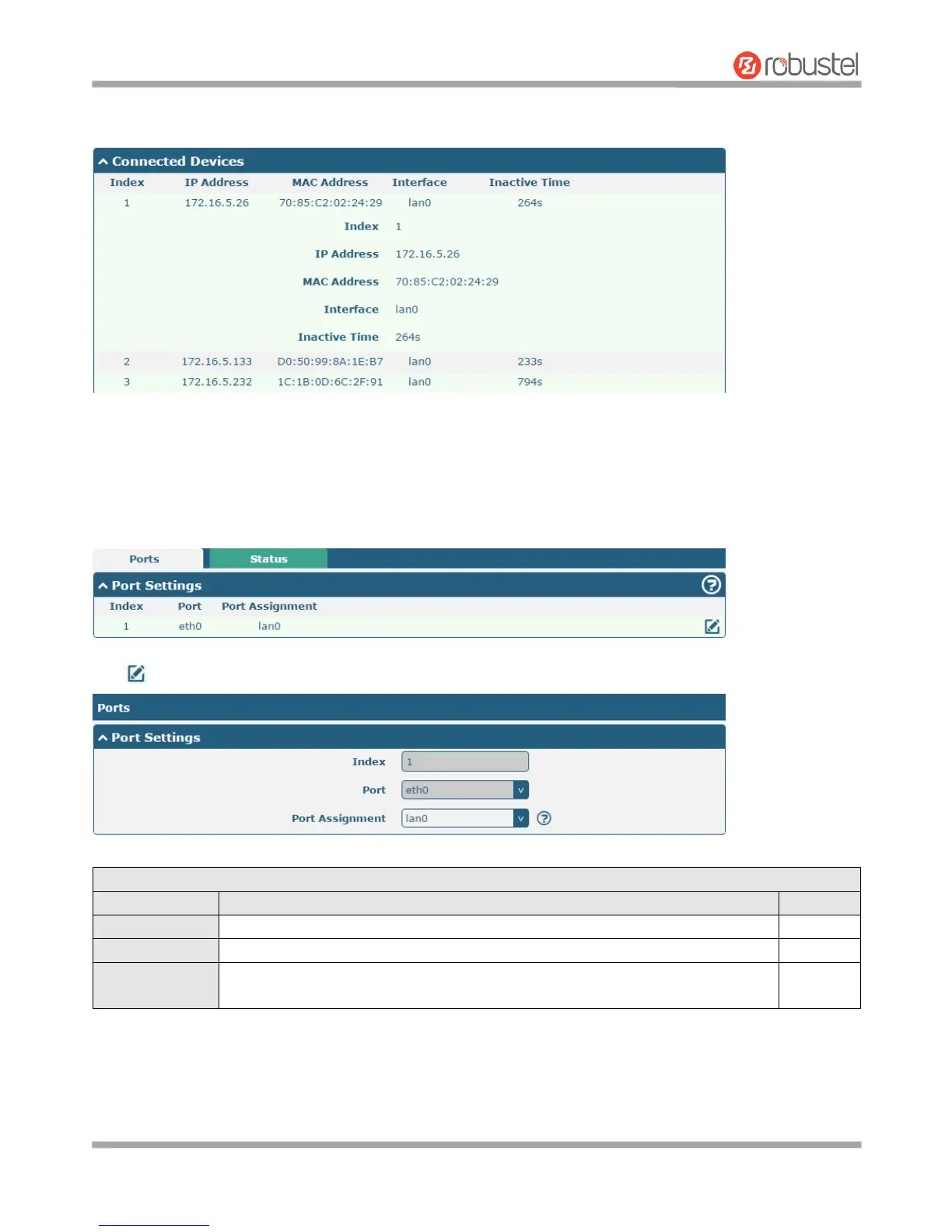
Click the row of status, the details status information will be display under the row. Please refer to the screenshot
below.
3.8 Interface > Ethernet
This section allows you to set the related parameters for Ethernet. There is one Ethernet port on R3000 Lite Router,
which is ETH. The default settings of ETH is lan0 and its default IP is 192.168.0.1/255.255.255.0.
Click button of eth1 to configure its parameters.














 To Next Page