Robustel R3000 Lite User Guide
RT_UG_R3000 Lite_v.3.0.1 19 May, 2017 89/109
Confidential
When finished, click Submit > Save & Apply for the configuration to take effect.
4.1.2 SMS Remote Control
R3000 Lite supports remote control via SMS. You can use following commands to get the status of the router, and set
all the parameters of the router. There are three authentication types for SMS control. You can select from
“Password”, “Phonenum” or “Both”.
An SMS command has the following structure:
1. Password mode—Username: Password;cmd1;cmd2;cmd3; …cmdn (available for every phone number).
2. Phonenum mode--cmd1; cmd2; cmd3; … cmdn (available when the SMS was sent from the phone number
which had been added in router’s phone group).
3. Both mode-- Username: Password;cmd1;cmd2;cmd3; …cmdn (available when the SMS was sent from the phone
number which had been added in router’s phone group).
SMS command Explanation:
1. User name and Password: Use the same username and password as WEB manager for authentication.
2. cmd1, cmd2, cmd3 to Cmdn, the command format is the same as the CLI command, more details about CLI cmd
please refer to Chapter 5 Introductions for CLI.
Note: Download the configure XML file from the configured web browser. The format of SMS control command
can refer to the data of the XML file.
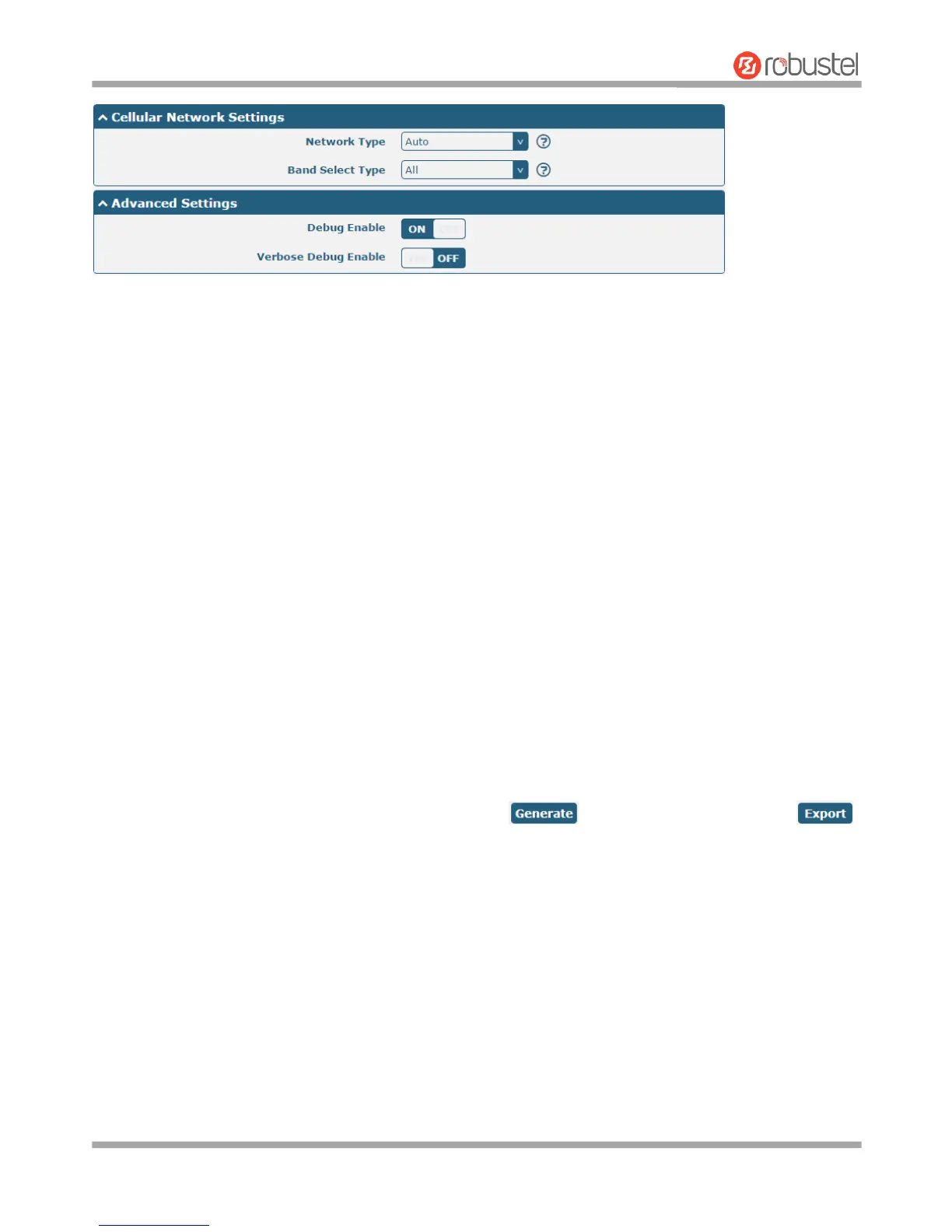
Go to System > Profile > Export Configuration File, click
to generate the XML file and click
to export the XML file.














 To Next Page