Robustel R3000 Lite User Guide
RT_UG_R3000 Lite_v.3.0.1 19 May, 2017 88/109
Confidential
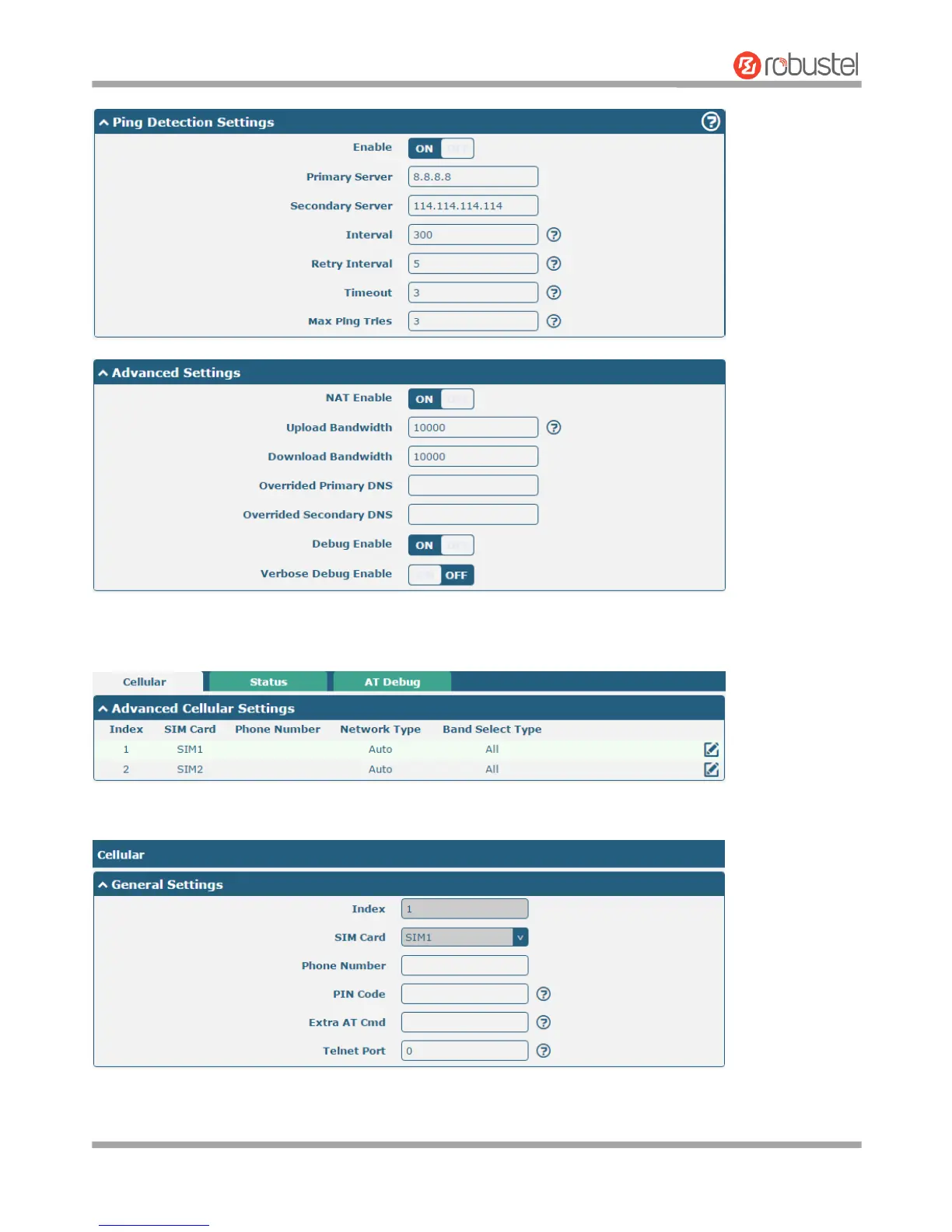
When finished, click Submit > Save & Apply for the configuration to take effect.
The window is displayed below by clicking Interface > Cellular > Advanced Cellular Settings.
Click the edit button of SIM1 to set its parameters according to your application request.














 To Next Page