Robustel R3000 Lite User Guide
RT_UG_R3000 Lite_v.3.0.1 19 May, 2017 78/109
Confidential
CA: a digital certificate issued by CA center
Private Key: a private key file
Click on “Choose File” to locate the certificate file from your computer, and then
click “Import” to import this file into your router.
3.26 Services > Advanced
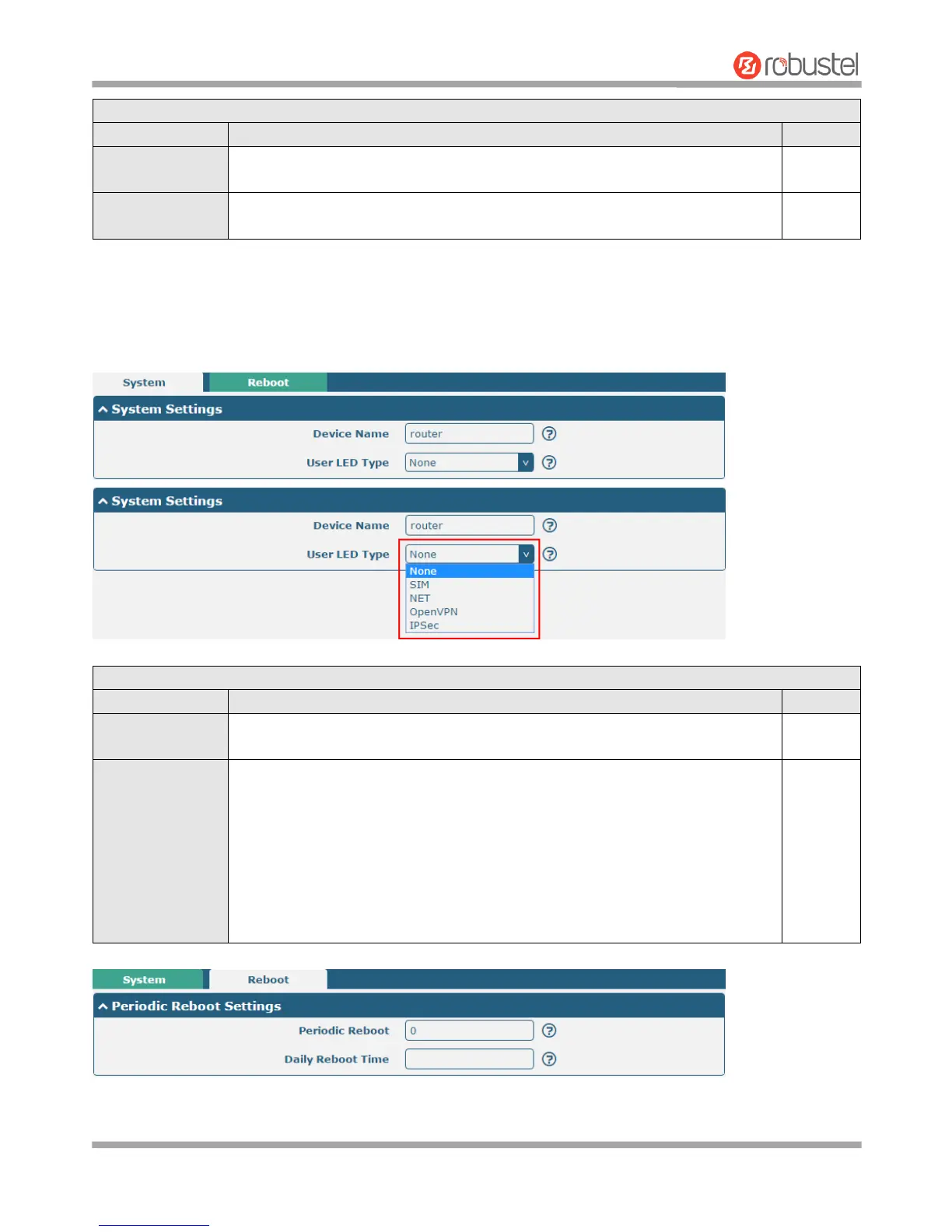
This section allows you to set the Advanced and parameters.
Set the device name to distinguish different devices you have installed; valid
characters are a-z, A-Z, 0-9, @, ., -, #, $, and *.
Specify the display type of your USR LED. Select from “None”, “SIM”, “NET”,
“OpenVPN” or “IPsec”.
None: Meaningless indication, and the LED is off
SIM: USR indicator showing the SIM card status
NET: USR indicator showing the NET status
OpenVPN: USR indicator showing the OpenVPN status
IPsec: USR indicator showing the IPsec status
Note: For more details about USR indicator, see “2.1 LED Indicators”.














 To Next Page