Robustel R3000 Lite User Guide
RT_UG_R3000 Lite_v.3.0.1 19 May, 2017 47/109
Confidential
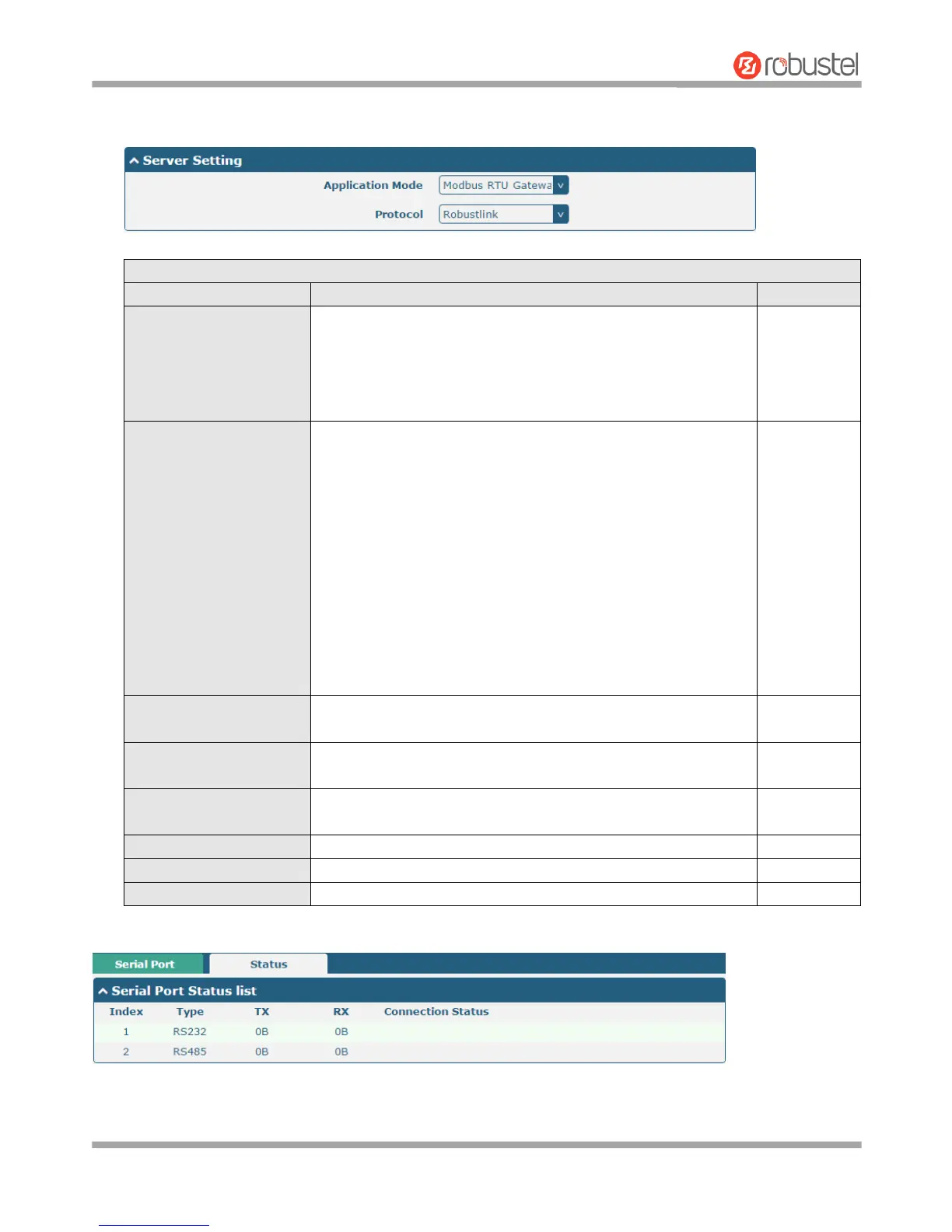
The window is displayed as below when choosing “Modbus RTU Gateway” as the application mode and
“Robustlink” as the protocol.
Select from “Transparent” or “Modbus RTU Gateway”.
Transparent: Router will transmit the serial data
transparently
Modbus RTU Gateway: Router will translate the Modbus RTU
data to Modbus TCP data and sent out, and vice versa
Select from “TCP Client”, “TCP Server”, “UDP” or “Robustlink”.
TCP Client: Router works as TCP client, initiate TCP
connection to TCP server. Server address supports both IP
and domain name
TCP Server: Router works as TCP server, listening for
connection request from TCP client
UDP: Router works as UDP client
Robustlink: Router will automatically upload the serial data
to Robustlink platform under the Robustlink protocol.
Robustlink is a management platform from Robustel. This
function only available when Router is connects to
Robustlink
Enter the address of server which will receive the data sent from
router’s serial port. IP address or domain name will be available.
Enter the specified port of server which is used for receiving the
serial data.
Enter router’s LAN IP which will forward to the internet port of
router.
Enter the port of router’s LAN IP.
Enter the local IP of under Modbus mode.
Enter the local port of under Modbus mode.
Click the “Status” column to view the type which the current serial port corresponds.














 To Next Page