EditingaSample(SAMPLEEDIT) > MarkingandSplittingSamples(MARK)
UsingaMarkertoSplitandAssignaSampletoaPad(CHOP)
Splitsthesampleatthemarkerpositions,andassignstheresultingsamplestoseparatepads.
Followthestepsin“MarkingandSplittingSamples(MARK)”toaddamarkerwhereyouwanttosplitthe
sample.
1
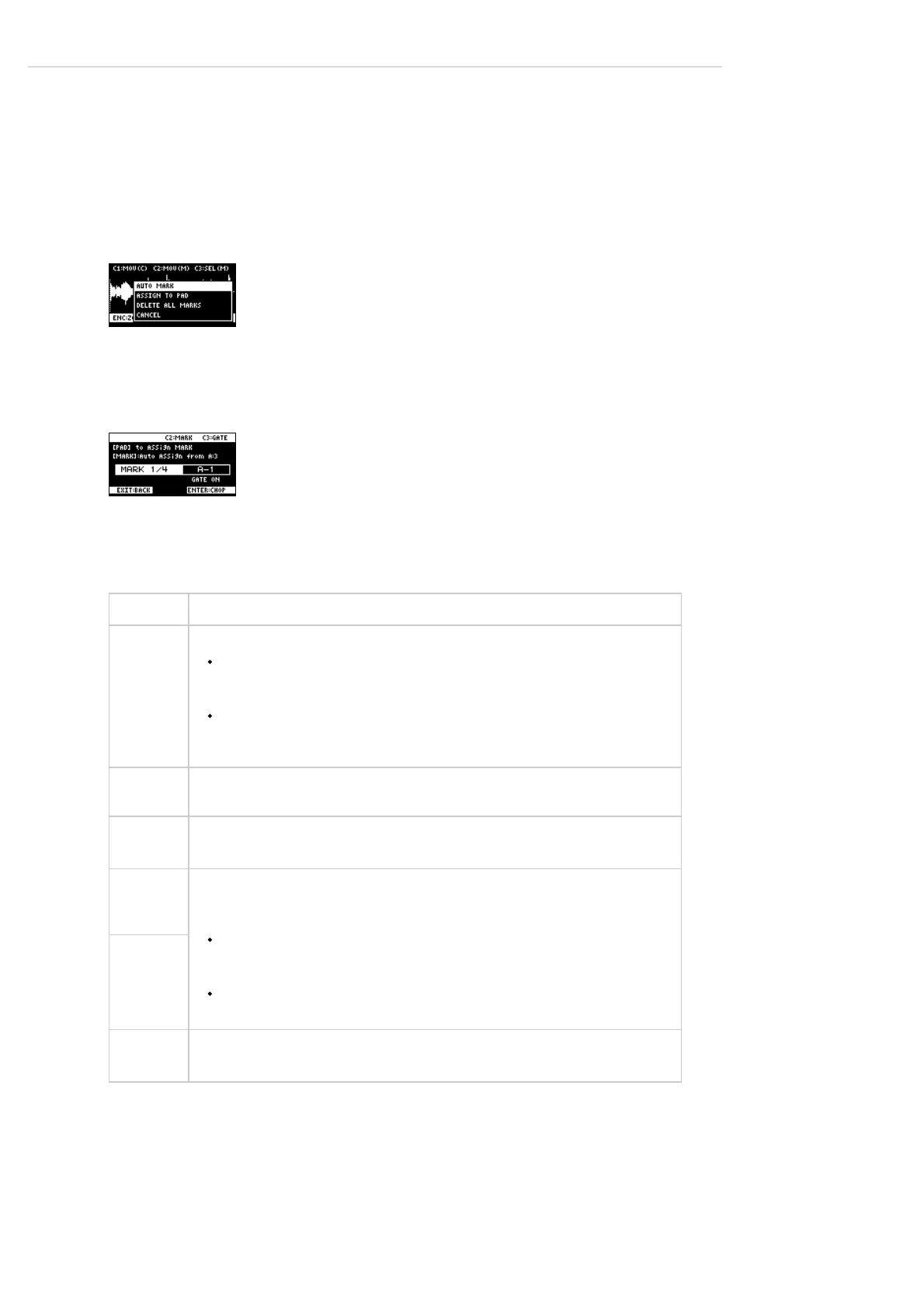
Pressthe[VALUE]knob.
Amenuappears.
2
Usethe[VALUE]knobtoselect“ASSIGNTOPAD,”andpressthe[VALUE]knob.
Theassignscreenappears.
3
Settheparameters.
Controller Explanation
Pads[1]‒
[16]
Selectsthepads[1]‒[16]towhichyouwanttoassignthesplitsamples.
Emptypadstowhichsampleshavenʼtbeenassignedlightupdarkgreen.
Whenyoupresstheemptypadtowhichyouwanttoassignthesample,itlights
upgreen.
Padstowhichsampleshavealreadybeenassignedlightupdarkorange.
Ifyoupressapadforwhichasampleisalreadyassigned,thepadlightsupred.
Theassignedsampleisthenoverwritten.
[CTRL2]
knob
Selectsthemarkerwherethesampleistobesplit.
[CTRL3]
knob
TurnstheGATEon/off.
Turnthe
[VALUE]
knob
Arrangesthesplitsamplesinorder,withthefirstpadnumberbeingtheoneyou
selectedusingthe[VALUE]knob.Pressthe[MARK]buttontoconfirmthe
arrangement.
Thisoperationonlyconfirmsthepadstowhichthesamplesaretobeassigned,
withoutactuallyassigningthesamples.Toassignasampletoapad,youmust
pressthe[VALUE]knoblast.
Beforepressingthe[MARK]button,youcanswitchthepadbankandchangethe
padbanktowhichthesampleisassigned.
[MARK]
button
[DEL]
button
Cancelstheassignmentofthesampleyouselectedwiththe[CTRL2]knob.



 To Next Page