NK Series User Guide (1.0) Installation • 3–17
of any installation of NK Series products by providing access to the entire range of functions. The NK-IPS also
enables users to configure T-Bus enabled Ross Video devices.
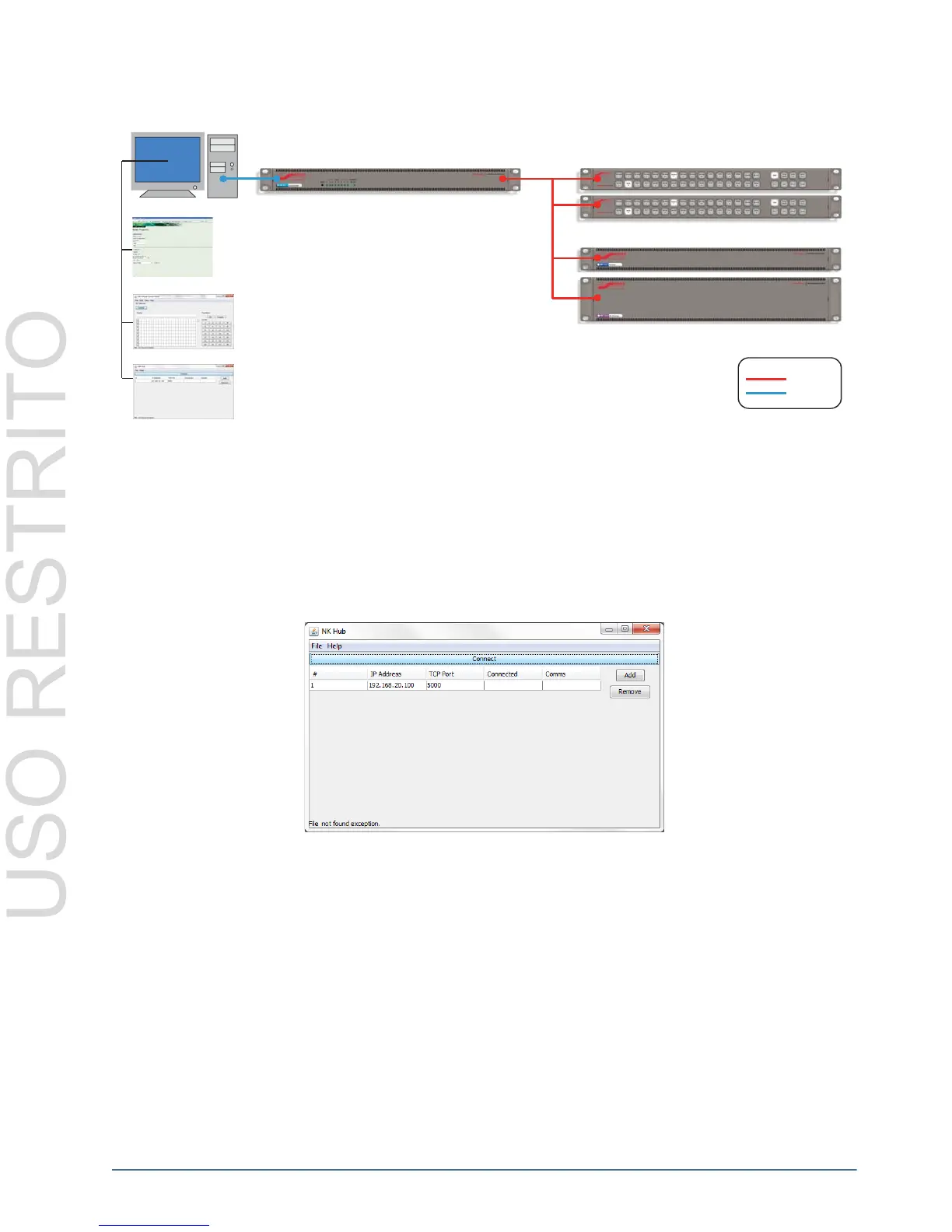
Figure 3.28 NK-IPS Connection Example
The NK-IPS is also required for use of the NK Hub, for information and usage of this software component, please
refer to the NK-IPS Internet Protocol Server User Guide.
The NK-IPS does not require Internet access for operation, only Phoenix or an Internet browser is required for
operation and configuration. For further information, please refer to the NK-IPS Internet Protocol Server User
Guide.
The NK Hub
Figure 3.29 NK Hub
The NK Hub, accessible only through the NK-IPS, is a software component used to connect two or more NK-IPS
devices, enabling NK Series protocol and switch communication between NK Series components connected to each
NK-IPS. Internet Protocol Servers can be locally or remotely connected allowing NK Series components to respond
to status requests, switch requests and protect requests.
Internet Protocol Server
NK Series Control Panels
NK Series Router Levels
Legend
T-Bus
Ethernet
Computer
VCP Control
Configuration
NK Hub Control



 To Next Page