NK Series User Guide (1.0) Configuration • 4–21
Alarms
Protect Alarm
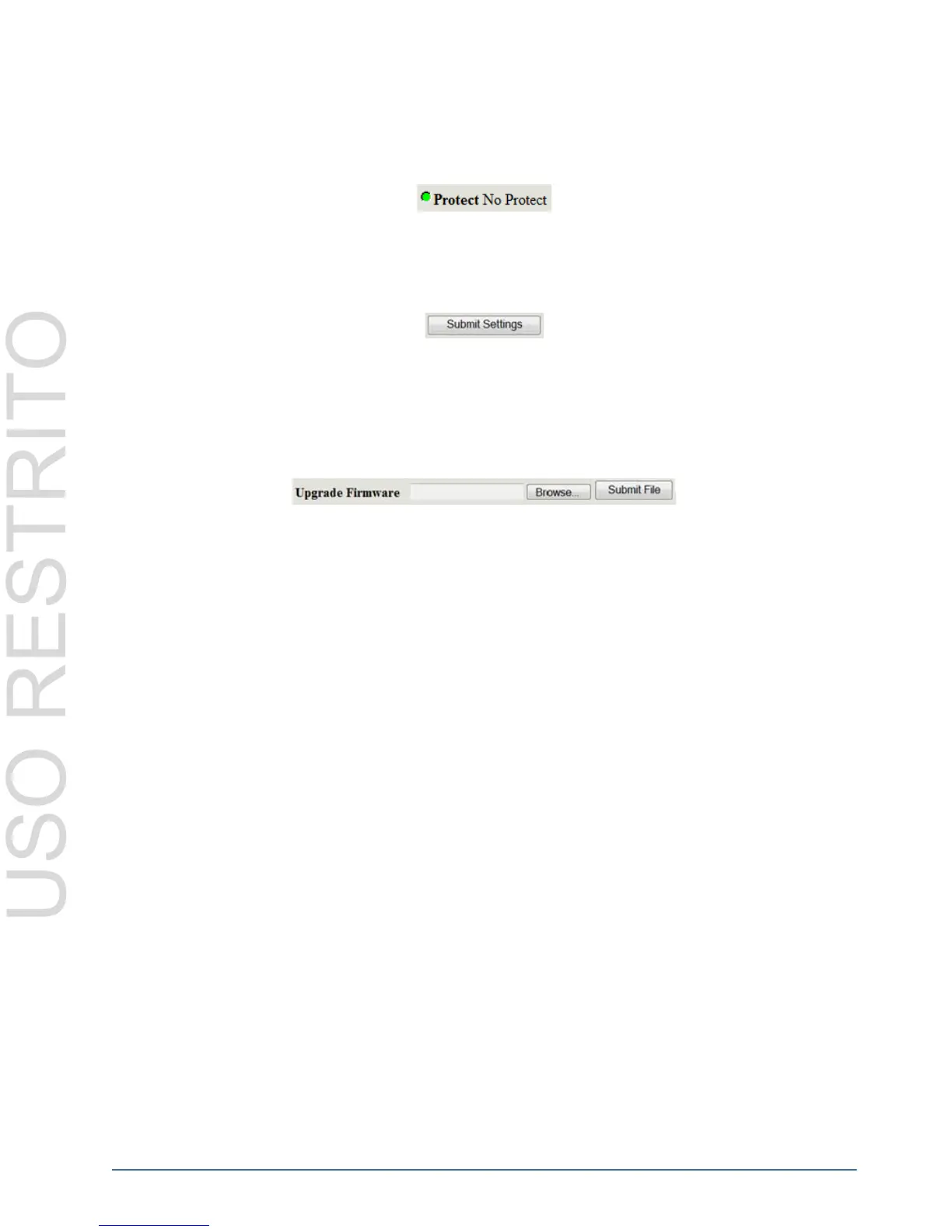
The Protect Alarm indicates whether an output has been protected from the control panel. The Protect Alarm status
is also displayed on the NK-IPS Online Devices page and in Phoenix.
Submit and Upgrade Fields
Submit Settings
The Submit Settings button will upload the settings to the device.
If users wish to cancel or ignore the settings they have made, click the Online tab to return to the Online Devices
page, or click the Refresh button of your browser to revert to the original settings displayed.
Upgrade Firmware
The Upgrade Firmware button is used to upload to the device the latest firmware, contained in a binary file.
Upgrading firmware allows new features, enhancements and improvements of the RCP-NK1 to be installed.
Configuring the NK-SCP
NK-SCP/A Configuration
The NK-SCP/A requires breakaway and baud rate configuration only via the NK-IPS for use. When connected to
the T-Bus Control System it will be displayed on the NK-IPS Online Devices pages. The NK routers to be
interfaced by the NK-SCP/A can be configured individually on the Device Properties page, accessed via the
NK-IPS, of each router.
For details on how to configure NK-SCP/A via Phoenix, refer to the Phoenix Online Help Guide.



 To Next Page