4–30 • Configuration NK Series User Guide (1.0)
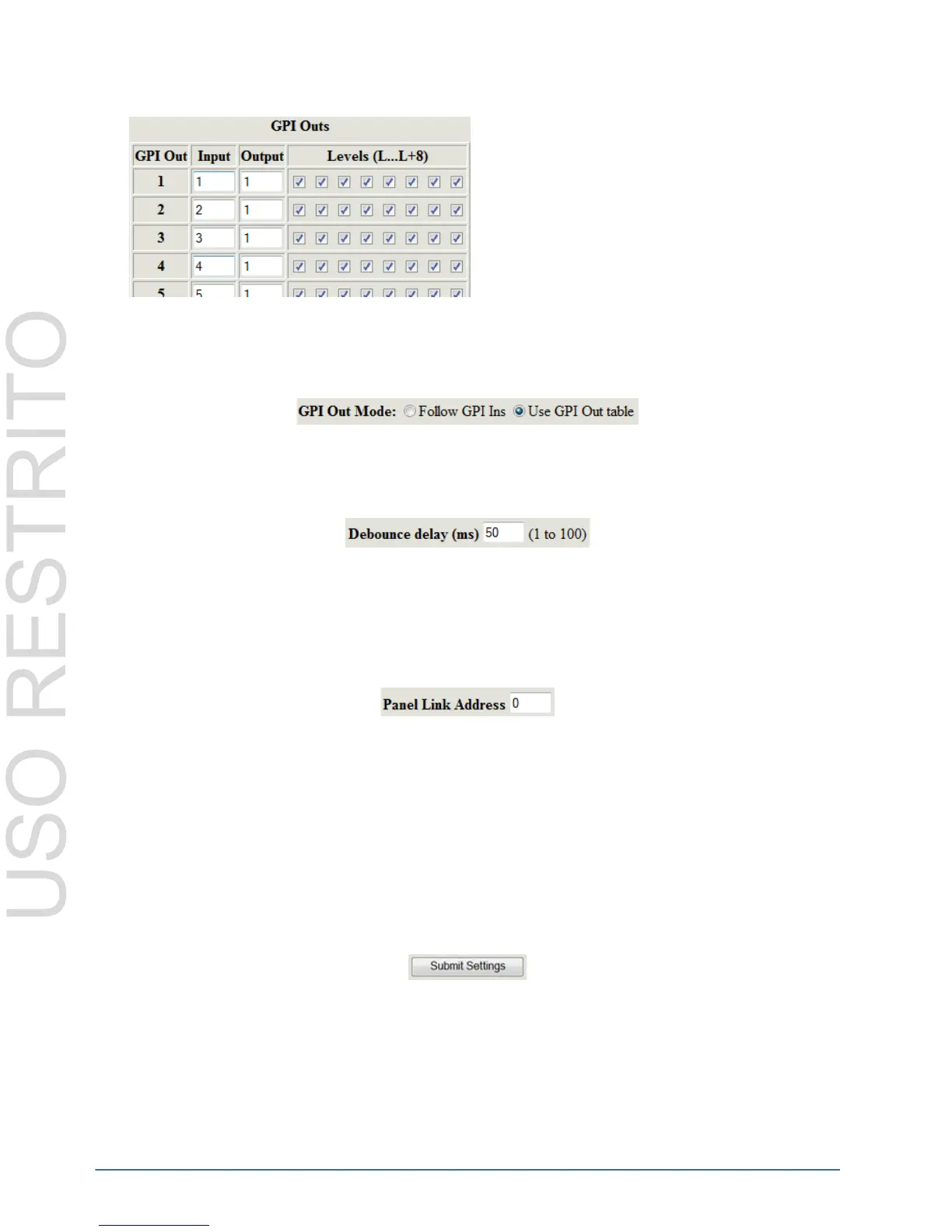
GPI Output Table
GPI Out Mode
The GPI Out Mode configures the GPI outputs to either Follow GPI Ins, as configured in the GPI Input Table, or to
Use GPI Out Table for crosspoint configuration.
Debounce Delay
The Debounce Delay field configures the time (in milliseconds) that the NK-GPI will allow before sending a trigger
event.
The NK-GPI does not require a Debounce Delay to be configured when used with other NK Series devices. The
field only requires user input if using third party devices.
Panel Link Address
The Panel Link Address is required when users wish to use a panel to select the GPI outputs. When switches are
activated by the control panel, the NK-GPI will follow the destinations as chosen by the panel.
When linking the NK-GPI to a control panel, the Address field must be the same for both devices, whereas the
Panel Link Address must be different for each device. By default, the Panel Link Address is set to 0. The valid
value range for linking panels is 1-254.
Defining an NK-GPI Panel Link Address to follow crosspoint and switch events as selected by an NK control
panel will use the panel’s destination instead of the destination defined by the GPI Out Mode selection (either in
the GPI Input Table or GPI Output Table, depending on the mode selected).
Submit and Upgrade Fields
Submit Settings
The Submit Settings button will upload the settings to the device.
If users wish to cancel or ignore the settings they have made, click the Online tab to return to the Online Devices
page, or click the Refresh button of your browser to revert to the original settings displayed.
The GPI Output Table (GPI Outs) configures the GPI
output that is triggered when a specified crosspoint is
selected.



 To Next Page