5–12 • Operation NK Series User Guide (1.0)
Note when assigning breakaways for NK Series control panels, the Control Layer should not be assigned to a
breakaway that contains other levels. If users require a breakaway for the NK-A64 Control Layer, it is vital that it
is the only level active for that breakaway.
Mixing the Output Audio Signal
When using the Control Layer, users must remember that only the output audio stream is processed within the
router matrix, not the input signal. When mixing audio channels, the control layer is selected after the switch has
been made, or if the output that requires mixing is already active. Users may record macros to make mixing and
switches easier, or if regular audio mixing is required.
Example 1
To swap the channels of the output audio signal for ‘Out4’, first activate a switch by selecting the destination
followed by the source and then select the Control Layer, or the breakaway that the Control Layer is on, and lastly
select the designated mixing mode.
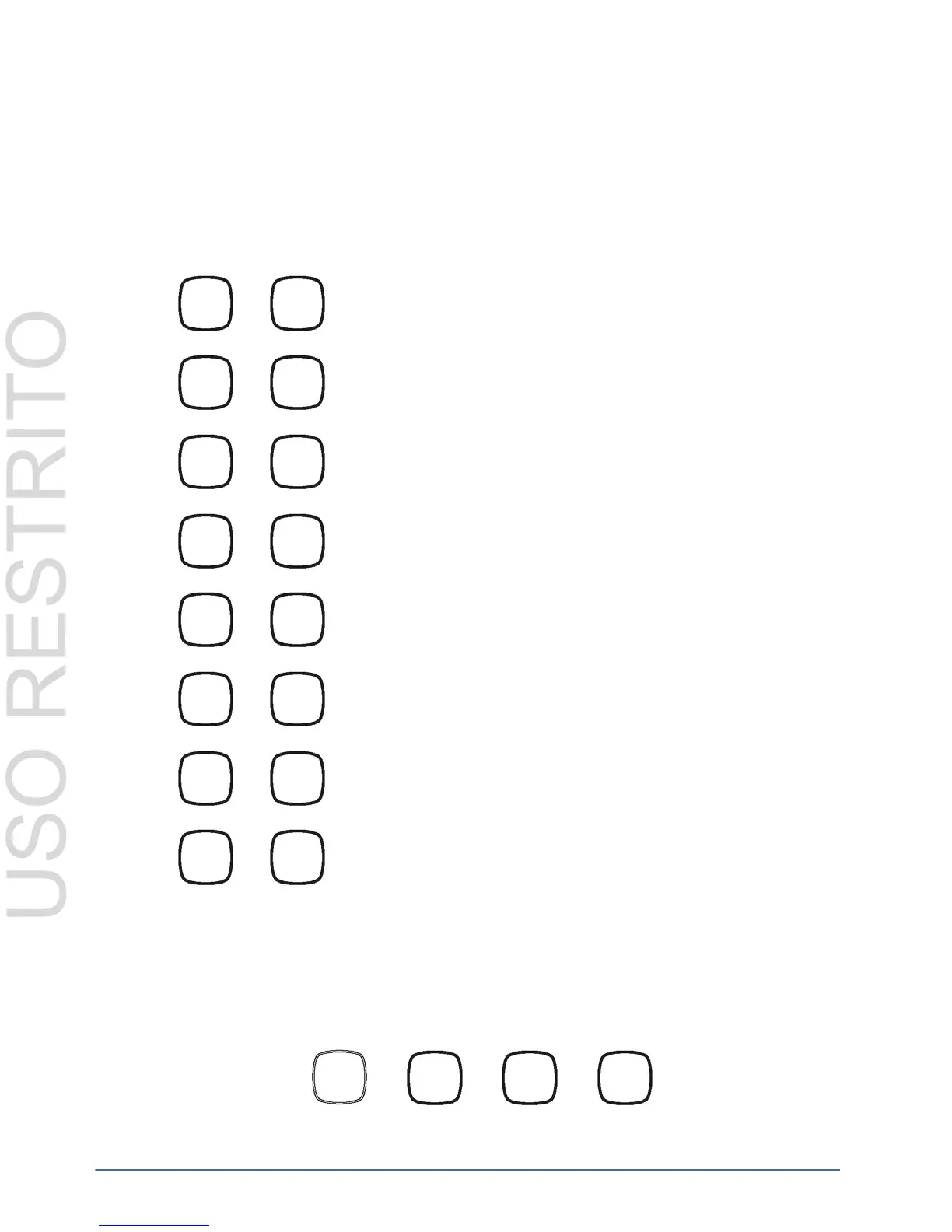
Selecting the ‘Control Layer’ key and then selecting ‘In1’ will enable
the output audio channels to be normal.
Selecting the ‘Control Layer’ key and then selecting ‘In2’ will enable
the output audio channels to be swapped.
Selecting the ‘Control Layer’ key and then selecting ‘In3’ will enable
both output audio channels to be the left channel of the source.
Selecting the ‘Control Layer’ key and then selecting ‘In4’ will enable
both output audio channels to be the right channel of the source.
Selecting the ‘Control Layer’ key and then selecting ‘In5’ will enable
the left output audio channel to be normal and the right audio channel
to be inverted.
Selecting the ‘Control Layer’ key and then selecting ‘In6’ will enable
the left output audio channel to be inverted and the right audio
channel to be normal.
Selecting the ‘Control Layer’ key and then selecting ‘In7’ will enable
the both output audio channels to be summed.
Selecting the ‘Control Layer’ key and then selecting ‘In’ will enable
the left output audio channel to be summed and the right audio
channel to be differenced.
Key press 1 Key press 2 Key press 3 Key press 4
In1
In2
In3
In4
In5
In6
In7
In8
Out4
In1
Control
Layer
In2


 To Next Page