User Manual - 18/32
VI. EXTERNAL SENSOR MENU
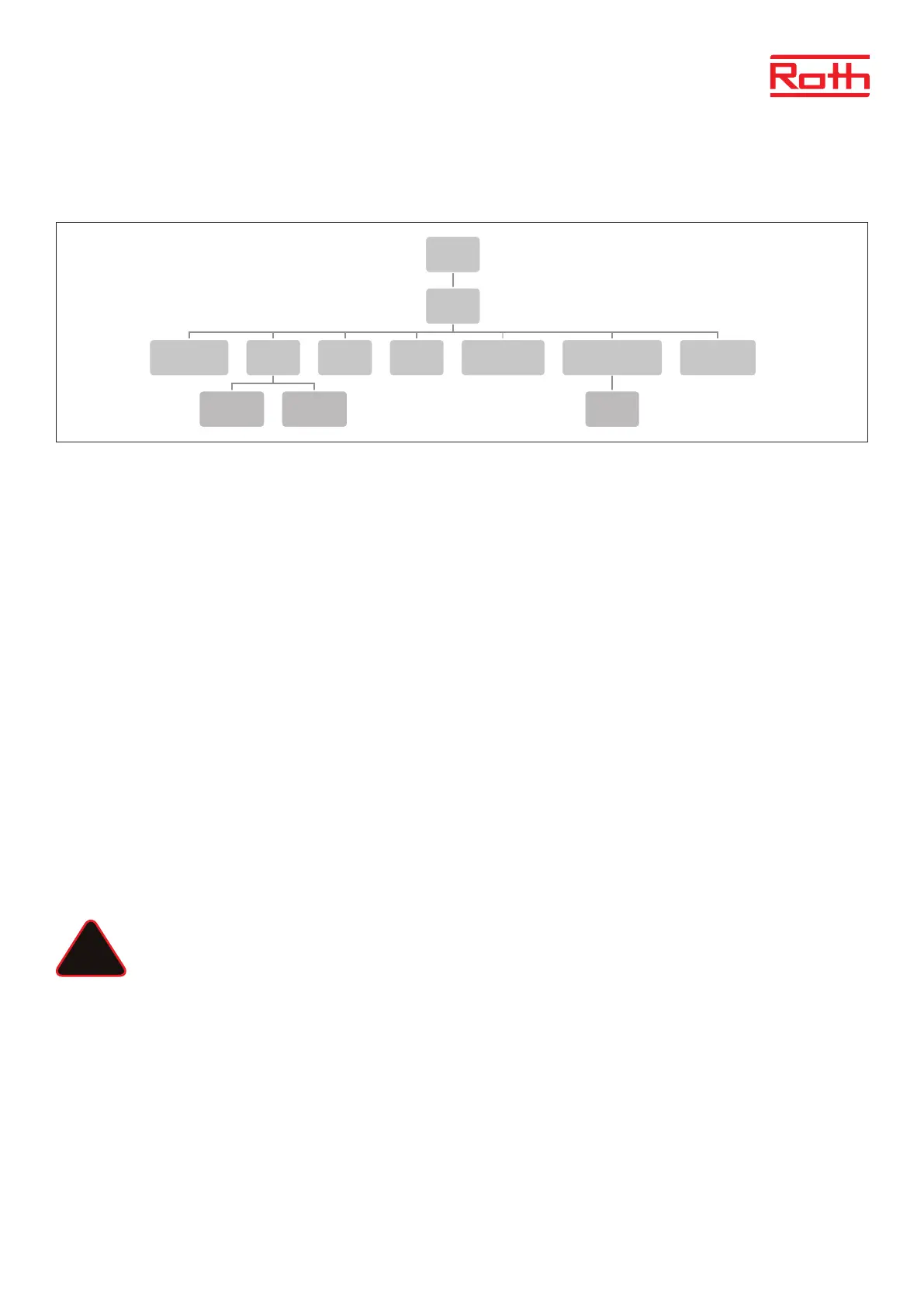
Diagram – External sensor menu
It is possible to connect an outdoor temperature sensor which enables the user to activate the weather-based control. The system enables only
one outdoor sensor to be registered on the master Controller and the current value of the outside temperature is displayed on the main screen
and forwarded to other devices like the extension Controller.
ON Weather control is deactivated by default, so choose ON to activate.
Registration Here you register the external sensor to the master Controller.
Type of sensor Here you can choose between a wireless (default setting) and a wired NTC sensor. A wired sensor is
connected to terminal: S A1/GND. A wireless sensor must be paired to the controller.
Signal strenght Can be seen in this menu.
Battery level If a wireless sensor is connected the battery level will be displayed.
Temperature Displayes the actual outside temperature.
Weather control Average temperature Displays the average temperature measured within the dened average time.
Average time Time set to calculate avergae outdoor temperature, default 24 hours.
Temperature threshold Outdoor temperature for the system to change into “summer mode”. Default 15°.
This means the heating will not be started in a room/rooms despite temperature drop below SET point. This is based on the expectation that the
temperature drop will be so small due to the outdoor temperature. In older houses this drop will be bigger and therefore it could be necessary to
raise the temperature to secure comfort.
NOTE
If you experience problems with reaching your set point temperature, it can be necessary to change the treshold temperature
to a higher setting. This can both be due to desire of high comfort or beauase of a poor insulated house. Try to change the
temperature +1° at a time until you reach your desired comfort.
In rooms with a higher room temperature than general (e.g bathrooms) you can choose to exclude this room from the
weather control:
Choose the Zone you want to exclude:
Press MENU > choose zone > choose zone X > choose User setting > choose Wetaher control > choose OFF and conrm with
MENU. The zone is now excluded from the weather control function and will just follow the pre-set mode set for this zone.
4
Diagram – meny för y�erligare moduler
Diagram – meny för externa sensorer
Diagram – meny för manuellt läge
Menu
Additonal
modules
1 - 4
Registration ON Zones Signal
Menu
External
sensor
Registration
Sensor
type
Wired
NTC
Wireless
Signal
strength
Battery
level
Temperature
outside
Weathercontrol
ON
Calibration
Menu
Manual
mode
Valves 1 -8
Potential-
free contact
Pump
!



 To Next Page