User Manual - 20/32
IX. SCREEN SETTINGS MENU
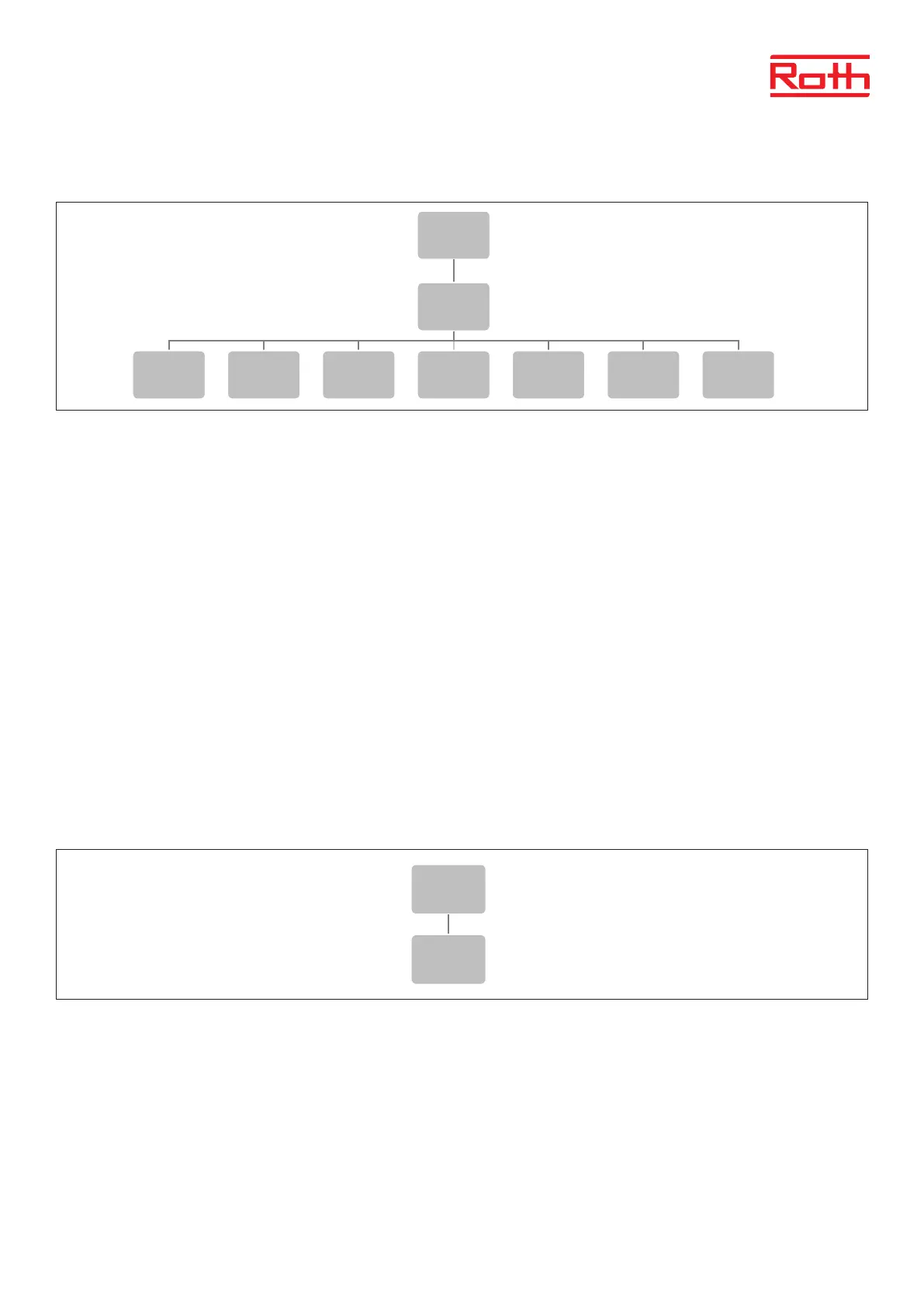
Diagram – Screen settings menu
This function enables the user to adjust the screen properties to individual needs.
Screensaver Protects the display for burn-in. Default ON.
Sound the buttons Here you can turn of the sound of the buttons.
Screen view Here you can switch between the thre views: zones, Zone and Sensors. Same as when you push EXIT
from the start menu.
Display contrast Here you can adjust the contrast of the display.
Screen brightness Here you can adjust the brightness of the display.
Screen fade Here you can adjust how much the screen fades when it goes to sleep.
Damping time The time from last using the buttons to the screen goes to sleep.
X. LANGUAGE VERSION MENU
Diagram – Laguage version
To set your language (default is english).
Press MENU button and use the button ▼ to select “Language selection”. Use the button ▼ to select your language and conrm with MENU button.
5
Diagram – tidsinställningar
Diagram – meny för skärminställningar
Diagram – språkversion
Menu
Screen
settings
Screen
saver
Button the
sounds
Screen
view
Display
contrast
Screen
brightness
Screen
fade
Damping
time
Menu
Language
selection
Menu
Time
settings
Automatic
Clock
settings
Date
settings
5
Diagram – tidsinställningar
Diagram – meny för skärminställningar
Diagram – språkversion
Menu
Screen
settings
Screen
saver
Button the
sounds
Screen
view
Display
contrast
Screen
brightness
Screen
fade
Damping
time
Menu
Language
selection
Menu
Time
settings
Automatic
Clock
settings
Date
settings



 To Next Page