User Manual - 19/32
VII. MANUAL MODE MENU
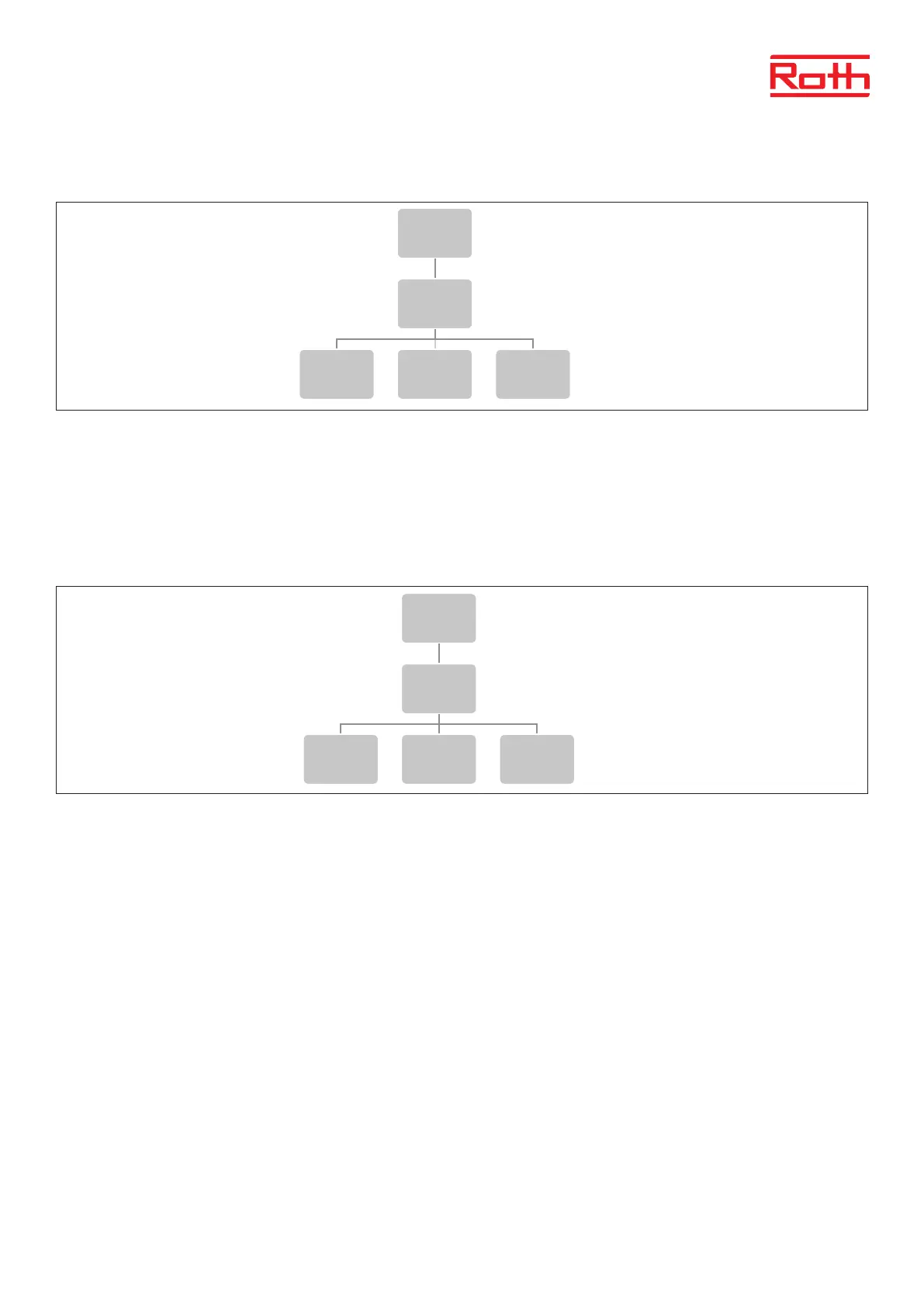
Diagram – Manual mode menu
This function enables the user to activate particular devices (valve actuators, voltage free contact and pump) independently of the others in order
to check if they operate properly.
It is adviseable to check the devices using this procedure at the rst start-up.
VIII. TIME SETTINGS MENU
Diagram – Time settings
Here you set current time and date.
Press MENU button and use the button ▼ to select “Time settings” – press MENU. Select “Clock settings” with MENU, set “hour” with ▼ or ▲ – con-
rm with MENU, set “Minute” with ▼ or ▲ – press MENU. Press MENU to “CONFIRM” or choose “CANCEL” with ▲ – press MENU.
Now choose “Date settings”, set “Year” with ▼ or ▲ – conrm with MENU, set “Month” with ▼ or ▲ – press MENU, set “day” with ▼ or ▲ – press
MENU. Press MENU to “CONFIRM” or choose “CANCEL” with ▲ – press MENU.
If the system is connected to the internet, clock and date wil automatically be set.
4
Diagram – meny för ytterligare moduler
Diagram – meny för externa sensorer
Diagram – meny för manuellt läge
Menu
Additonal
modules
1 - 4
Registration ON Zones Signal
Menu
External
sensor
Registration
Sensor
type
Wired
NTC
Wireless
Signal
strenght
Battery
level
Temperature
outside
Weathercontrol
ON
Calibration
Menu
Manual
mode
Valves 1 -8
Potential-
free contact
Pump
5
Diagram – tidsinställningar
Diagram – meny för skärminställningar
Diagram – språkversion
Menu
Screen
settings
Screen
saver
Button the
sounds
Screen
view
Display
contrast
Screen
brightness
Screen
fade
Damping
time
Menu
Language
selection
Menu
Time
settings
Automatic
Clock
settings
Date
settings



 To Next Page