User Manual - 24/32
Setting of max. humidity
When using thermostats and/or sensors with build in humidity sensors in each room, it is possible to protect the oor construction against mois-
ture generation during cooling in each single room.
To do this it is necessary to specify a maximum value for the humidity. This maximum value applies to the entire plant (globally). In order to set
the value correctly, it is important to relate to the actual switch over room temperature and the preset minimum ow temperature (set on the
heat pump or cooling device), respectively. In general, it is not recommended to cool with water that is colder than 19°C. The table below can be
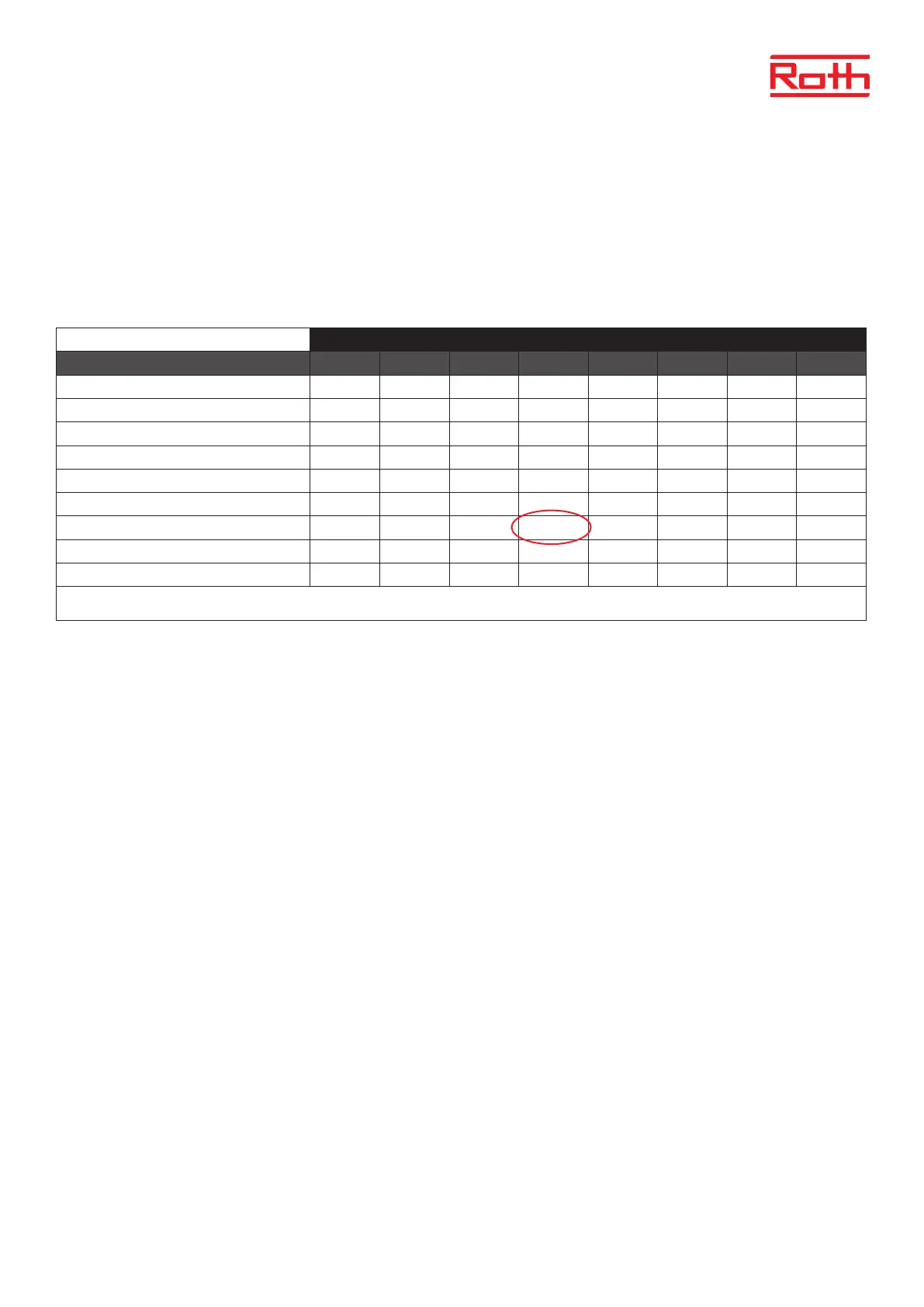
used to nd the advised max. value for humidity in combination with the switch over room temperature, based on the minimum supply
temperature.
Humidity in the room (%)
Switch-over actual room temperature (°C)
90 80 70 60 50 40 30 20
16 14,4 12,5 10,5 8,2 5,6 2,4 -1,6 -7,0
18 16,3 14,5 12,4 10,1 7,4 4,2 0,2 -5,3
20 18,3 16,4 14,4 12,0 9,3 6,0 1,9 -3,6
22 20,3 18,4 16,3 13,9 11,1 7, 8 3,6 -2,0
24 22,3 20,3 118,2 15,7 129 9,6 5,3 -0,4
26 24,2 22,3 20,1 17,6 14,8 11,3 7,1 1,3
28 26,2 24,2 22 19,5 16,6 13,1 8,8 2,9
30 28,2 26,2 23,9 21,4 18,4 14,9 10,5 4,6
The table shows the connection between the switch-over temperature (°C ) in the room (heating to cooling), the humidity (%) and the corresponding minimum required supply ow
temperature (°C). It is allowed to interpolate in the table.
Example:
Heat pump is set to switch-over from heating to cooling at a room temperature of 26° C, and the minimum supply ow temperature is set to be
19°C.
So, using the 26°C as switch-over temperature and the minimum required 19°C supply ow temperature will give you a maximum value for the
humidity between 60 and 70%. To be on the safe side we recommend choosing 60% as maximum humidity value (minimum supply temperature
is 17,6).
If the switch-over is done manually on the heat pump, the room temperature could be even higher at the switching time, and maybe you need to
lower the maximum humidity to an even lower value to be sure that it won’t come to problems with the dewpoint at the start up of the cooling.
Settings in each zone
The menu described below is only visible if the system is set to “Cooling” or “Automatic” in the tters menu. Press the MENU button and go to
“Zones” with the arrow keys, conrm with MENU. Select the desired zone (1-8), conrm with MENU. Go to “User settings”, conrm with MENU. Go
to “Cooling” and conrm with MENU.
ON this function enables the user to include/exclude the zone from the cooling algorithm.
Schedule settings this function enables the user to choose the schedule which will apply in a zone (local schedule, global schedule
G-1 to G5) during cooling, if the zone operation is based on a schedule.
Constant temperature this function enables the user to dene a separate pre-set temperature that will apply in the zone only during
cooling, and if the zone operation is based on a constant temperature (CON).
Example:
In heating mode, the desired temperature is set to 21 ° C. If a dierent temperature is required when switching to
cooling (eg. 24°C), the temperature is set here. It can generally be accepted that the temperature is higher when
cooling than when heating, and by allowing a higher temperature, a better economy is achieved in the installation
in cooling operation.
NOTE! If you change the setpoint on the thermostat, the temperature during cooling will be overwritten and will be
the new desired temperature during cooling.
Humidity protection this function is used to protect the oor against moisture (condensation). If the humidity in a given zone is higher
than the „Max humidity” value dened in the tter’s menu, cooling will be disabled (valve closes) in this zone until
the humidity value drops below the pre-dened. When the humidity drops below the set value again, cooling
resumes automatically.
If one or more extension controllers are connected to the master controller, these settings must be made on each extension unit.



 To Next Page