EasyManua.ls Logo

RTX RTX725 Series - Battery

RTX RTX725 Series
52 pages
Print Icon
To Next Page IconTo Next Page
To Previous Page IconTo Previous Page
Loading...
Page 16 of 52
BLUETOOTH REGISTRATION
Registration, In
progress
Blue, red
Alternating
Registration, Success
Green
Blink 3 times
Registration, Failed
Red
Blink 3 times
DECT REGISTRATION
Registration, In
progress
Blue, red
Alternating
Registration, Success
Green
Blink 3 times
Registration, Failed
Red
Blink 3 times
BATTERY STATUS
No battery*
Cyan
Blink
Fully charged*
Green
ON
Charging
Green
Breathing
Low
Red
Blink
BUSY MODE
Busy enabled or call
active
Red
Breathing
TEAMS NOTIFICATIONS
Meeting, voicemails or
missed calls
Purple
Breathing
* If headset is turned off during charging the LED is off as well.
4.5 Battery
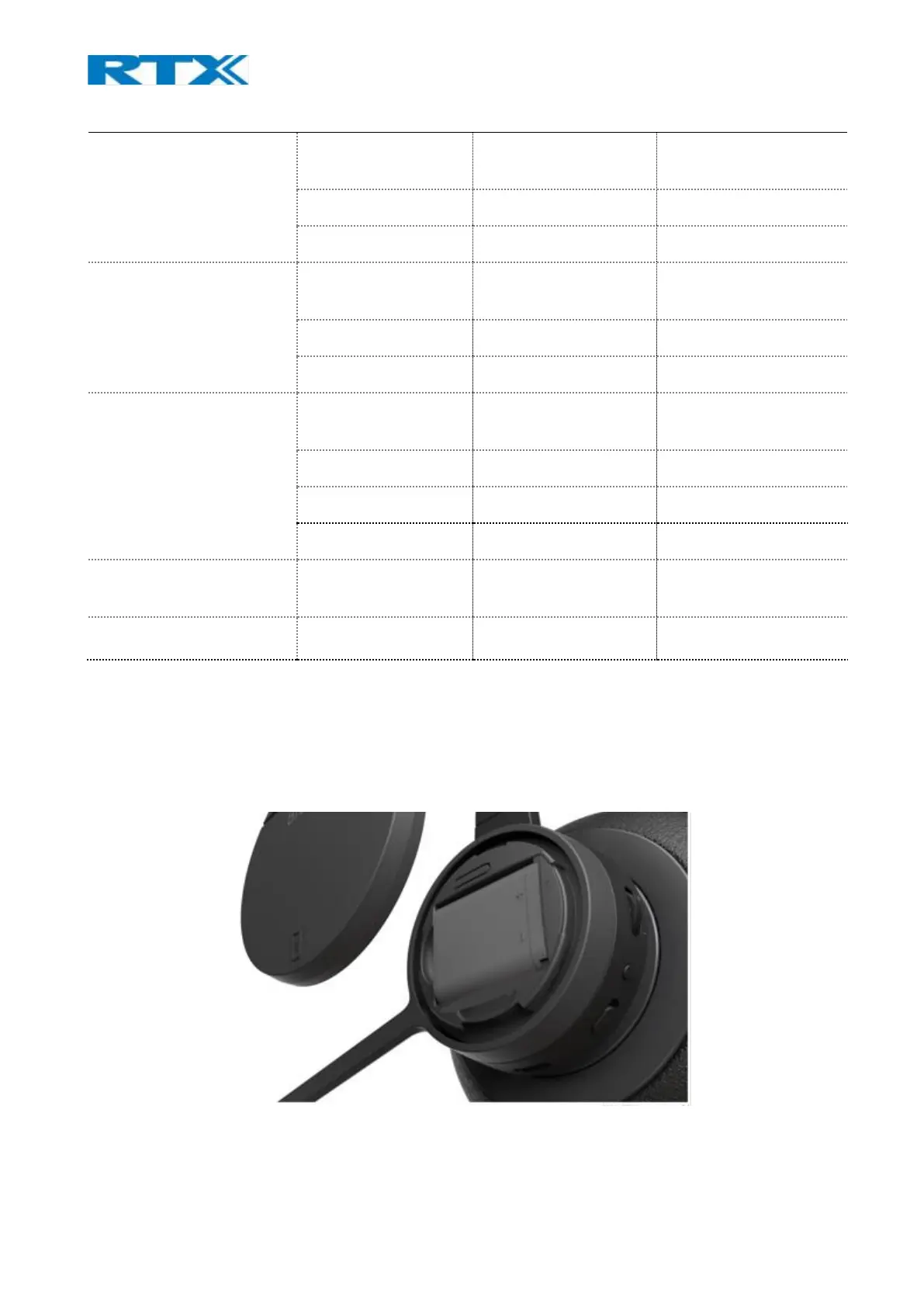
The headsets use 600mAH Li-polymer battery, which is easily replaceable after removing the battery lid, as
illustrated on the image below (Fig.10).,
NOTE: Make sure to remove the plastic foil protecting the battery, upon powering your new headset.
Fig.10 Battery lid removed.


Table of Contents

Other manuals for RTX RTX725 Series

Related product manuals