Page 32 of 52
9.4.3 Audio Prompt
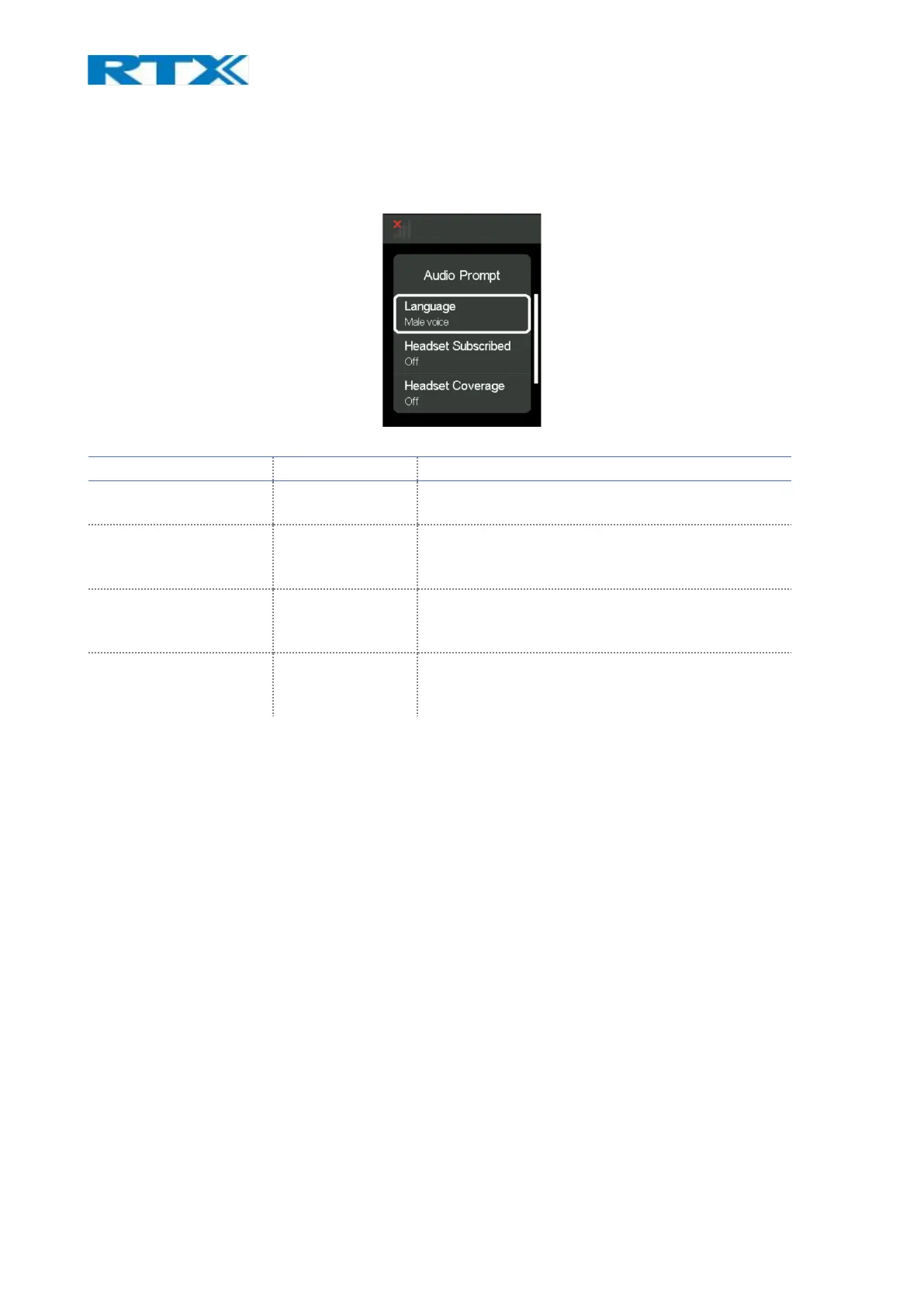
This menu allows the user to configure the audio prompts that announce different events in the headset.
The options in it are shown on the screenshot and described in more detail in the table below.
Fig.23 Audio Prompt
9.4.4 Registrations
This menu allows the user to register/deregister a headset to the RTX745x base. For more details on the
registration process see 7. How to connect headset and base.
9.4.5 Adjust time
Allows the user to adjust the time shown on Idle screen. There are 2 options to choose from: user can
either Sync with Setup Tool or adjust time manually when unmarking the “SetupTool Sync” in the little
checkbox. In that case an hour and minutes count appear in the bottom part of the screen and with the
help of the Scroll Wheel user can navigate through and adjust the time. When scrolling down to edit either
hour or minutes, user can choose the unit it wants to change by pressing on the Scroll Wheel Key. Arrows
up and down will appear over and under the number and with the help of the Scroll Wheel user can change
the value and press the Scroll Wheel Key again to confirm its choice after.
9.4.6 VoIP System
From this menu item user can register the base to a VoIP system. Refer to 13. Register devices on RTX VoIP
system for more detail on VoIP registration.



 To Next Page