Page 30 of 52
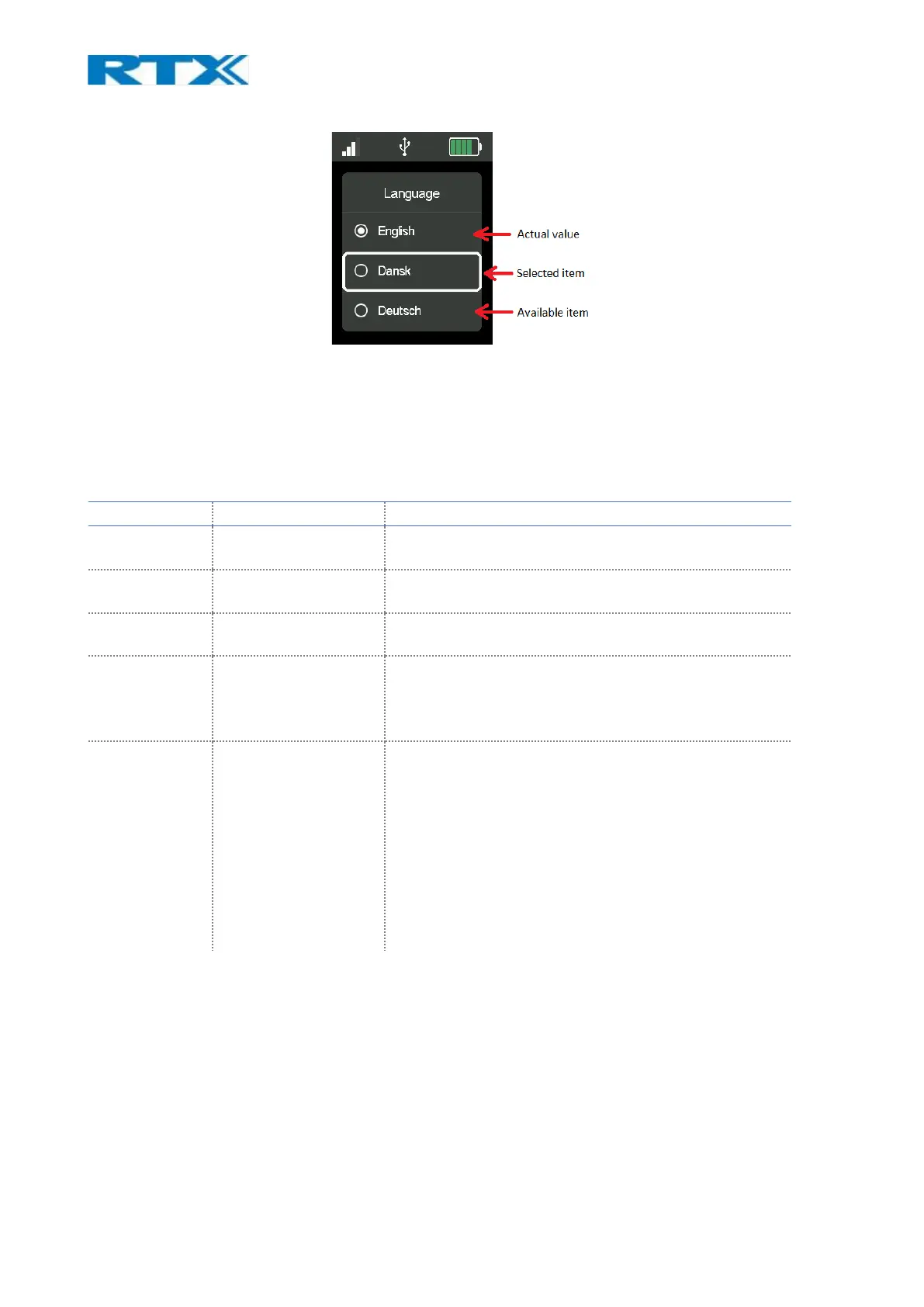
Fig.20 Multiple choices in the Settings Menu
The units in the Settings Menu available are explained in detail in the following sections.
9.4.1 General
The settings that this menu allows to configure are shown in the table below.
Allows the user to choose the language on the base
station.
User can choose power mode. There are 3 options
available: Normal, Eco and Super Wideband
The time format can be set AM/PM, 24Hour(H:MM) or
24 Hour (HH:MM)
Secondary auto
deregister
Can be on or off. When active and secondary headset is
present in a conference call, the base will automatically
deregister the secondary headset as soon as the
conference call has ended.
Allows the user to set power level of the base. Can be se
to adaptive or between values from 1(maximum power)
to 6(minimum power).
NOTE: If the user is in an area with a lot of interference
user can set the power level to 1 (max power) but that
will contribute to the noise. The adaptive setting lets the
base to adaptively choose the power level, but that will
consume more energy. In an area with no other DECT
devices present and/or other sources of interference
using power level 6 (min power) will save energy.



 To Next Page