Page 31 of 52
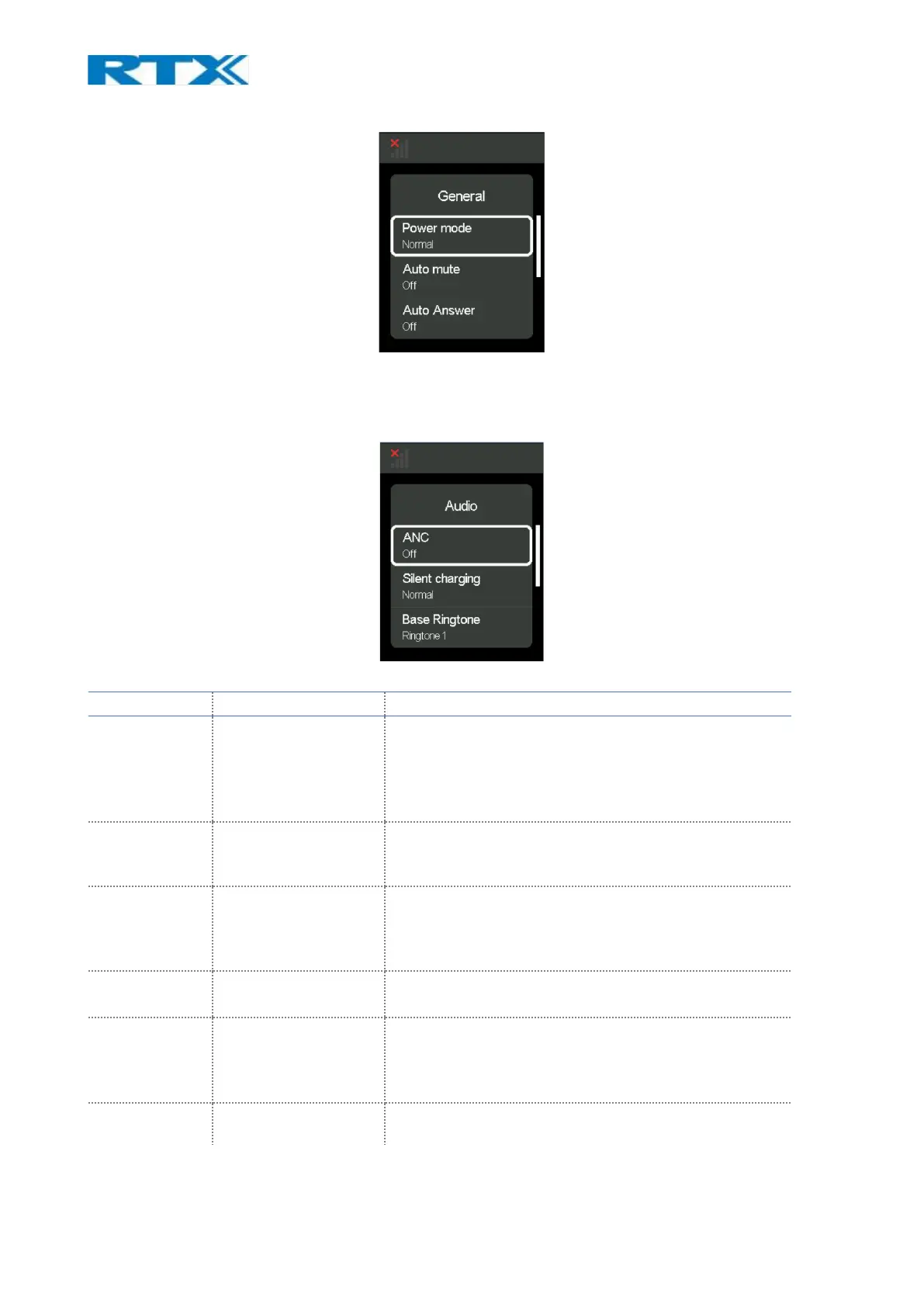
Fig.21 General settings
9.4.2 Audio
This menu lets the user control the audio settings of both the base and the headset.
Fig.22 Audio Settings
Shows and allows user to change the current value of
the ANC on the headset.
Note: Can also be changed from the ANC button on
some headset models. If user changes it from the
button if actively changes in the settings menu.
That setting allows the user to choose whether there
will be ringtone sound in the headset while it is
charging/placed in cradle.
User can choose the ringtone sound that will announce
from the base when there is an incoming call and
headset is in cradle and charging. There are 5 different
sounds to choose from.
Allows the user to set the volume on the base’s
ringtone.
User can choose the ringtone sound that will announce
in the headset when there is an incoming call, and the
headset is not in cradle. There are 5 different sounds to
choose from.
Allows the user to change the ringtone volume on the
paired headset device.



 To Next Page