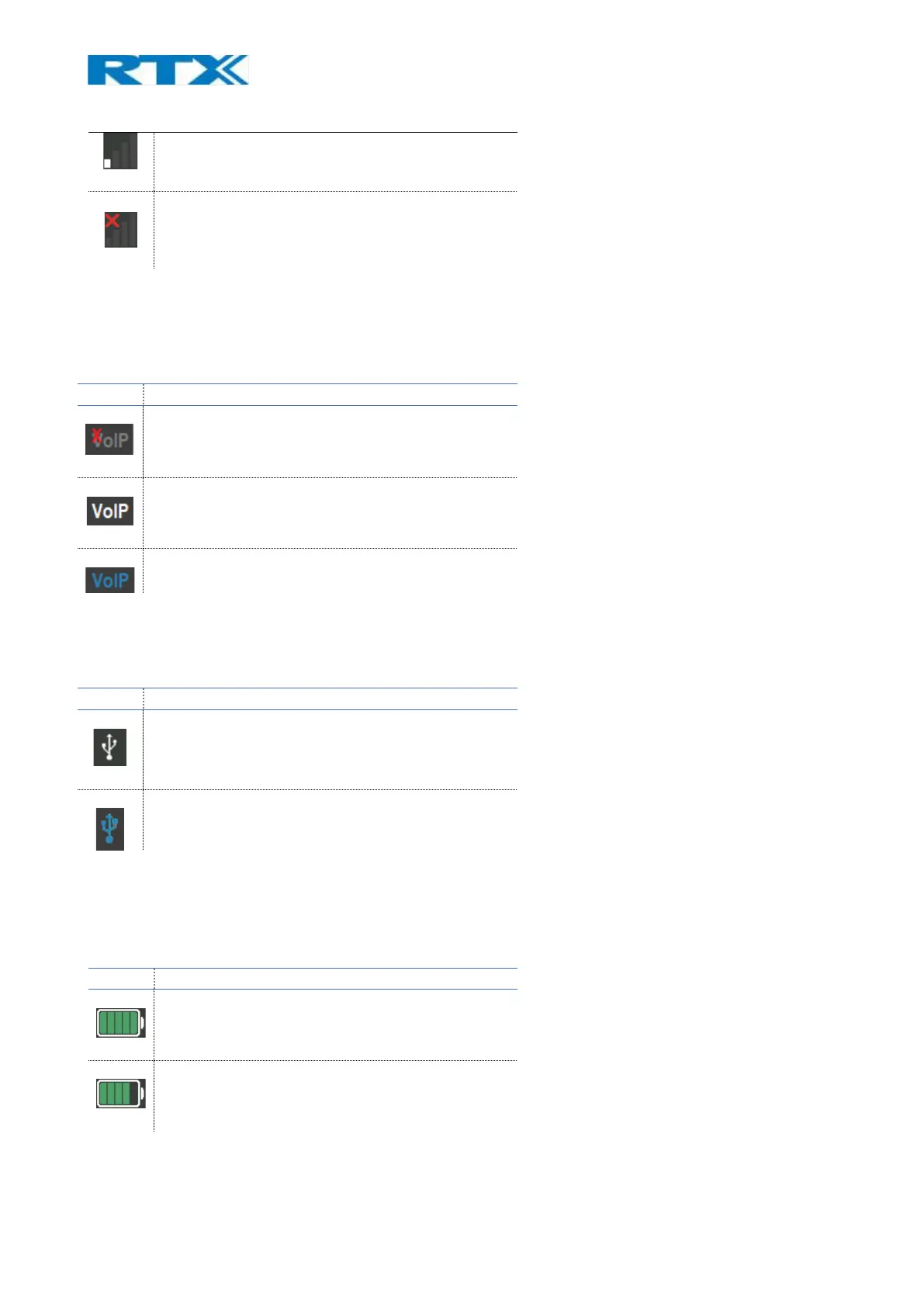
Headset not registered or out or range, no signal
9.1.2 VoIP
This icon is visible only if the RTX745x is registered to the VoIP system. The table below presents the available
status icons when connected to the VoIP system.
The system is registered to a VoIP system but not
locked
The system is registered to a VoIP system and
locked.
The system is registered to a VoIP system and
connection is also used (Roaming)
9.1.3 PC-USB status
When the RTX745x is connected to a PC via USB, an icon will be displayed in the status bar panel.
USB is connected, but no calls
USB is connected and there is an ongoing USB call
9.1.4 Battery status
The battery status of the connected primary headset is displayed via a battery icon. Depending on the
available remaining power, the icon changes its color. The table below further describes the available states.
The battery is fully charged (level 90 – 100%)
The battery is charged at 70 – 89 %



 To Next Page