Page 35 of 52
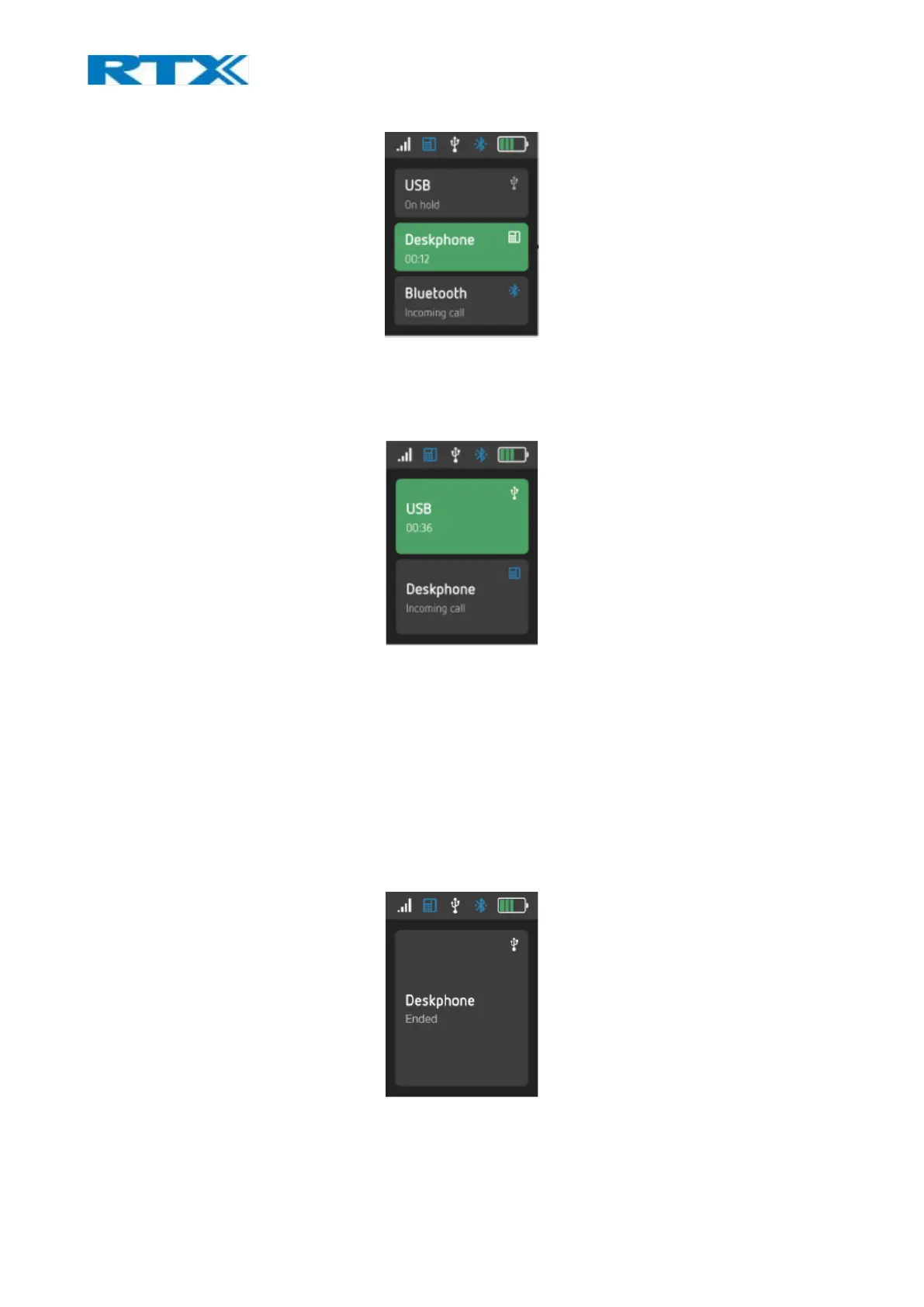
Fig.28 Multiple calls
9.10 Multiple line
There is more than one call existing on different lines (Fig.29).
Fig.29 Multiple line
9.11 Active & Inactive line
When a line is active, the base displays it in a green-colored field and enables the audio path to be connected
via that line (Figure 23). It is not possible to have more than one active line at the same time.
When a line is inactive, the base displays it in a grey-colored field and disconnects the audio path via that
line. It is not possible to have manual call control of the base when the line is inactive.
9.12 Call termination
All calls will be terminated when the master headset loses link or is placed on the cradle (Fig.24).
Fig.30 Call ended in Single call.



 To Next Page