Page 22 of 52
7 How to connect headset and base station
The following steps serve as a guideline for the process of registering the RTX725x headsets to the RTX745x
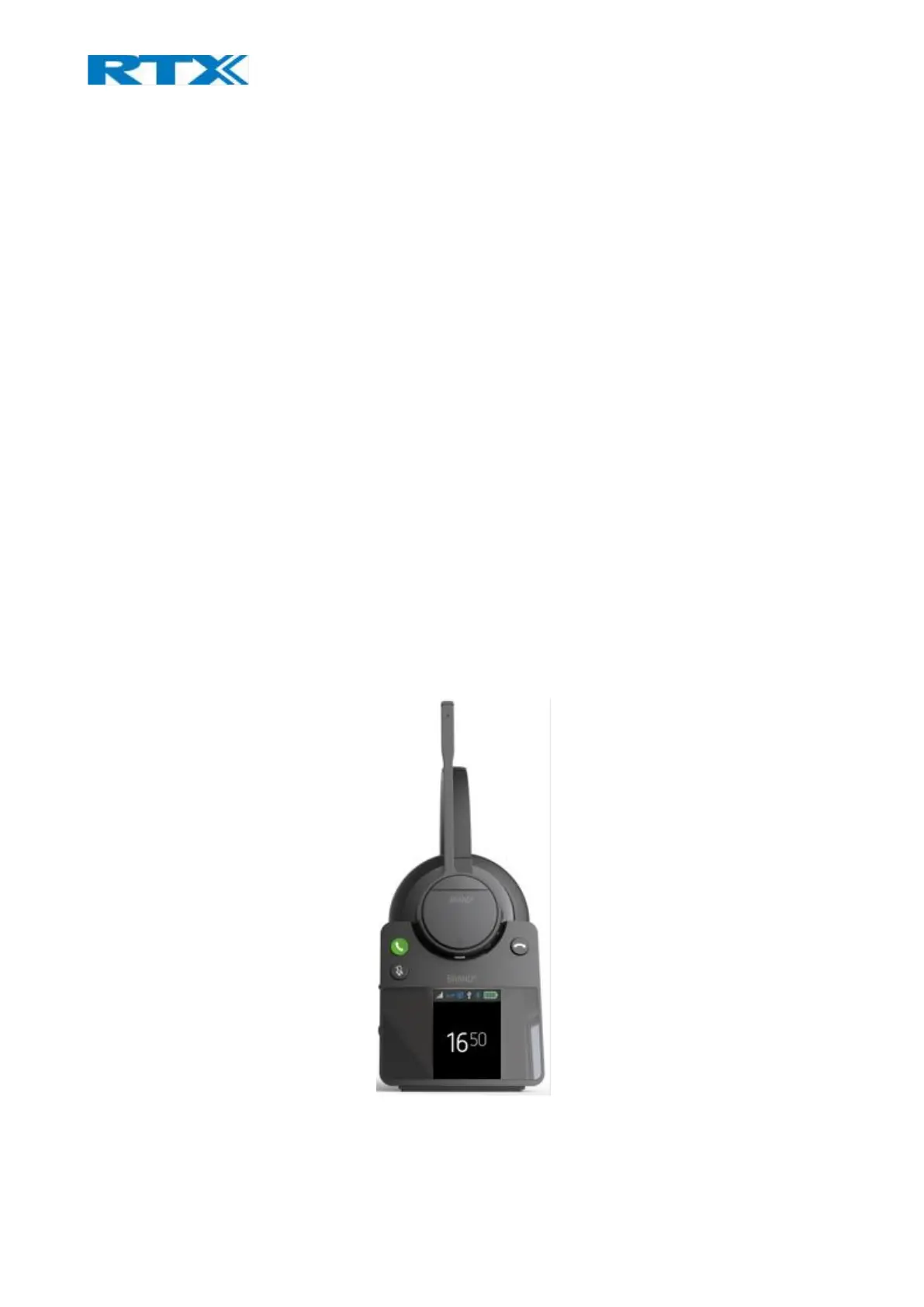
base. Registration mode is enabled by inserting the headset into the base cradle (Fig.15). The headset can be
registered as both primary and secondary. When the headset is locked as secondary on another RTX745x
base or on an RTX374x FP dongle, the user may return the headset to use its primary state by inserting the
headset into the cradle of the primary base.
Step 1 Insert the headset into the base cradle.
Step 2 The headset identifies itself to the base.
Step 3 The base decides if the headset can register.
a. If the headset is allowed to register it plays back the “Registering” voice prompt once
i. The headset starts the “Registration, in progress” LED pattern.
ii. The base displays a visible notification that cradle registration is initiated.
iii. The headset plays back the “Registration succeeded” voice prompt once.
iv. The headset displays the “Registration, success” LED pattern.
v. The base displays a visible notification that cradle registration succeeded.
b. If the headset is not allowed to register it plays back the “Registration failed” voice prompt
once
i. The headset displays the “Registration, failure” LED pattern.
ii. The base displays a visible notification that cradle registration failed.
Fig.15 DECT registration and charging.



 To Next Page