Chapter
3 Printing Practice
2) Removing a plate
Operation Edition - 76
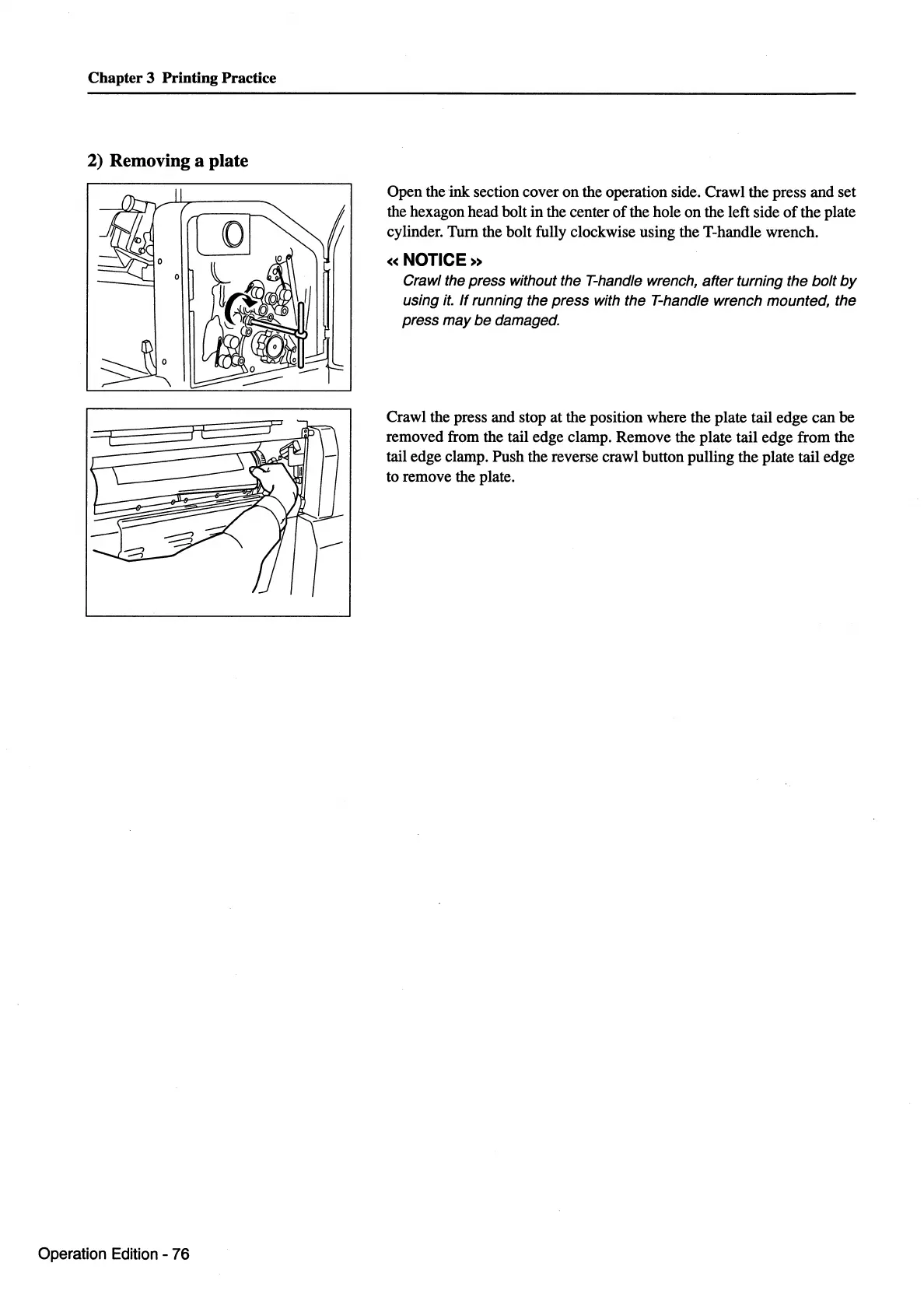
Open the
ink
section cover
on
the operation side. Crawl the press and set
the hexagon head bolt
in
the center
of
the hole
on
the left side
of
the plate
cylinder.
Tum
the bolt fully clockwise using the T-handle wrench.
«NOTICE»
Crawl the press without the T-handle wrench, after turning the bolt
by
using
it.
If
running the press with the T-handle wrench mounted, the
press may be damaged.
Crawl the press and stop at the position where the plate tail edge can be
removed from the tail edge clamp. Remove the plate tail edge from the
tail edge clamp. Push the reverse crawl button pulling the plate tail edge
to remove the plate.



 To Next Page