3rd Ed. Sep 30, 06 3-3
S–TEC
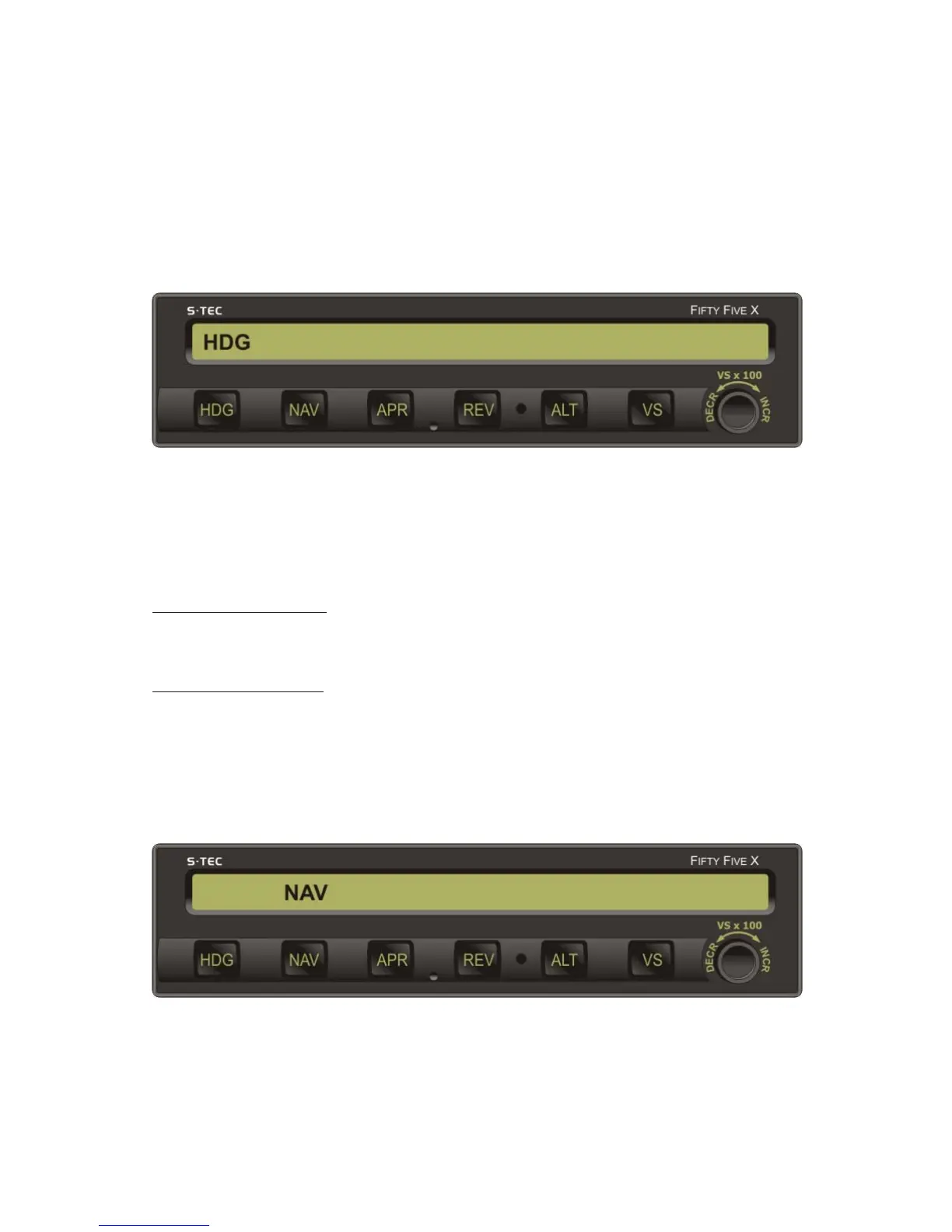
Fig. 3-1. AP Display, HDG Mode Engaged
3.1 Normal Operating Procedures
3.1.1 Heading (HDG) Mode
Set the Heading Bug to the desired heading on the compass card (HSI or DG),
and then press the HDG mode selector switch to engage the heading mode.
The HDG annunciation will appear as shown in Fig. 3-1, to acknowledge that
this mode is engaged. The autopilot will turn the aircraft onto the selected
heading and hold it. A new heading can be subsequently selected by setting the
Heading Bug to it.
3.1.2 Navigation (NAV) Mode
Select the VOR frequency on the Navigation Receiver.
Heading System HSI
Set Course Pointer to desired course on compass card.
Heading System DG
Set Heading Bug and OBS to desired course on each respective compass card.
Press the NAV mode selector switch to engage the navigation mode. The
NAV annunciation will appear as shown in Fig. 3-2, to acknowledge that this
mode is engaged.
Fig. 3-2. AP Display, NAV Mode Engaged


 To Next Page