3rd Ed. Sep 30, 06 3-11
S–TEC
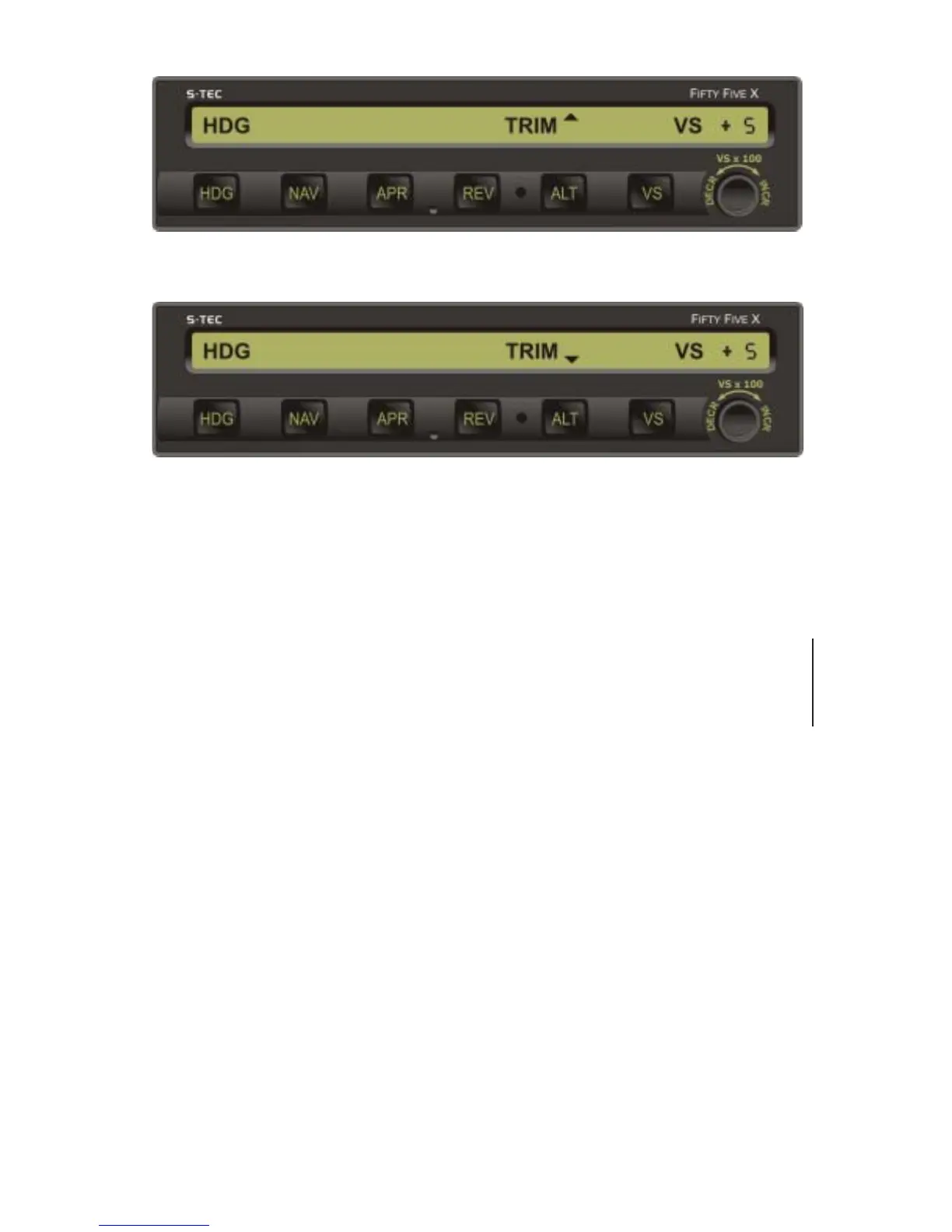
a. TRIM UP in Progress
b. TRIM DN in Progress
Fig. 3-15. AP Display, Automatic Trim Advisements
3.1.7.3 Manual Electric Elevator Trim
If the autopilot is equipped with autotrim, then there will also be the remote
Manual Electric Trim Switch located on the Control Wheel. This switch can be
used to trim the aircraft about the pitch axis from the RDY, or when only a roll
mode (HDG, NAV, NAV APR, REV, REV APR, NAV GPSS) is engaged, provided
that the Trim Master Switch is in the ON position.
To trim the aircraft nose up, press aft and hold both segments of the Manual
Electric Trim Switch. The TRIM annunciation will appear flashing as shown in
Fig. 3-16, and the Elevator Trim Wheel will run nose up at full speed. Upon
release of this switch, the TRIM annunciation will extinguish and the Elevator
Trim Wheel will stop.
To trim the aircraft nose down, press forward and hold both segments of the
Manual Electric Trim Switch. The TRIM annunciation will appear flashing as
shown in Fig. 3-16, and the Elevator Trim Wheel will run down at full speed.
Upon release of this switch, the TRIM annunciation will extinguish and the
Elevator Trim Wheel will stop.
Should the Manual Electric Trim Switch ever be actuated when a pitch mode
(ALT, VS, GS) is engaged, the autopilot will disconnect. This will occur even if the
Trim Master Switch is in the OFF position.
1st Rev. Mar 15, 07


 To Next Page