3rd Ed. Sep 30, 06 3-31
S–TEC
3.3.7 NAV GPSS Approach
Program a predefined approach into the GPS Navigation Receiver. Press the
NAV mode selector switch twice to engage the navigation global positioning
system steering mode (reference section 3.1.3). The autopilot will laterally
steer the aircraft along the predefined approach. To control the assigned
altitudes and rates of descent, use the altitude hold mode (reference section
3.1.4) and vertical speed mode (reference section 3.1.5), respectively. To make
any procedure turns, engage the heading mode and use the Heading
Bug (reference section 3.1.1). Upon completion, re-engage the navigation
global positioning system steering mode.
3.4 Flight Director Operation
The optional Flight Director (FD) is a display of the flight profile. It is commanded
by the autopilot. A pair of Steering Command Bars and an Aircraft Reference
Symbol (ARS) are the principal FD components of interest. The position of the
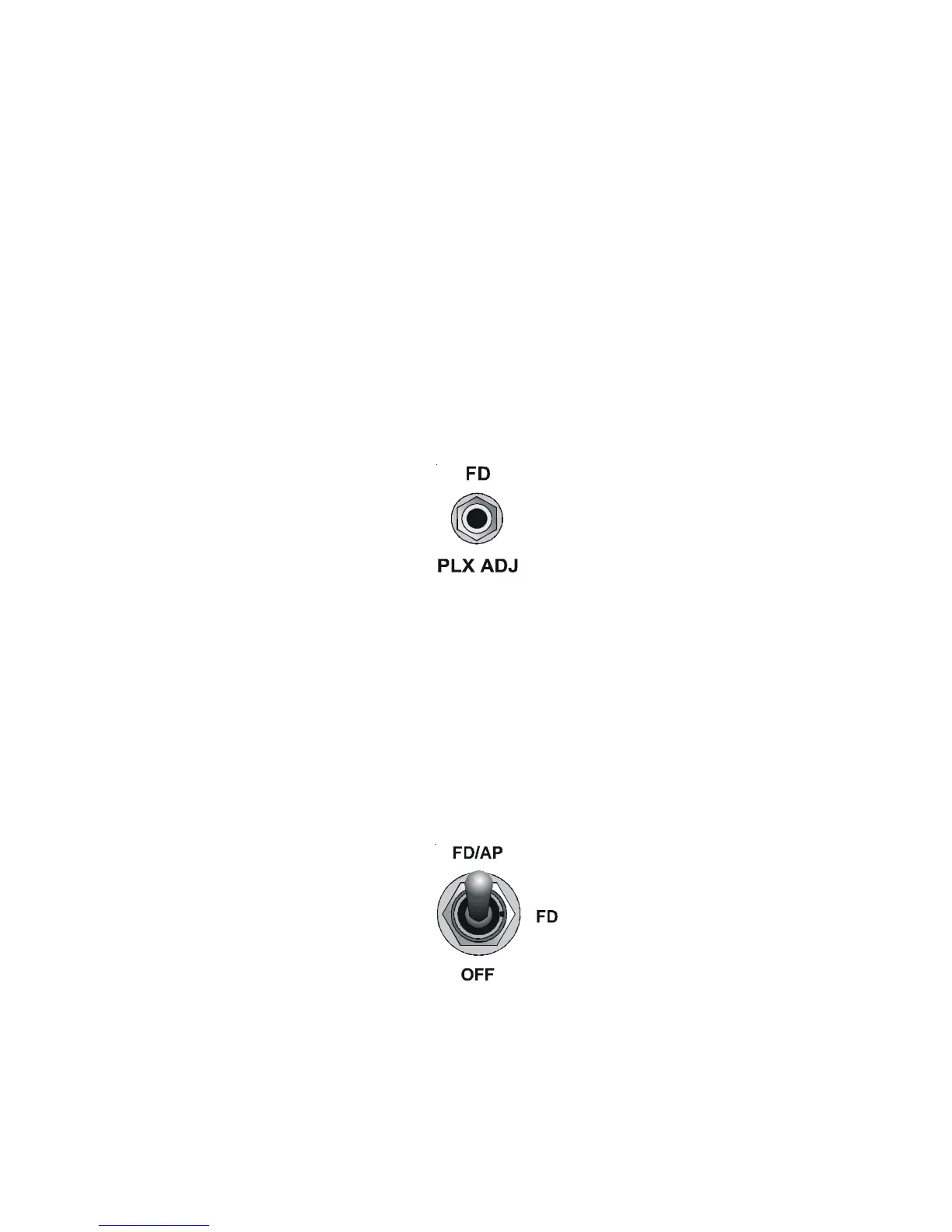
Steering Command Bars can be adjusted by the pilot, using the Parallax
Adjustment shown in Fig. 3-37. The FD operates in either the FD/AP mode or
the FD mode.
3.4.1 FD/AP Mode
Set the Autopilot Master Switch to the FD/AP position, as shown in Fig. 3-38.
Engage a roll mode (HDG, NAV, NAV APR, REV, REV APR, NAV GPSS) and pitch
mode (ALT, VS, GS). The autopilot will steer the aircraft toward the Steering
Command Bars, until the ARS is tucked into them. The FD provides a visual
indication of how accurately the autopilot is tracking its own roll and pitch
commands. A typical view of the FD with the FD/AP mode engaged is shown in
Fig. 3-39.
Fig. 3-37. FD Parallax Adjustment
Fig. 3-38. AP Master Switch, FD/AP Mode Engaged


 To Next Page