Saab TankRadar
®
Pro Pro Display Panel
5-15
Edition 2. Ref. No: 306010E
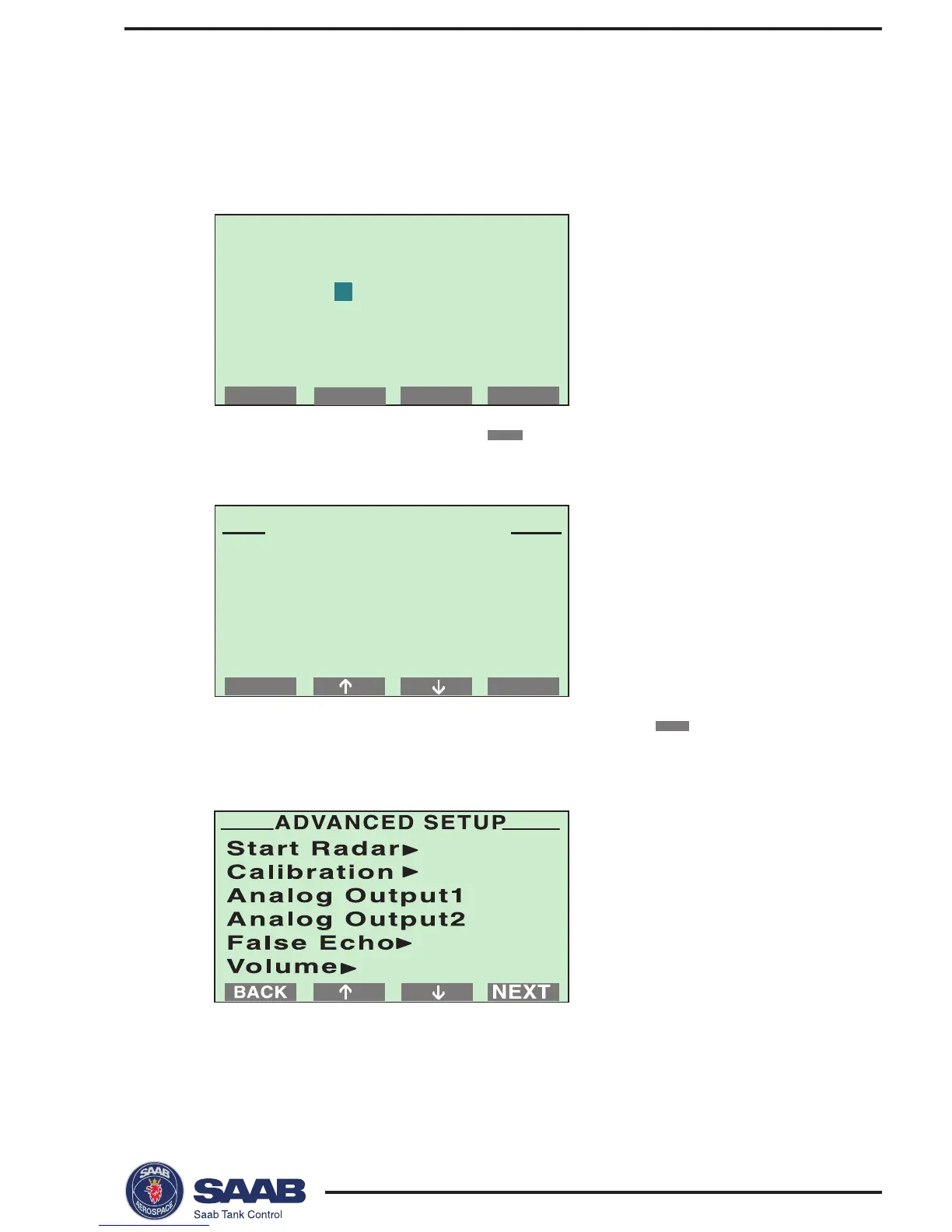
Give password:
**
OK
NEXTBACK
SETUP MENU
Display Panel
Guided...
Advanced...
To configure a radar gauge using the Advanced Setup option:
1
. Choose Setup from the Main Menu.
Response: a request for password is displayed.
2
. Enter your password and press the
OK
button.
3. Select “Advanced...” from the Setup Menu and press the



 To Next Page