5. SERVICE PROGRAMME ROYAL
Page 14/24 REV.4 SEPT.2003 Saeco International Group
4. Service programme (Royal Professional Rapid Steam / Coffeebar / Profess. Redesign / Digital Plus)
4.1. Test mode
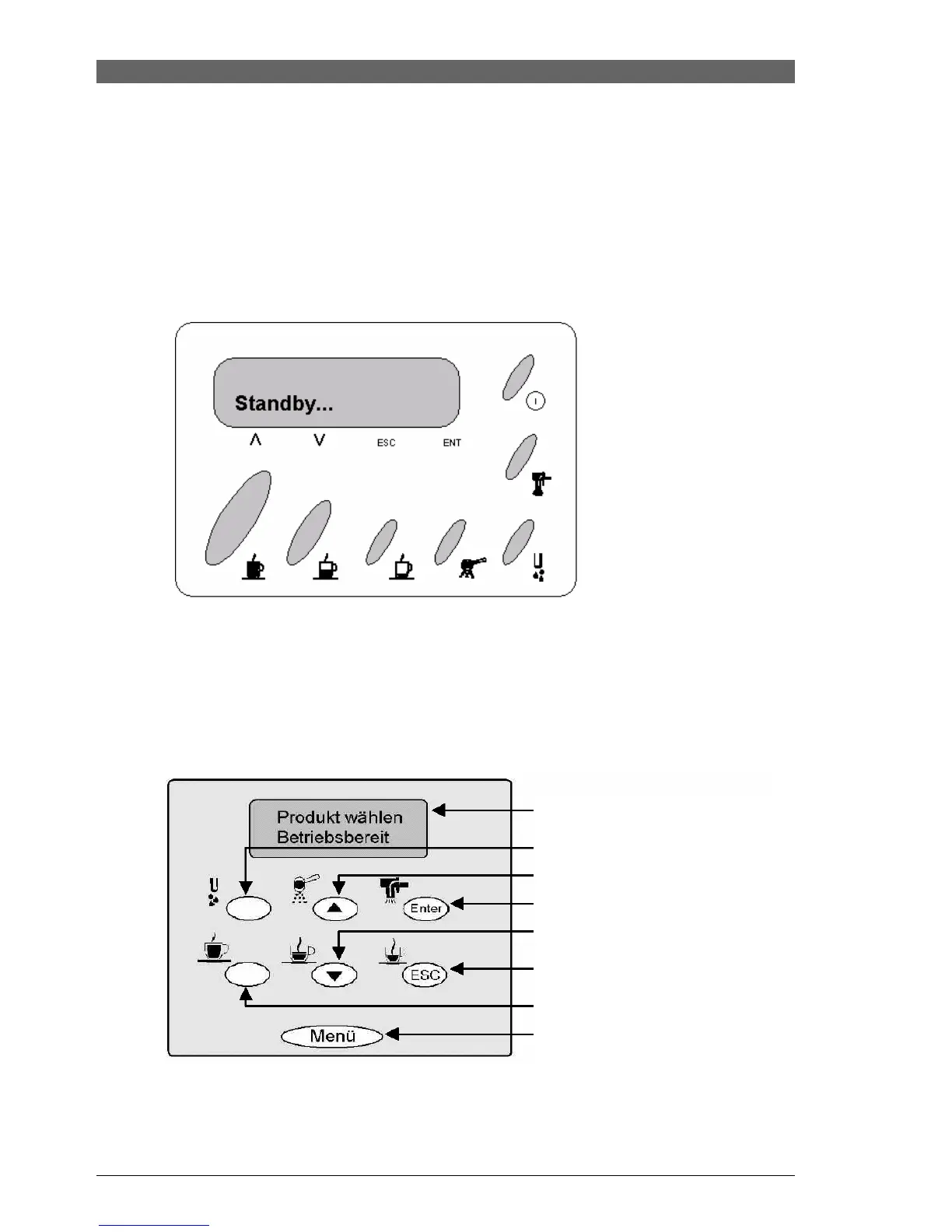
Access (Royal Professional Rapid Steam / Coffeebar):
Access the test mode by turning on the machine and simultaneously pressing the coffee and
steam buttons.
Keep the EXPRESSO and HOT WATER buttons pressed, whilst pressing the STANDBY
button.
Access (Professional Redesign):
Access the service programme from the standby mode (Menu + Enter) by keeping the coffee,
powder coffee and expresso buttons pressed, whilst pressing the Menu button. (Attention:
press menu button briefly)
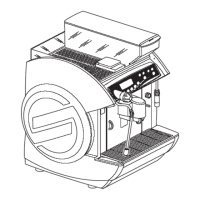
Digital display / indicator
Hot water
Pre-select powder compartment or
scroll in menu and change value
Cappuccino or save value
Coffee or scroll in menu and
change value
Expresso or exit menu
Expresso lungo
Selection of programming menu







 To Next Page