Page 9 / 13 Saeco International Group
03 OPERATING TALEA / ODEA - LINE
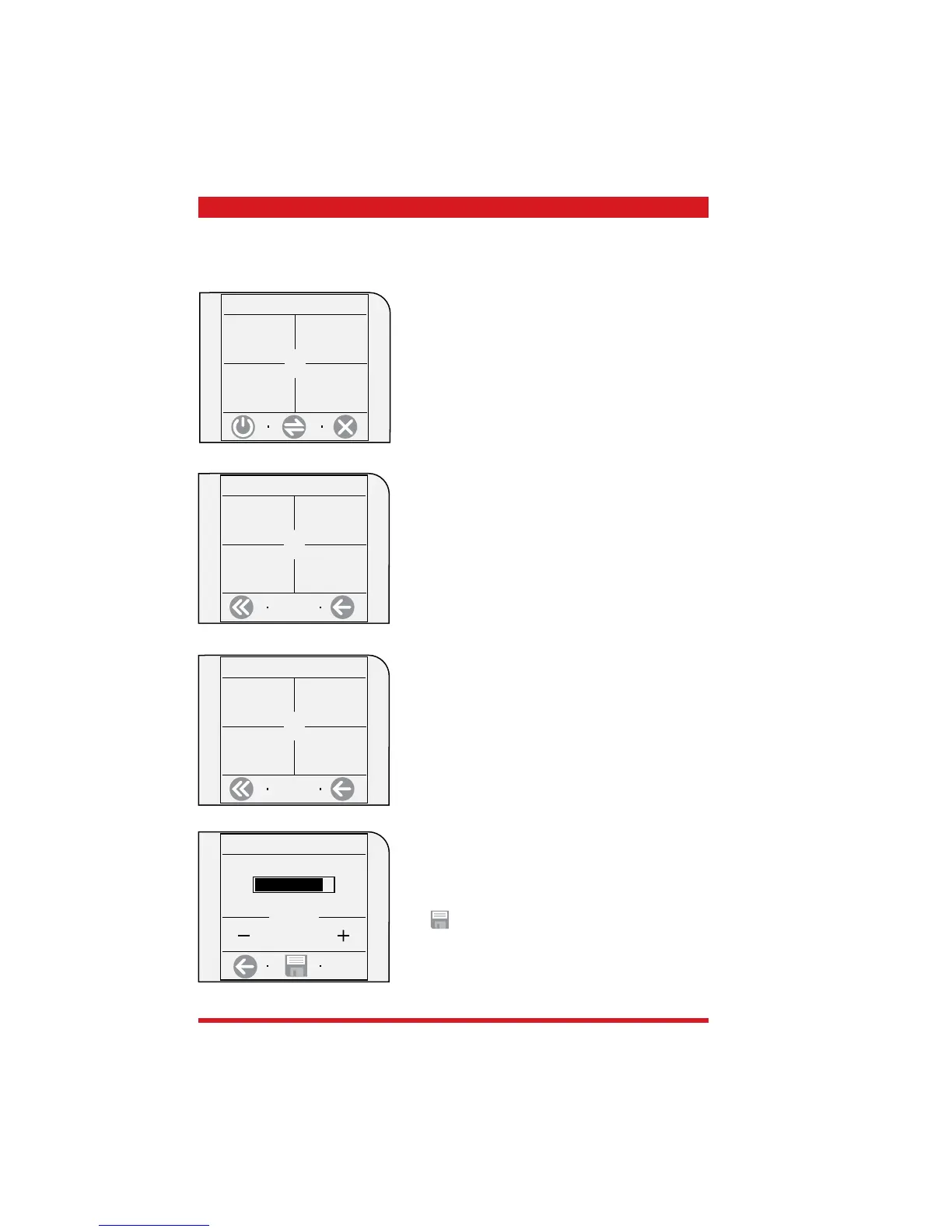
Example, water hardness setting
Press the “water settings” key
1.2 machine settings
water settings
cup - warming
surface
alert and
acoustic
setting
language &
display
.
1.2.4 water settings
water hardness
3/4
water fi lter
Off
rinse
On
Press the “Water hardness” key
3
1.2.4.3 water hardness
Carry out the settings with the +/- keys and save with
the
save key.
In the fi rst main menu, select “machine settings”
beverage
settings
machine
settings
maintenance
settings
time/date
setting
1. main menu









 To Next Page