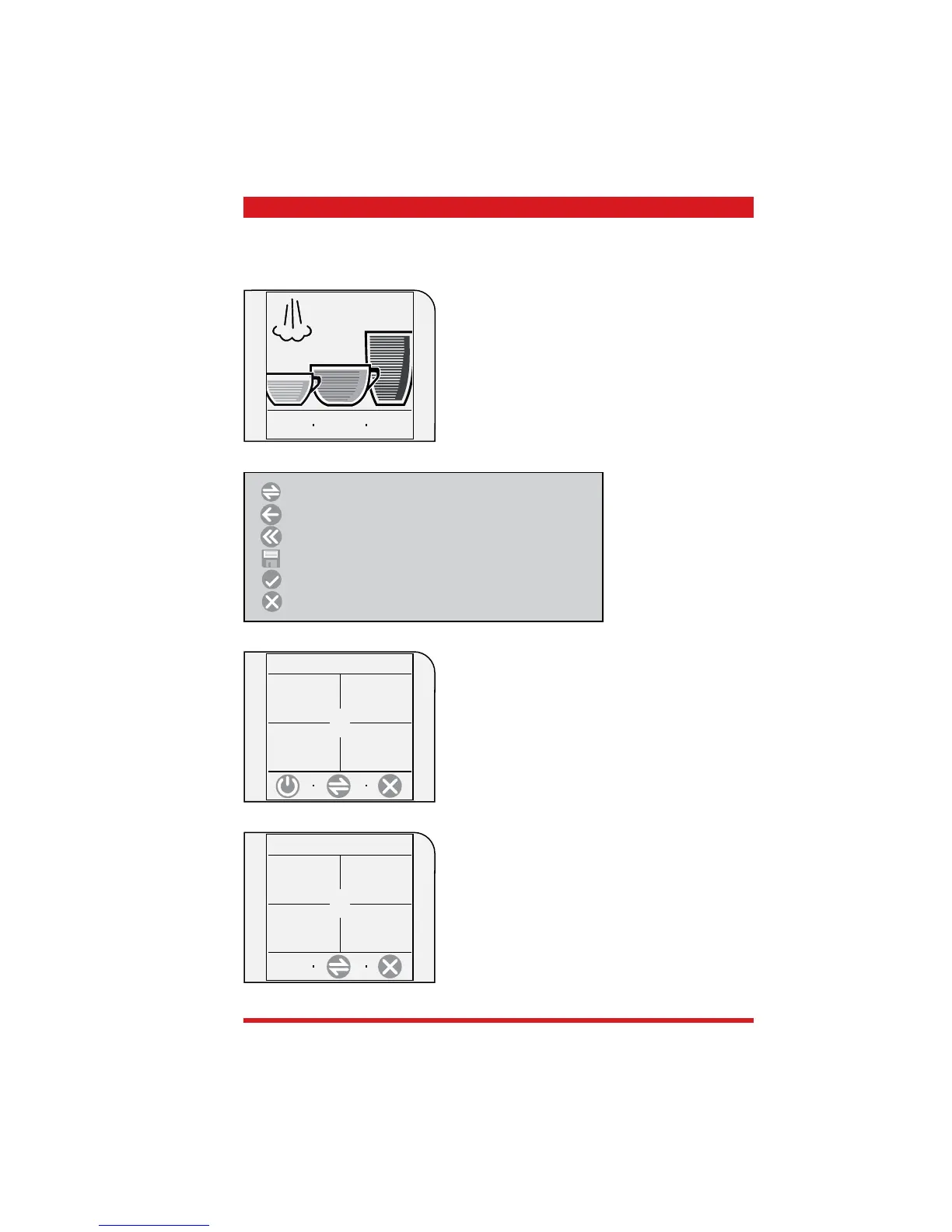
TALEA / ODEA - LINE 03 OPERATING
Saeco Internationa Group Page 8 / 13
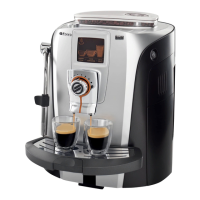
3.1.5 Talea Touch
To start:
Press the “go to menu” key
Beverage programming:
Keep the relevant beverage key pressed
show
text
8:30
24/06/06
go to
menu
beverage
settings
machine
settings
maintenance
settings
time/date
setting
beverage settings:
Espresso, Coffee and Large Coffee settings
machine settings:
Language, acoustic signals, cup warmer and water set-
tings
time/date settings:
Time, clock timer and standby settings
maintenance settings:
Product counter, cleaning cycle, descaling cycle and
display lock
1. main menu
special
settings
special settings:
Factory settings
2. main menu
Scroll if menu point has several pages
Back to previous menu point
Back to main menu
Save
Confi rm (activate functions)
Exit menu









 To Next Page