Page 2 / 17 Saeco Internationa Group
05 SERVICE MODALITY TALEA / ODEA - LINE
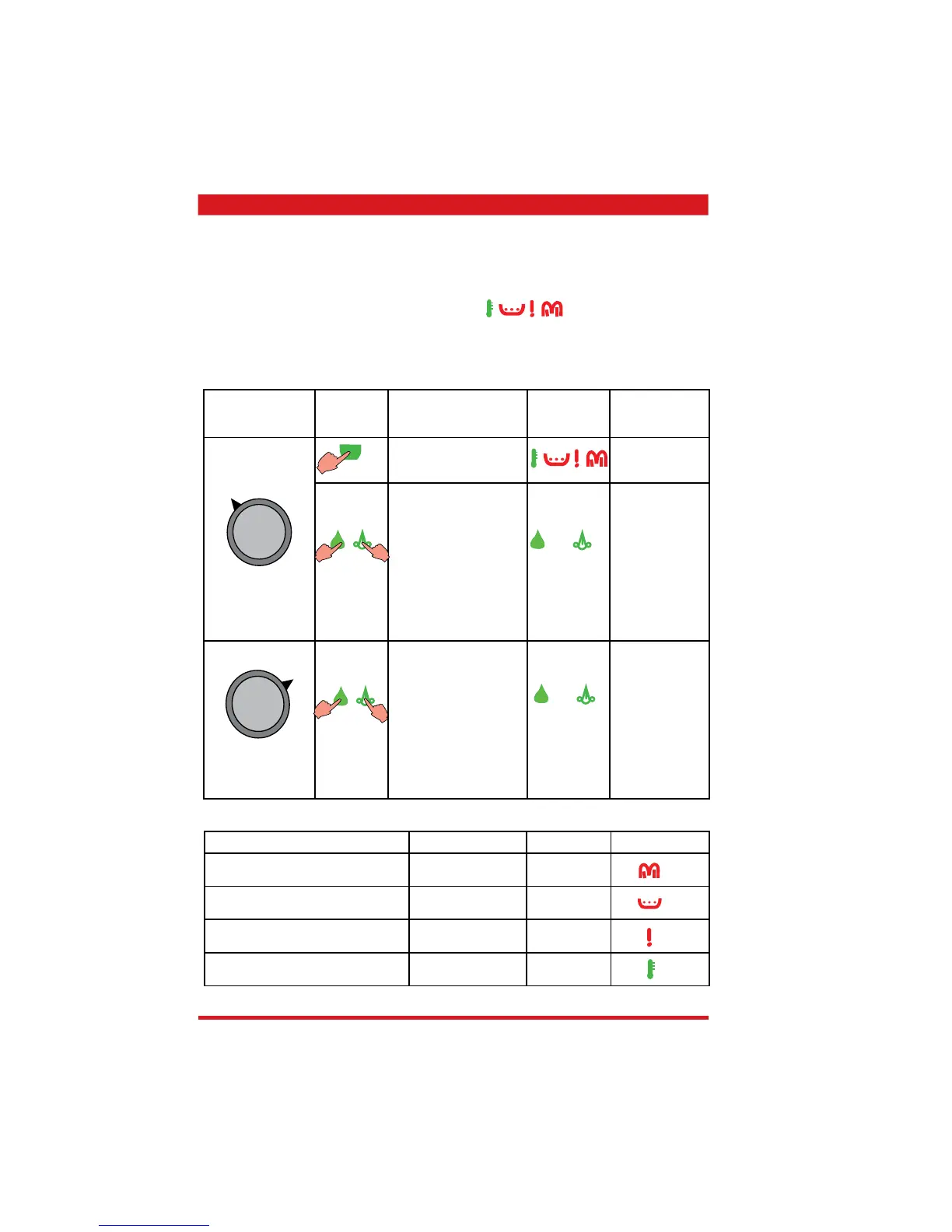
• Press the start key and turn the appliance on at the same time. Keep the start key pressed
until all four LEDs fl ash in the following sequence
(clockwise)
The following functions are no longer available with those appliances that are
installed with the automatic dosing regulation.
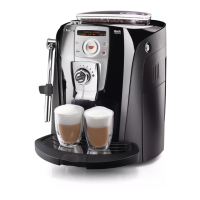
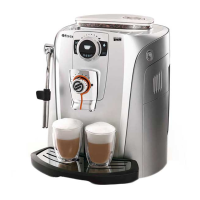
5.1.2. Special function mode - Talea Giro and Odea
Rotary knob to
set cup capacity
Key
Function Display Comment
Let steam out
(approx. 2 min / hot
water / steam valve open)
Flashing in
clockwise
sequence)
Press the key to reduce
the dosing quantity
pulses by 5 pulses each
(setting range 60 - 150)
standard 80 -100
The LED lights
up when the key
is pressed.
If the value is at
the minimum,
the LED no
longer lights
up or fl ashes
when pressed
(depending on
the model)
Press the key to increase
the dosing quantity
pulses by 5 pulses each
time.
(setting range 60 - 150)
standard 80 -100
The LED lights
up when the key
is pressed.
If the value is at
the maximum,
the LED no
longer lights
up or fl ashes
when pressed
(depending on
the model)
Odea Go only
Odea Go only
Odea Go only
Odea Go only
Function Status Signal Display
Brewing unit present - microswitch Switch not on lit
Dreg drawer sensor Sensor not on lit
Hot water / steam valve sensor Sensor not on lit
Bean hopper cover sensor Sensor not on lit
Messages / Errors









 To Next Page