16 DOCUMENT SSE-0000077399-01 - VERSION 1.0 - MAY 2010
S
AGEM SÉCURITÉ DOCUMENT - REPRODUCTION AND DISCLOSURE PROHIBITED
Configuring a standalone MorphoAccess® MORPHOACCESS® J SERIES – User Guide
2. Configuring a standalone
MorphoAccess
®
"USB" key administration
MorphoAccess
®
J Series terminals have no keyboard, no screen. However it is
possible to change TCP/IP parameters without connecting the terminal on a
network. This operation only requires a standard USB Mass Storage key
(FAT16 formatted, 1 Gb maximum).
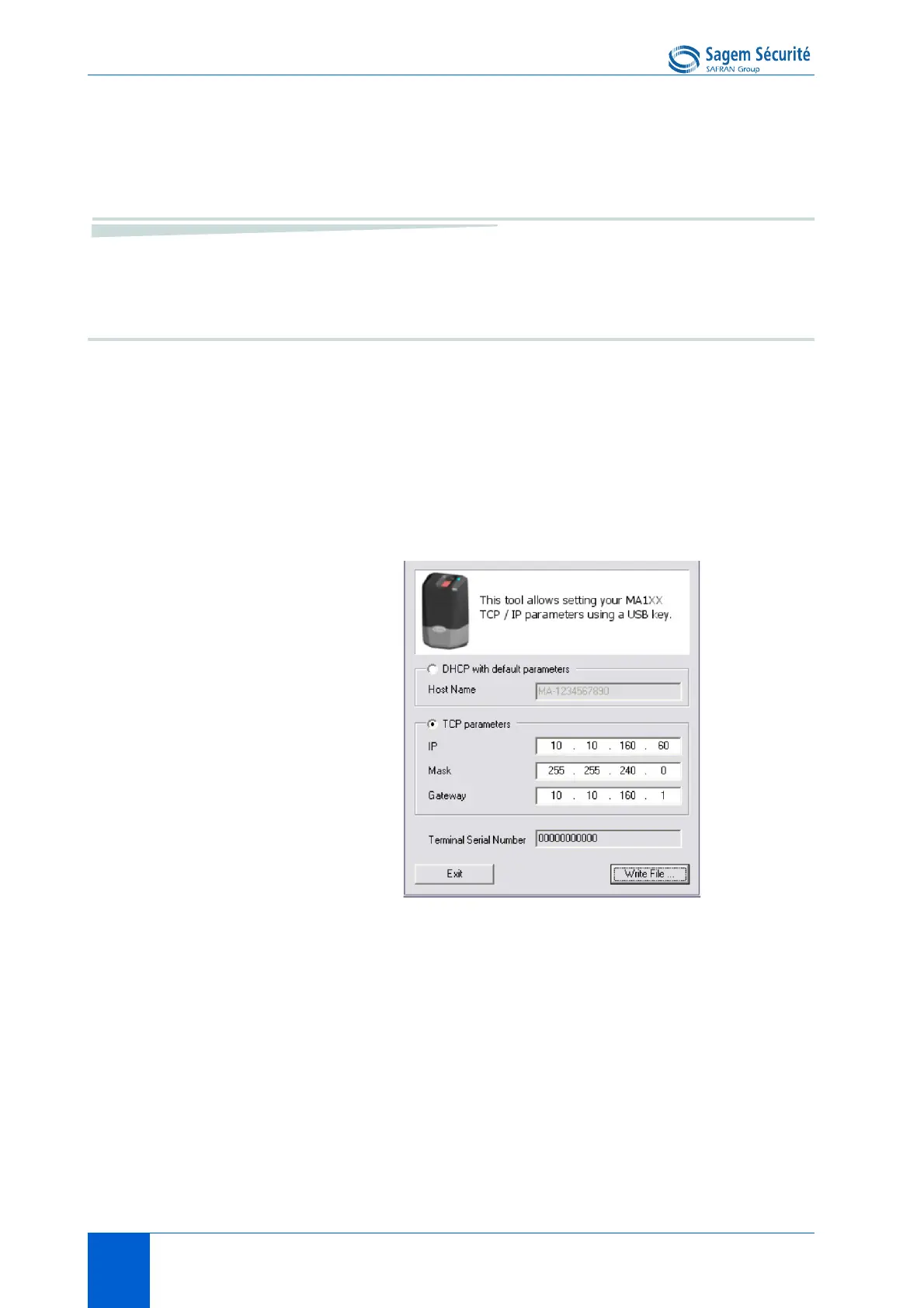
A decicated PC application, USB Network Configuration Tool, allows writing
these new parameters on the key.
Please refer to USB Network Tool User Guide.
Note about DHCP mode
The DNS server must be updated with MorphoAccess
®
terminal names, so that
users can communicate with the MorphoAccess
®
terminal using the terminal’s
hostname. Please contact your network administrator.


 To Next Page