46 DOCUMENT SSE-0000077399-01 - VERSION 1.0 - MAY 2010
S
AGEM SÉCURITÉ DOCUMENT - REPRODUCTION AND DISCLOSURE PROHIBITED
Access control by authentication MORPHOACCESS® J SERIES – User Guide
Authentication with templates on a contactless card
In this mode, each user's card contains his identifier and his fingerprints. The
authentication process starts when the user presents his card in front of the
terminal. Then, the sensor is lit up, and the user is required to place his finger
on it. The terminal compares the captured fingerprint with the reference
fingerprints read on the user's card. The authentication process is successful if
the captured fingerprint matches with one of the reference fingerprints.
In this mode, the internal database is not used.
To enable this mode set app/bio ctrl/authent PK contactless to 1.
To disable this mode set app/bio ctrl/authent PK contactless to 0.
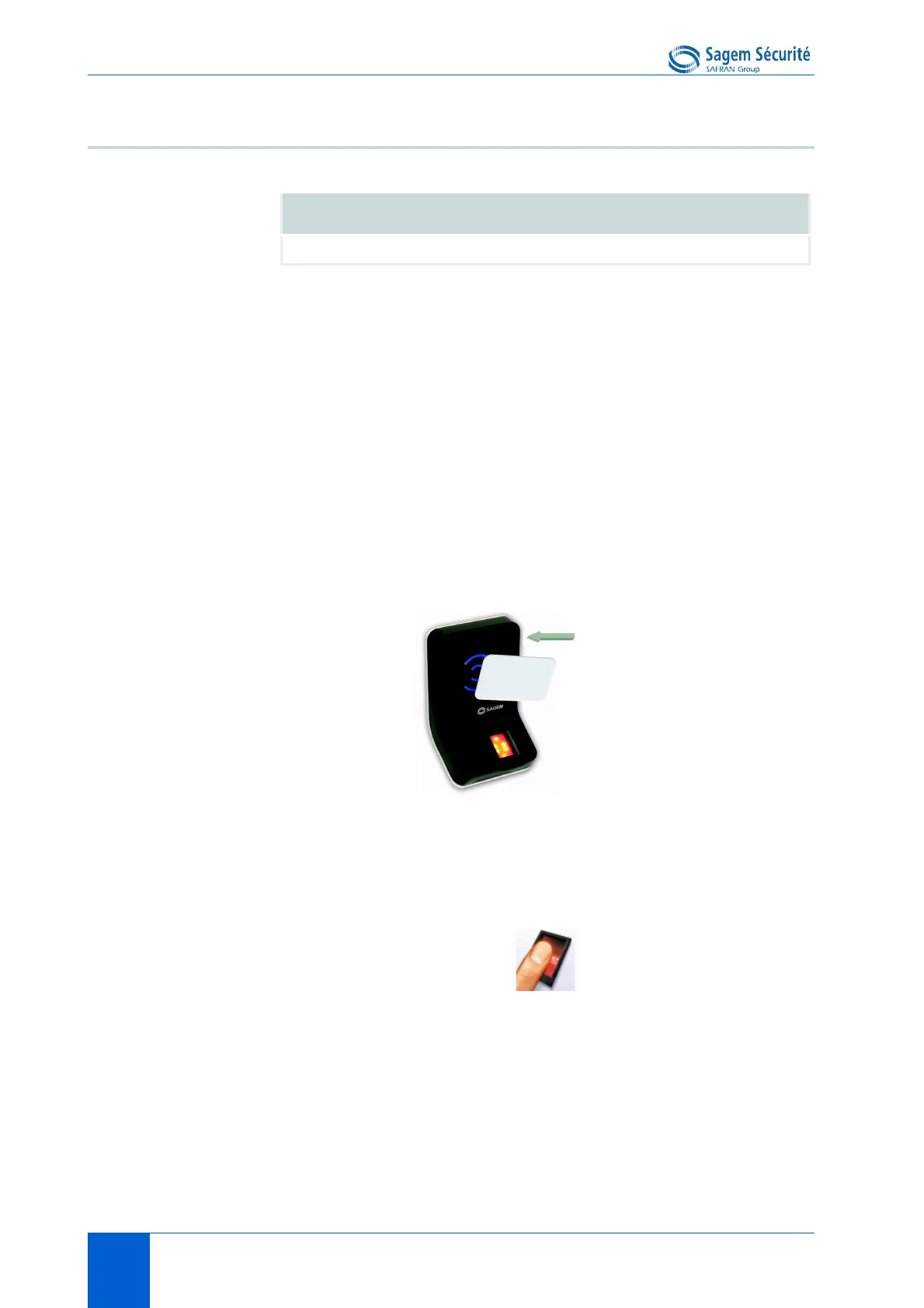
To start the authentification process, the user presents his card to the terminal.
Figure 6 • 1: Authentication with user's fingerprints on contactless card
If the user's card is valid (same authentication keys as the terminal, User's
Identifier and user's fingerprints found on the user's card), the user is invited to
place his finger for biometric authentication.
If the authentication is successful, the terminal signals the result to the user, and
(if applicable) to a distant system such as a Central Security Controller.
Once the user authentication is done, the terminal automatically loops back and
waits for another user’s card presentation.
Authentication with templates (PK) on contactless card
app/bio ctrl/authent PK contactless 1
User ID & User’s
fingerprints


 To Next Page