72 DOCUMENT SSE-0000077399-01 - VERSION 1.0 - MAY 2010
S
AGEM SÉCURITÉ DOCUMENT - REPRODUCTION AND DISCLOSURE PROHIBITED
Anti-tamper and anti-pulling switches MORPHOACCESS® J SERIES – User Guide
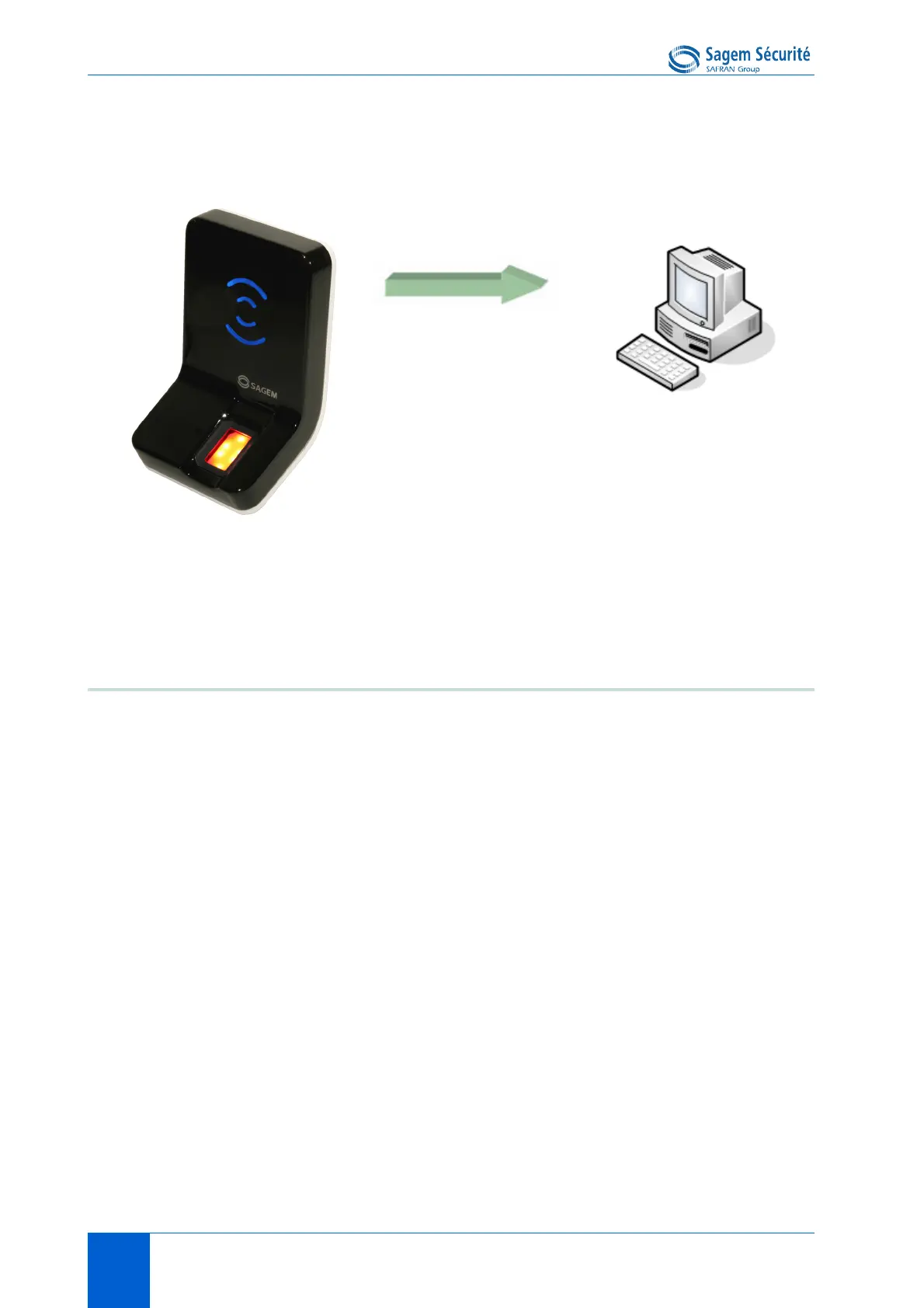
Figure 8 • 4: Tamper switch and anti-pulling switches
Configuration keys
To send an alarm on an output (Ethernet, RS485, Wiegand, Dataclock,
Wi-Fi
TM
), the corresponding interface must be activated otherwise no alarm
will be sent.
Because RS485, Wiegand, and Dataclock are multiplexed on the same lines,
only one of these protocols shall be enabled at one time, else priority is given
to Wiegand, then Dataclock, then RS485.
Those configuration keys are:
• app/send ID wiegand/enabled,
• app/send ID dataclock/enabled,
• app/send ID serial/enabled,
• app/send ID serial/mode (to select RS485 link),
• app/send ID UDP/enabled,
• app/send ID ethernet/mode (to choose between UDP or TCP),
• app/send ID ethernet/SSL enabled (Please refer to SSL Solution for
MorphoAccess
®
documentation).
Setting the configuration key app/tamper alarm/level to an appropriate value
configure security switch management feature.
Alarm message
• Ethernet (UDP/TCP/SSL)
•RS485
• Wiegand
•Datadock
•Wi-Fi
TM
(UDP/TCP/SSL)


 To Next Page