20 DOCUMENT SSE-0000077399-01 - VERSION 1.0 - MAY 2010
S
AGEM SÉCURITÉ DOCUMENT - REPRODUCTION AND DISCLOSURE PROHIBITED
Configuring a networked MorphoAccess® MORPHOACCESS® J SERIES – User Guide
4. Configuring a networked
MorphoAccess
®
Introduction
A PC (running with MEMS™ for example) connected to a MorphoAccess
®
can manage the terminal. Some available remote operations are:
• Biometric record addition,
• Configuration key reading,
• Access Control settings modification,
• Local database deletion,
• Biometric record deletion,
• Access control diary ( log file ) downloading,
• Firmware upgrade.
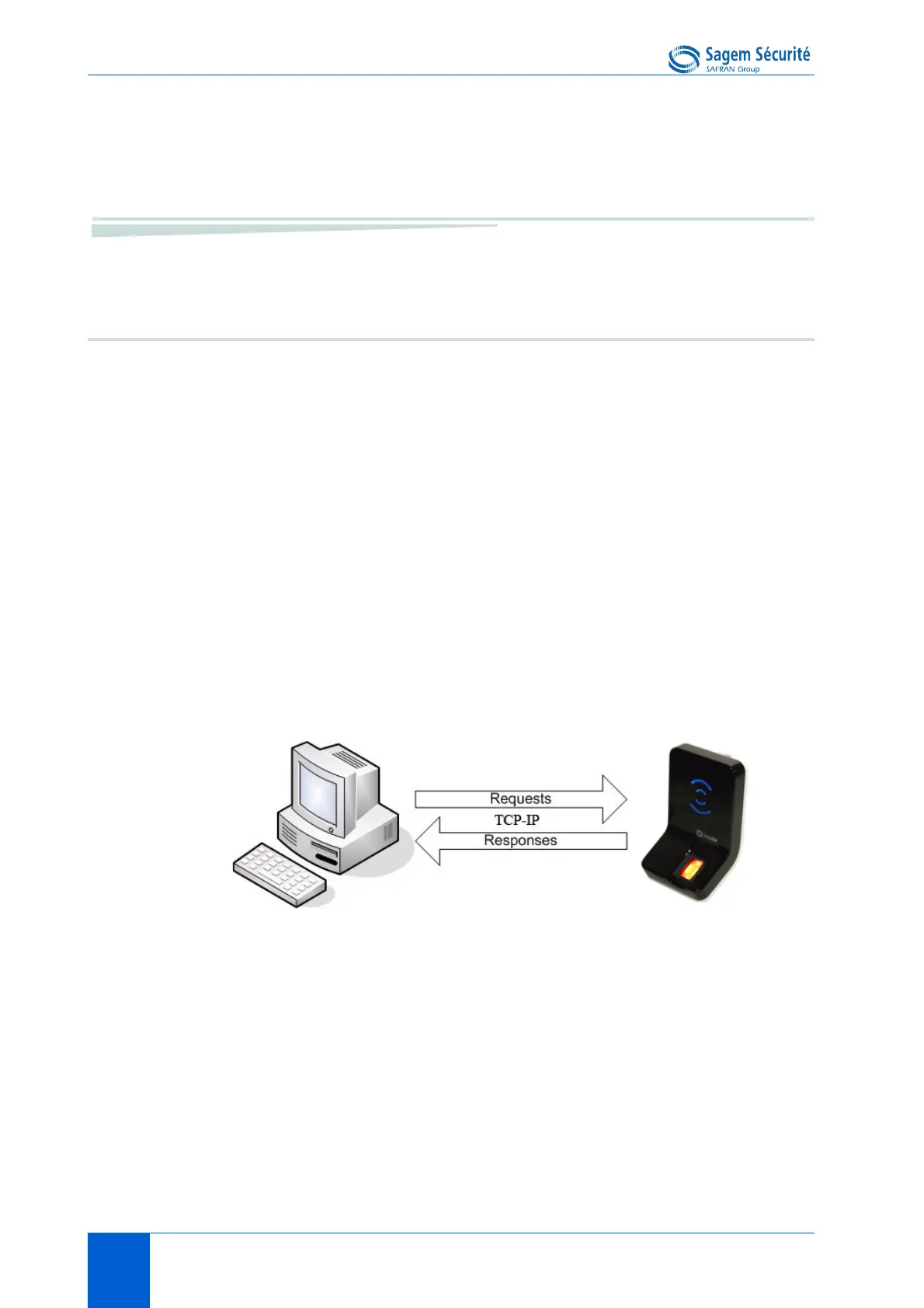
The PC acts as a TCP/IP client for the MorphoAccess
®
.
Figure 3 • 3: Communication between a Host System and a
MorphoAccess
®
J Series.
The MorphoAccess
®
works as a TCP/IP server waiting for request from a
client.
Remote management
• Change mode
• Add template
• Get configuration
• ...


 To Next Page