22 DOCUMENT SSE-0000077399-01 - VERSION 1.0 - MAY 2010
S
AGEM SÉCURITÉ DOCUMENT - REPRODUCTION AND DISCLOSURE PROHIBITED
Configuring a networked MorphoAccess® MORPHOACCESS® J SERIES – User Guide
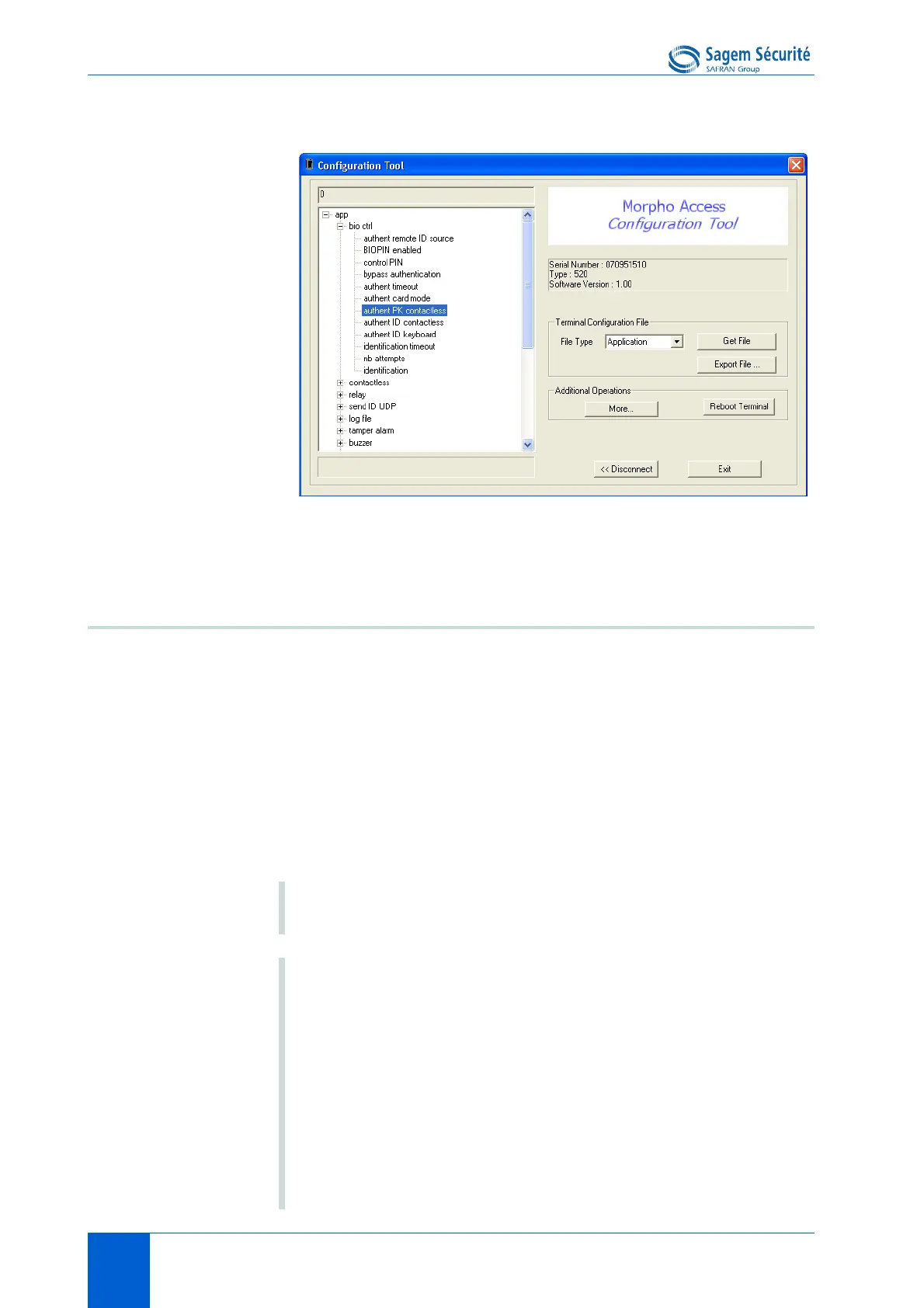
Figure 3 • 4: MorphoAccess
®
configuration tool
Network Wi-Fi™ configuration
Wi-Fi™ connection is available under the following conditions:
• a Sagem Sécurité Wi-Fi™ USB adapter must be plugged in the rear USB
port of the terminal. Installation procedure is described in the
MorphoAccess
®
J Series Installation Guide,
• a MorphoAccess
®
Wi-Fi™ Licence is loaded in the terminal (cf. paragraph
"Downloading a licence"),
• the terminal must not be connected to a network with an Ethernet cable:
Wi-Fi™ connection and Ethernet cable connection are mutually exclusive.
NOTE Both Wi-Fi™ USB adapter and licence can be ordered under
the reference "MORPHOACCESS WI-FI PACK.
NOTE When DHCP mode is activated
A DHCP server and a DNS server are mandatory to use this
feature.
The DHCP server automatically attributes an IP address to the
MorphoAccess
®
.
The DNS server links the MorphoAccess
®
hostname to its real
IP address.
It is also important that the DNS server is updated each time the
DHCP server attributes another IP address to a
MorphoAccess
®
.


 To Next Page