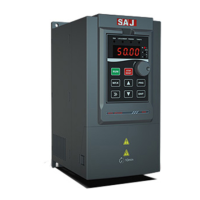
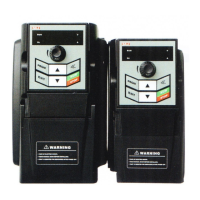
VM1000 Series
‐138‐
7.2 Troubleshooting and Solution
The following faults may occur when using VFD, please conduct the simple fault
analysis by referring to the following method:
No. Fault Phenomenon Possible reasons Solutions
1
No display at
power-on
The input power of VFD is
not connected.
The connection between
8-core wires on control
board and the drive board
is poor.
Internal components in the
VFD are damaged
Check input power.
Pull and plug 8-core
cable again.
Seek for manufacturers
services.
2
Display HC at
power on
The connection between
4-core wire between
control board and the drive
board is poor.
Other components in the
VFD are damaged
Pull and plug the 4-core
wire again
Seek for manufacturers
services
3
Display Err23 alarm
at power on
The motor or the output
line is short-circuited to
ground.
The AC drive is damaged.
Use tramegger to
measure the insulation
between the motor and
output wire.
Seek for manufacturers
services
4
AC drive display
normally at
power-on;display
HC and stop
immediately after
running
Fan is damaged or stalled Replace the fan
5
Report ERR14
frequently(module
overheat)
The setting of carrier
frequency is too high.
Fan is damaged and the air
duct is blocked.
The internal components of
Reduce the carrier
frequency (F0.16).
Replace the fan, clean up
the air duct.
Seek for manufacturers



 To Next Page