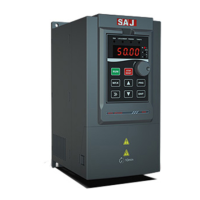
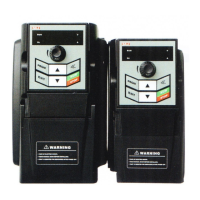
VM1000 Series
‐53‐
4.2 Panel Operation
(1)Application
It usually adopt panel operation for the single-drive VFD which doesn’t need
external operating or control devices as well as regular product inspection. At the
same time, it can use a knob or digital setting in the frequency setting principal.
(2)Typical Wiring
Only after main circuit wiring, it can be operated by panel, including start/stop.
Figure 4-1 VFD Main Circuit Wiring
(3)VFD Parameter Setting
Function
code
Name Setting Instruction Notes
F0.00
Control
Mode
Selection
1 V/F control
Setting factory value as 1, adopt
V/F control.When debugging,
except rated value of motor, the
other motor parameters don’t
need to be adjust.
2. If it is changed as 0, vector
control, please refer to section
4.5 to conduct auto-tuning of
motor parameter.
When it is in
simple
application,
keep the
factory setting
value
unchanged



 To Next Page